Nous avons testé les 12 meilleurs outils gratuits de transcription audio pour des transcriptions précises
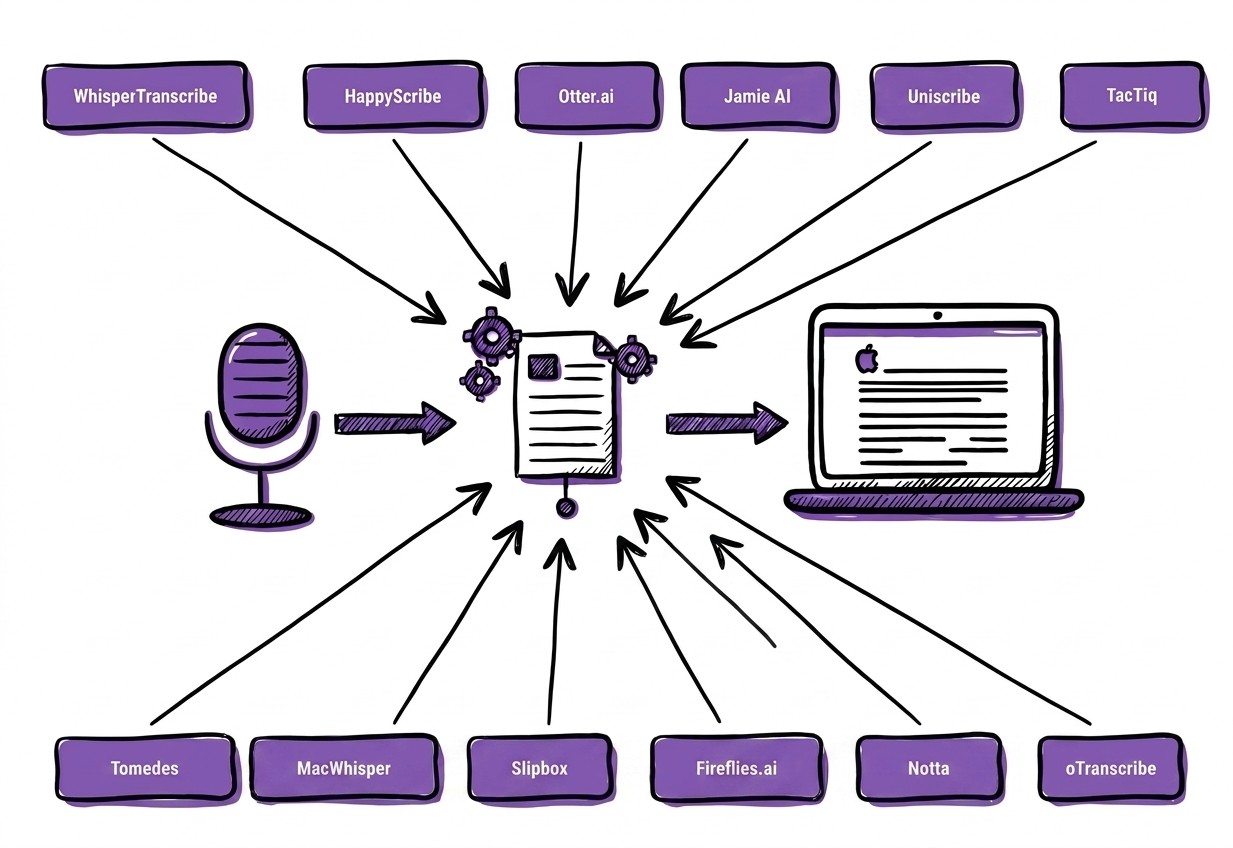
Résumé rapide
La transcription d'interviews peut prendre du temps et s’avérer délicate. Ce guide présente deux méthodes éprouvées : la transcription manuelle et la transcription assistée par l’IA avec WhisperTranscribe. Vous découvrirez des instructions pas à pas, des conseils pratiques et les meilleures pratiques pour capturer chaque mot, rester organisé et transformer vos enregistrements en transcriptions précises et consultables. Visitez le blog WhisperTranscribe pour découvrir d’autres guides pratiques.
Nous avons testé les 12 meilleurs logiciels de transcription audio gratuits pour des textes précis
Résumé rapide
Ce guide de WhisperTranscribe passe en revue les meilleurs outils gratuits de transcription audio qui vous aident à convertir l'audio en texte précis et consultable, sans rien payer d'avance.
Nos favoris :
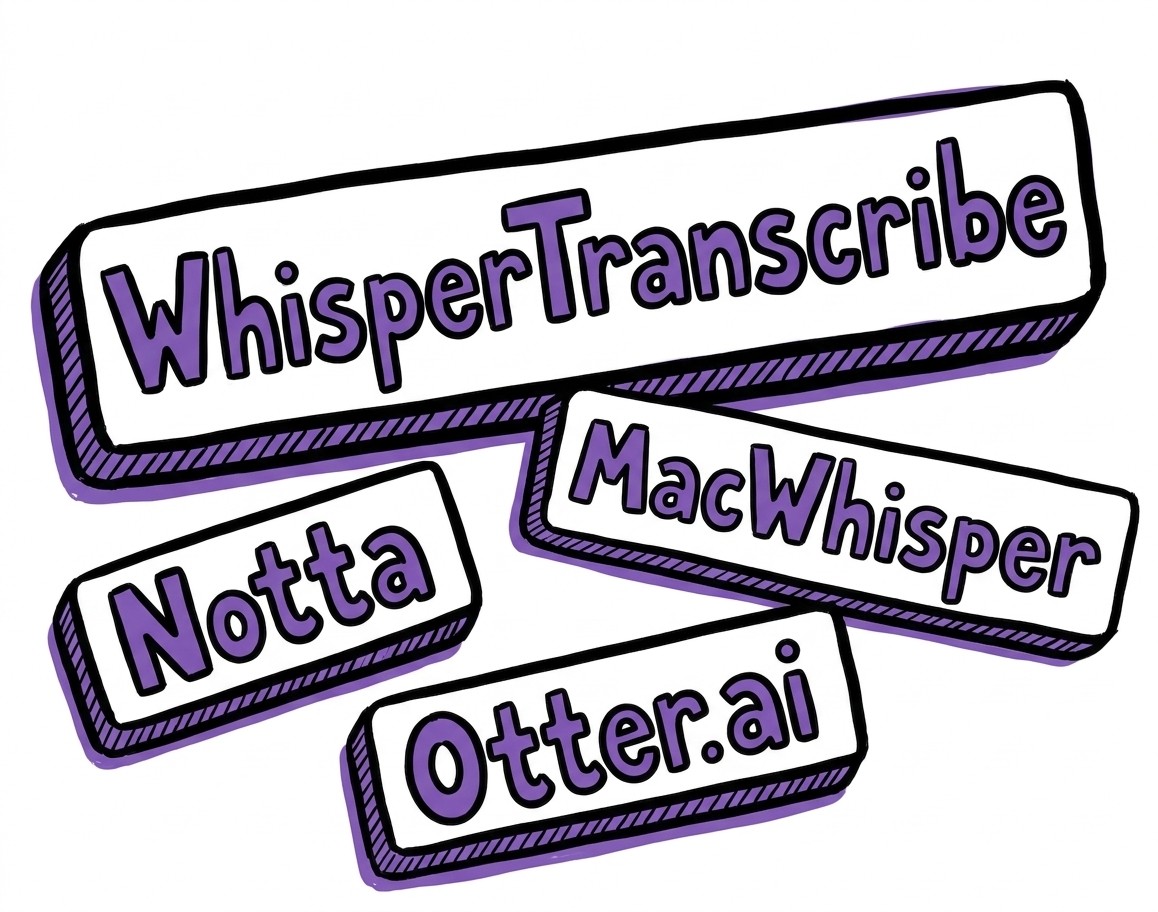
WhisperTranscribe : Le meilleur pour une transcription IA ultra-précise et la création de contenu
Otter.ai : Le meilleur pour la transcription automatique de réunions et les résumés
MacWhisper : Le meilleur pour la transcription locale et privée sur appareils Apple
Notta : Le meilleur pour une utilisation mobile et des analyses visuelles.
Pour découvrir d'autres avis de ce type, visitez le blog de WhisperTranscribe.
Vous cherchez un outil gratuit pour convertir de l'audio en texte rapidement ?
Les outils de transcription audio gratuits se sont considérablement améliorés ces dernières années. L'intelligence artificielle peut désormais convertir vos enregistrements vocaux en texte lisible en quelques minutes seulement. Pourtant, tous les outils gratuits n'offrent pas la précision ou la flexibilité attendues par les utilisateurs.
C'est pourquoi il est crucial de faire le bon choix. Dans ce guide WhisperTranscribe, nous analysons les meilleurs outils de transcription audio gratuits actuellement disponibles sur le marché. Vous découvrirez notre comparatif en termes de précision, de fonctionnalités et de limites d'utilisation gratuite.
Pourquoi nous faire confiance ?
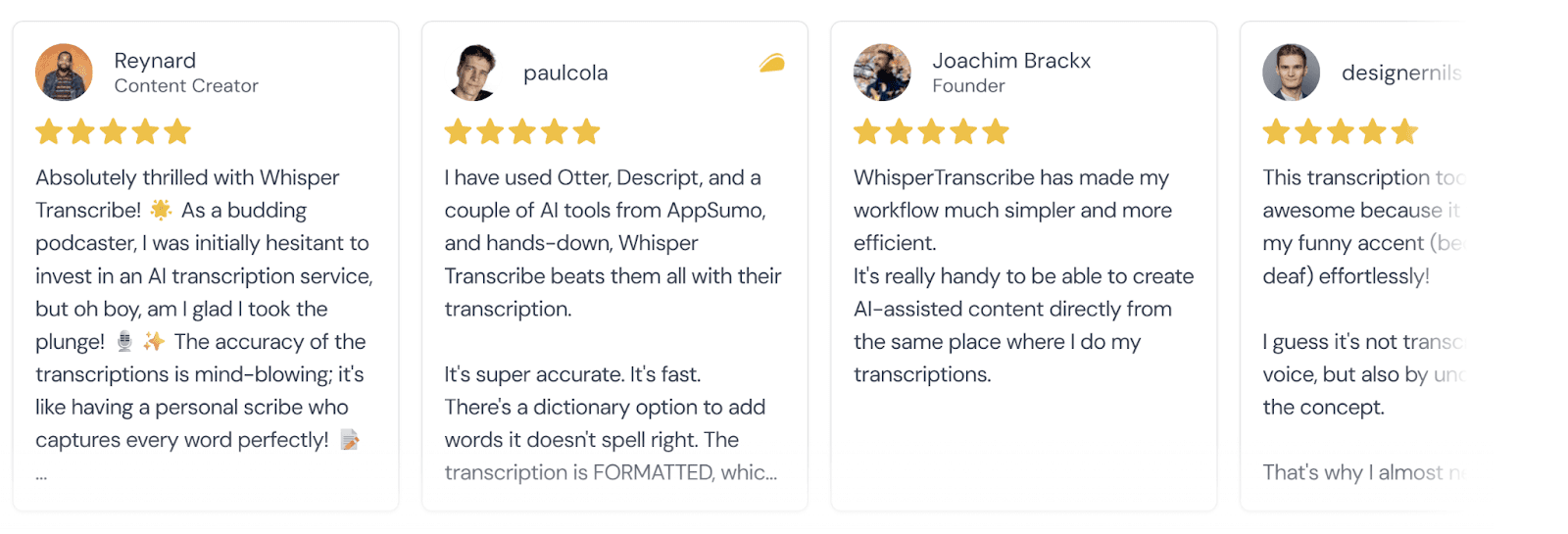
WhisperTranscribe a été développé pour rendre la transcription audio plus rapide et plus simple. Notre plateforme aide plus de 1 100 utilisateurs à convertir leurs enregistrements en texte consultable et en nouveaux contenus grâce à l'IA. Travailler quotidiennement avec les technologies de reconnaissance vocale nous permet de comprendre parfaitement ce qui rend un outil précis, efficace et adapté aux flux de travail réels.
Pourquoi utiliser les meilleurs outils de transcription audio gratuits ?
Un logiciel de transcription audio gratuit permet de transformer rapidement vos enregistrements en texte, vous épargnant ainsi des heures de saisie manuelle. Bien qu'ils puissent manquer de certaines fonctionnalités premium, les outils gratuits d'aujourd'hui sont extrêmement proches des options payantes en termes de rapidité et de précision.
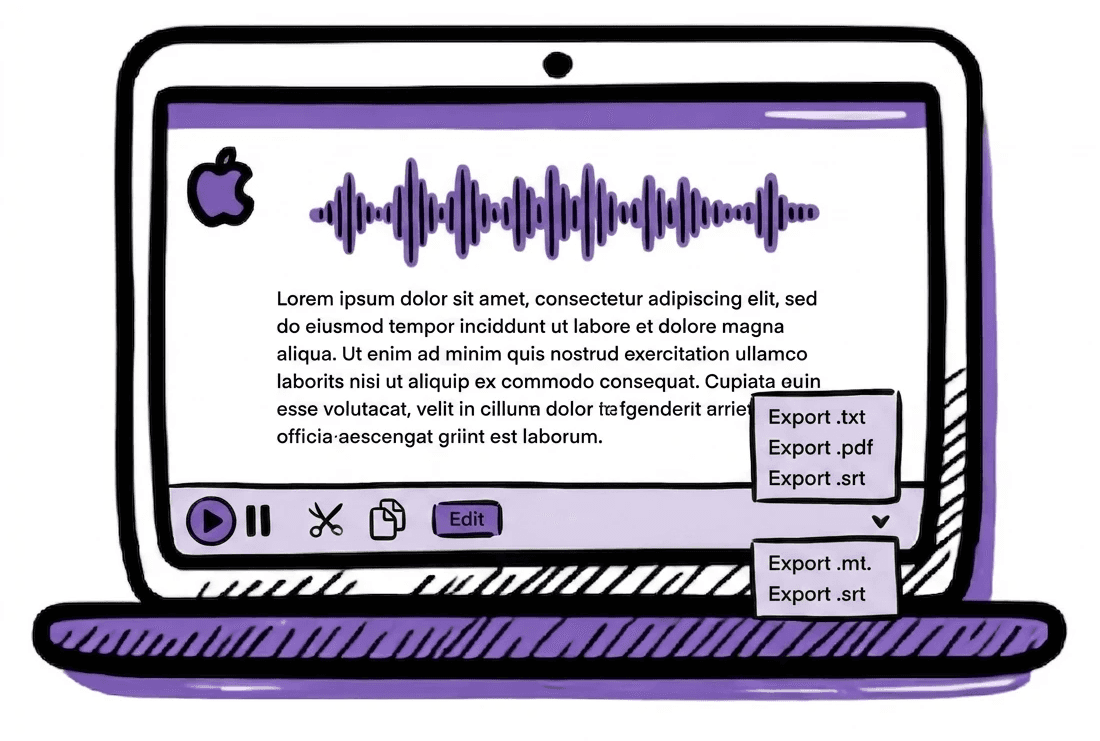
Voici ce que les meilleurs outils de transcription audio gratuits proposent généralement :
Transcription automatique : Téléversez et convertissez instantanément vos enregistrements en texte.
Support multilingue : Prise en charge de nombreuses langues pour vos contenus internationaux.
Large choix de formats audio : Compatibilité avec les formats MP3, WAV, M4A, OPUS, WebM, etc.
Éditeur de texte intégré : Corrigez et ajustez vos transcriptions directement sur la plateforme.
Formats d'export : Téléchargement en DOCX, TXT, SRT ou VTT.
Résumés automatiques : Génération de synthèses claires à partir de longs enregistrements.
Utiliser un outil gratuit est une excellente solution pour transcrire des interviews, des cours ou des réunions sans impacter votre budget.
Top 12 des meilleurs outils de transcription audio gratuits à essayer
Le tableau ci-dessous compare les meilleurs outils gratuits de transcription audio évalués dans ce guide.
Outil | Version gratuite | Traitement | Web / Bureau | Idéal pour |
WhisperTranscribe | Minutes gratuites limitées | Traitement Cloud (fichiers stockés localement) | Application de bureau pour Windows et Mac | Transcription locale ultra-précise et repurposing de contenu |
HappyScribe | Éditeur manuel gratuit + 10 minutes d'essai IA | Cloud | Éditeur sur navigateur web | Transcription manuelle lorsque l'IA a des difficultés |
Otter.ai | 300 min/mois (max 30 min par session) | Transcription IA dans le Cloud | Web, mobile et bot d'intégration | Transcription automatisée de réunions |
Jamie AI | 10 réunions par mois, 30 minutes chacune | Traitement IA local | Application Mac et Windows | Transcription de réunion privée sans bots |
UniScribe.co | 120 minutes par mois, 3 fichiers par jour | Transcription IA dans le Cloud | Outil sur navigateur web | Transcription de fichiers audio téléversés |
TacTiq | 10 transcriptions par mois + 5 crédits IA | Transcription Cloud en temps réel | Extension Chrome / Edge | Transcription de réunion en direct sur navigateur |
Tomedes | Gratuit (limite de fichier de 25 Mo) | Transcription IA dans le Cloud | Outil web, sans inscription requise | Transcriptions rapides et ponctuelles |
oTranscribe | Transcription manuelle 100% gratuite | Saisie manuelle avec stockage local sur navigateur | Outil open-source sur le web | Transcription manuelle précise d'audios difficiles |
MacWhisper | Illimité (modèles de base) | Traitement IA local | Applications Mac, iPhone et iPad | Transcription privée sur appareils Apple |
Slipbox | Texte illimité / 5 résumés | Traitement local hybride | Mac, iOS et Obsidian | Transcription de réunion privée en temps réel |
Fireflies.ai | Transcription illimitée + 800 minutes de stockage | Transcription IA dans le Cloud | App web, extension Chrome, apps mobiles | Intelligence de réunion d'équipe et analyses |
Notta | 120 min/mois (max 3 min par session) | Transcription IA dans le Cloud | Web, applications mobiles, bot | Transformer les transcriptions de réunions en résumés visuels |
Analysons maintenant chaque outil en détail.
1. WhisperTranscribe
Le premier outil de notre liste des meilleurs logiciels de transcription audio gratuits est WhisperTranscribe.
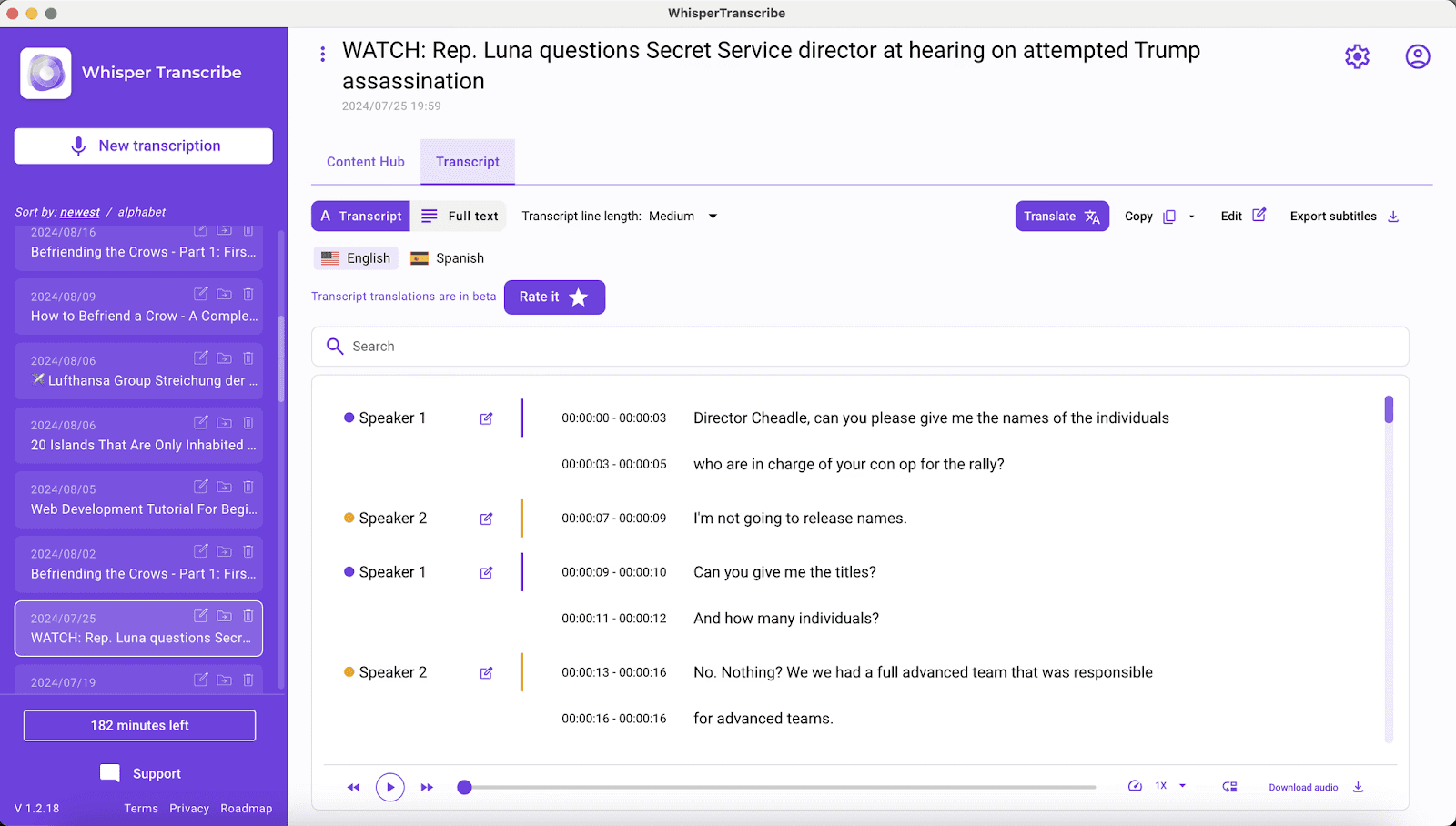
Nous avons conçu WhisperTranscribe comme une application de bureau exécutant localement le puissant modèle d'IA OpenAI Whisper sur votre ordinateur. Cela vous permet de convertir n'importe quel fichier audio en texte avec une très grande précision en quelques minutes.
Vous pouvez télécharger et installer notre application sur votre ordinateur Windows ou Mac et commencer à transcrire gratuitement en trois étapes simples :
Téléversez vos fichiers ou collez des liens provenant de plateformes comme YouTube, Vimeo ou des flux de podcasts.
Configurez vos préférences de transcription, y compris la reconnaissance des locuteurs et la langue.
Laissez WhisperTranscribe convertir votre audio en texte.
Avec notre forfait gratuit, vous pouvez transcrire jusqu'à 60 minutes d'audio gratuitement. Vous bénéficiez également d'un accès à nos fonctionnalités clés basées sur l'IA, telles que l'identification des locuteurs, la transcription multilingue et l'édition de texte.
Fonctionnalités clés
95 % de précision de transcription : La reconnaissance vocale par IA convertit les fichiers audio en textes très précis.
Identification des locuteurs : Détection et étiquetage automatiques des différents intervenants pour des textes bien structurés.
Support multilingue : Transcription dans plus de 55 langues et traduction dans plus de 99 langues pour une accessibilité internationale.
Formats d'exportation polyvalents : Prise en charge des formats SRT/VTT/TXT/Word, idéal pour le sous-titrage et l'optimisation de contenu sur d'autres plateformes.
Magic Chat : Posez des questions sur votre texte, générez des résumés et extrayez des informations clés instantanément.
Avantages
| Inconvénients
|
2. HappyScribe
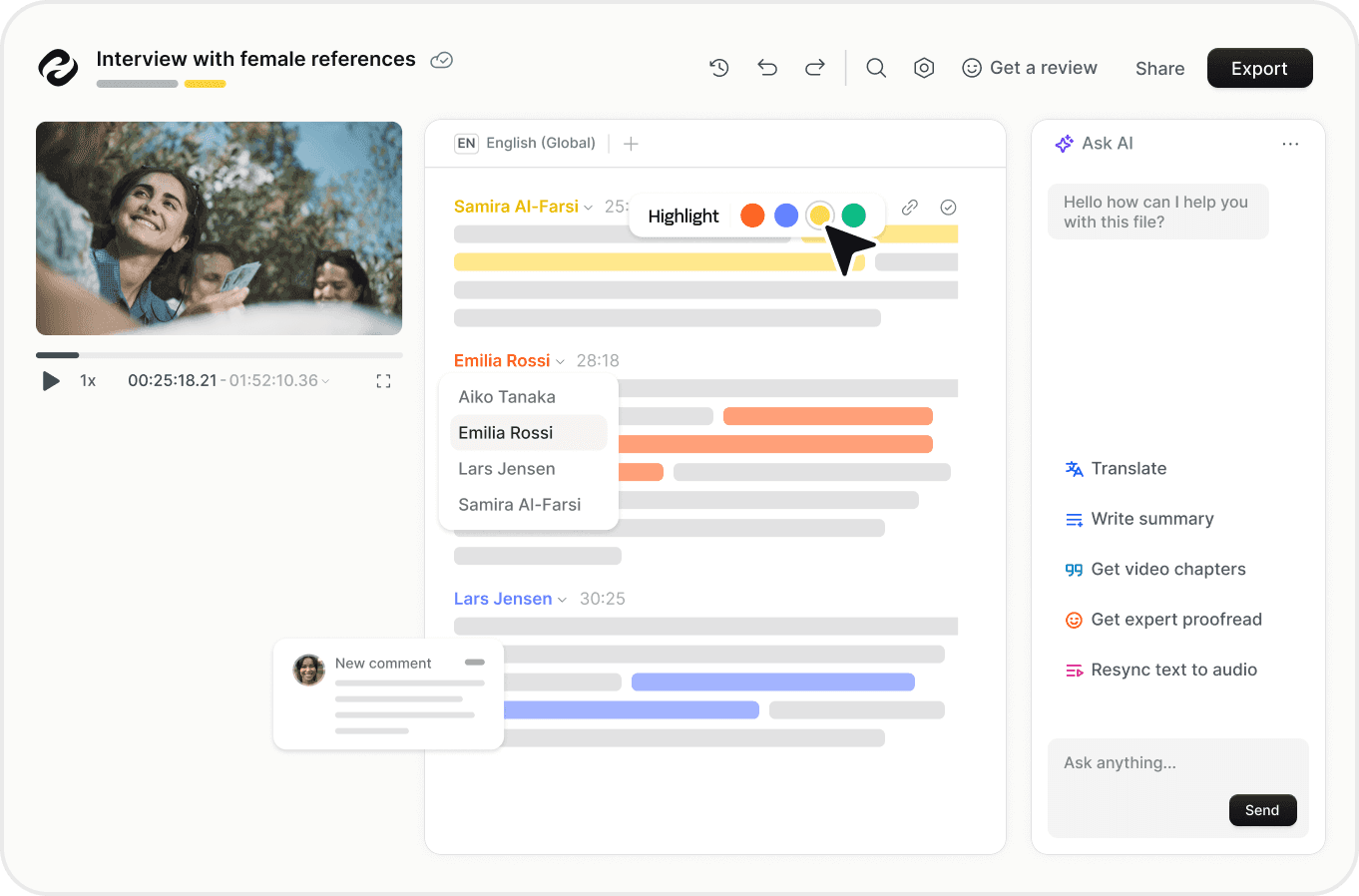
HappyScribe propose un éditeur de transcription gratuit qui aide les utilisateurs à convertir de l'audio en texte par saisie manuelle. Accessible via navigateur web, la plateforme facilite la saisie grâce à des contrôles de lecture intégrés, des raccourcis clavier et l'identification des locuteurs.
Aucune création de compte n'est requise. Téléversez simplement votre fichier audio et commencez à transcrire immédiatement. De nombreux formats audio sont pris en charge, notamment MP3, MP4 et WAV.
Si vous préférez une transcription automatique par IA, vous pouvez tester gratuitement l'IA de reconnaissance vocale multilingue de HappyScribe. Elle offre un essai gratuit de 10 minutes pour la transcription, le sous-titrage et la traduction automatique.
Fonctionnalités clés
Éditeur de transcription manuelle : Éditeur interactif sur navigateur conçu pour accélérer la saisie manuelle.
Étiquetage des locuteurs : Attribuez des noms aux paragraphes et mettez-les à jour instantanément dans tout le document.
Raccourcis intelligents : Des raccourcis clavier pour travailler plus rapidement et rester concentré.
Lecture en boucle automatique : Rejoue les dernières secondes d'audio après une pause pour améliorer la fidélité de saisie.
Avantages
| Inconvénients
|
3. Otter.ai
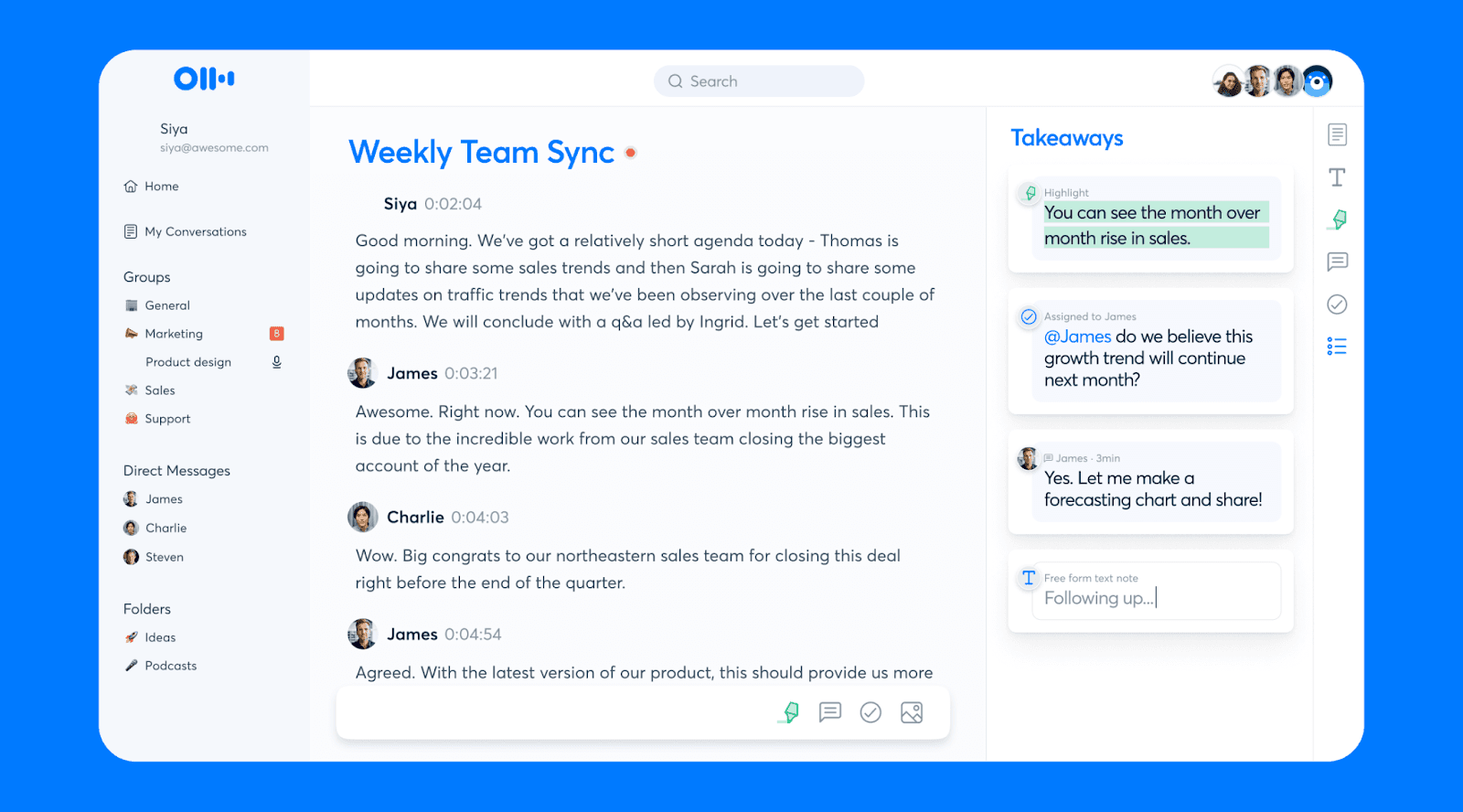
Otter.ai est un outil de transcription spécialement conçu pour les réunions, permettant de capturer les échanges, de générer des textes et de produire des résumés de manière automatique.
L'offre gratuite est idéale si vous recherchez des notes de réunion automatisées sans configuration manuelle. L'outil se connecte à vos sessions Zoom, Microsoft Teams et Google Meet pour enregistrer et transcrire les discussions en temps réel.
Bien que la formule de base offre un accès gratuit à des fonctionnalités telles que Otter AI Chat, des transcriptions multilingues et la collaboration, elle s'accompagne de limites d'utilisation strictes. Vous bénéficiez de 300 minutes de transcription mensuelles, mais chaque session est limitée à 30 minutes. De plus, vous êtes limité à trois téléversements de fichiers importés au total par utilisateur.
Fonctionnalités clés
Intégration d'assistant de réunion : Se connecte à Zoom, Google Meet et Microsoft Teams pour prendre des notes.
Transcription de réunion en temps réel : Enregistre et transcrit automatiquement les réunions à mesure que les conversations se déroulent.
Chat IA intelligent : Vous permet de poser des questions sur vos réunions pour obtenir des réponses instantanées et rédiger des synthèses.
Avantages
| Inconvénients
|
4. Jamie AI
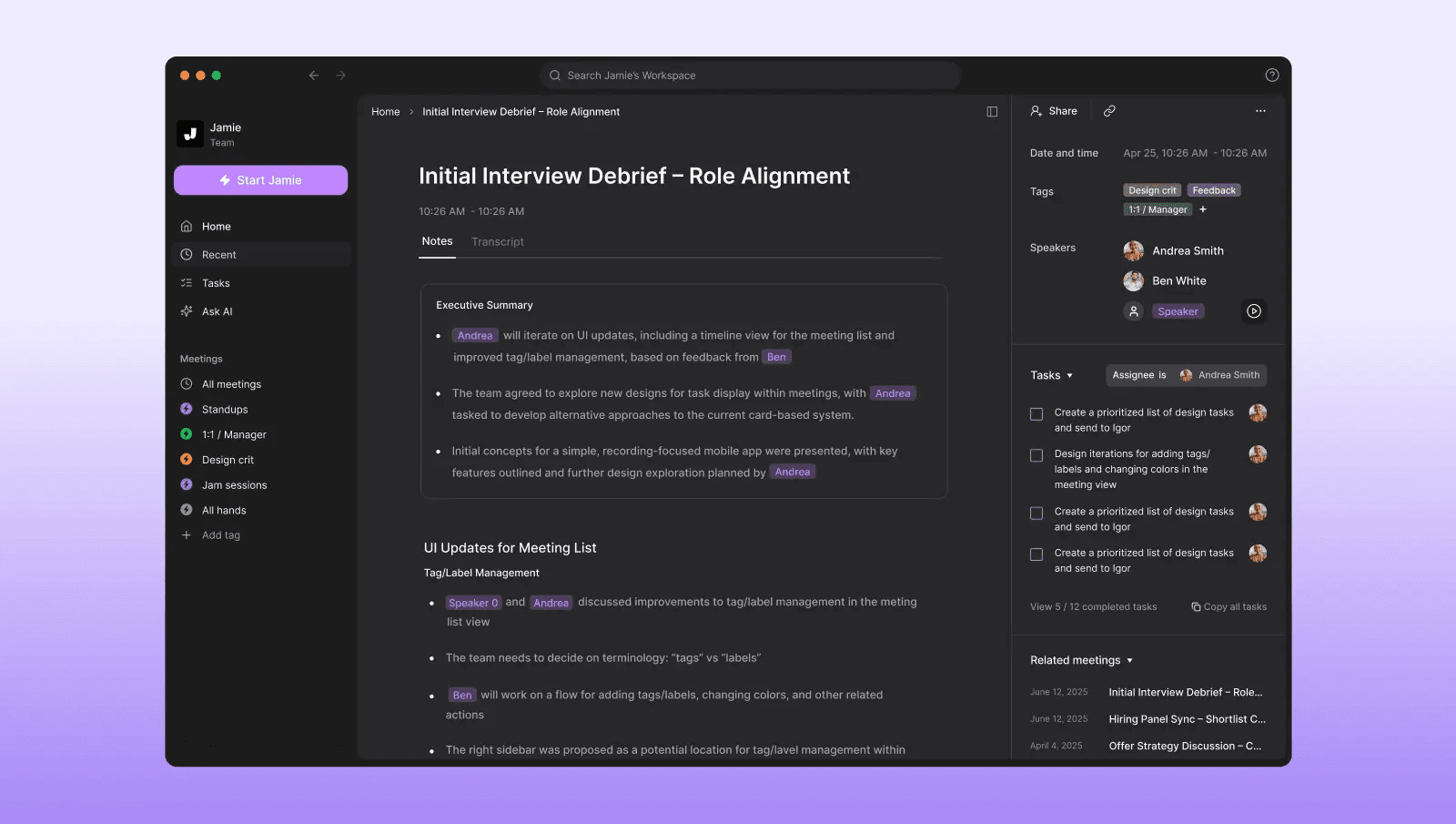
En tant qu'outil de transcription audio gratuit, Jamie AI se présente sous la forme d'une application de bureau sans bot pour Windows et macOS. Il capture les conversations et les transforme automatiquement en notes structurées.
Il est compatible avec les principales plateformes de visioconférence, ce qui lui permet d'enregistrer et de transcrire les réunions, d'identifier les locuteurs et de générer des synthèses afin que les utilisateurs puissent analyser les échanges sans prendre de notes manuellement.
La version gratuite vous permet de tester ce flux de travail avec 10 réunions par mois, d'une durée maximale de 30 minutes chacune. Vous pouvez également connecter Jamie à des outils de productivité pour partager facilement vos transcriptions et résumés.
Fonctionnalités clés
Transcription de réunion par IA : Convertit les réunions en ligne, hors ligne et en face à face en textes consultables.
Résumés automatiques par IA : Génère des comptes-rendus de réunion structurés avec les points clés abordés.
Suivi des tâches de réunion : Extrait automatiquement les actions à mener et les tâches à partir des conversations.
Intégrations de productivité : Connecte vos transcriptions avec Notion, Google Docs et OneNote.
Avantages
| Inconvénients
|
5. Uniscribe
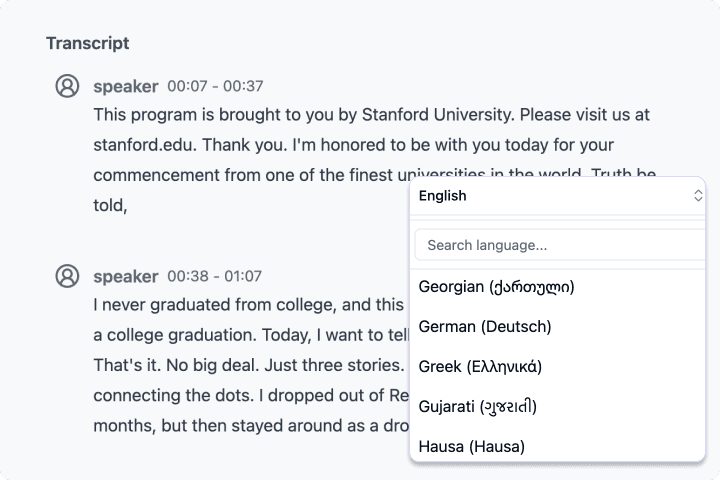
UniScribe est un outil de transcription en ligne qui convertit vos fichiers audio en texte grâce à l'IA. Vous pouvez importer des fichiers depuis votre appareil ou coller des liens provenant de plateformes telles que YouTube, ce qui est idéal pour transcrire rapidement des interviews, des podcasts, des conférences et du contenu en ligne.
L'offre gratuite offre un moyen pratique de tester la plateforme pour des projets de petite taille. Vous disposez de 120 minutes de transcription par mois, chaque fichier étant limité à 30 minutes, avec un maximum de trois fichiers par jour. UniScribe prend également en charge de nombreuses langues et formats d'exportation.
Fonctionnalités clés
Transcription audio par IA : Convertit les fichiers audio téléversés en textes exploitables.
Transcription de liens YouTube : Collez des liens pour générer des textes directement à partir de vidéos en ligne.
Compatibilité multi-format : Importez les formats audio les plus courants pour vos transcriptions.
Options d'export flexibles : Téléchargez vos transcriptions aux formats Word, TXT, CSV, PDF, SRT ou VTT.
Avantages
| Inconvénients
|
6. TacTiq
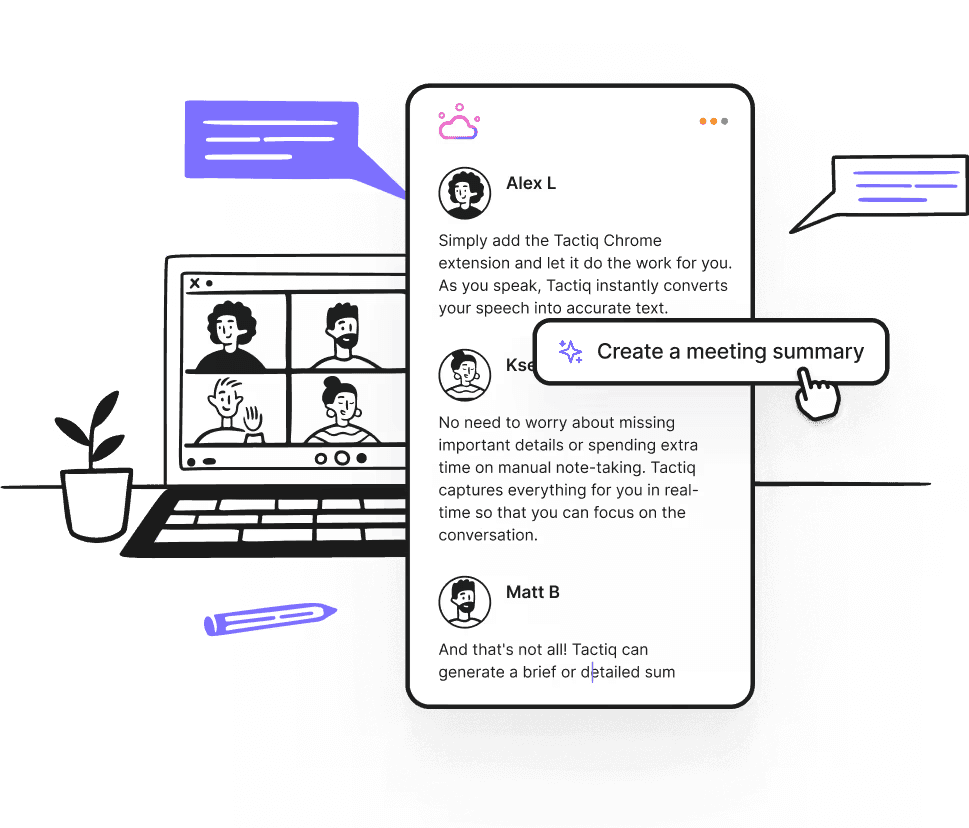
TacTiq est un outil de transcription gratuit axé sur les réunions, conçu pour capturer les conversations en direct sans distraction. Il fournit des textes en temps réel, l'identification des locuteurs et des analyses générées par IA pour vous aider à synthétiser et à exploiter le contenu de vos réunions.
L'offre gratuite est idéale pour un usage modéré, proposant 10 transcriptions de réunion par mois et 5 crédits IA pour la création de résumés et d'actions clés. Il suffit d'installer l'extension Chrome pour obtenir des transcriptions en direct lors de vos réunions sur Google Meet, Zoom et Microsoft Teams.
Fonctionnalités clés
Transcription de réunion en direct : Capturez les échanges en temps réel pendant vos réunions.
Identification des locuteurs : Sépare automatiquement le texte en fonction des participants.
Résumés et tâches par IA : Générez des points clés, des comptes-rendus et des plans d'action.
Exportation et partage : Partagez les textes ou enregistrez-les sous plusieurs formats pour collaborer facilement.
Avantages
| Inconvénients
|
7. Tomedes
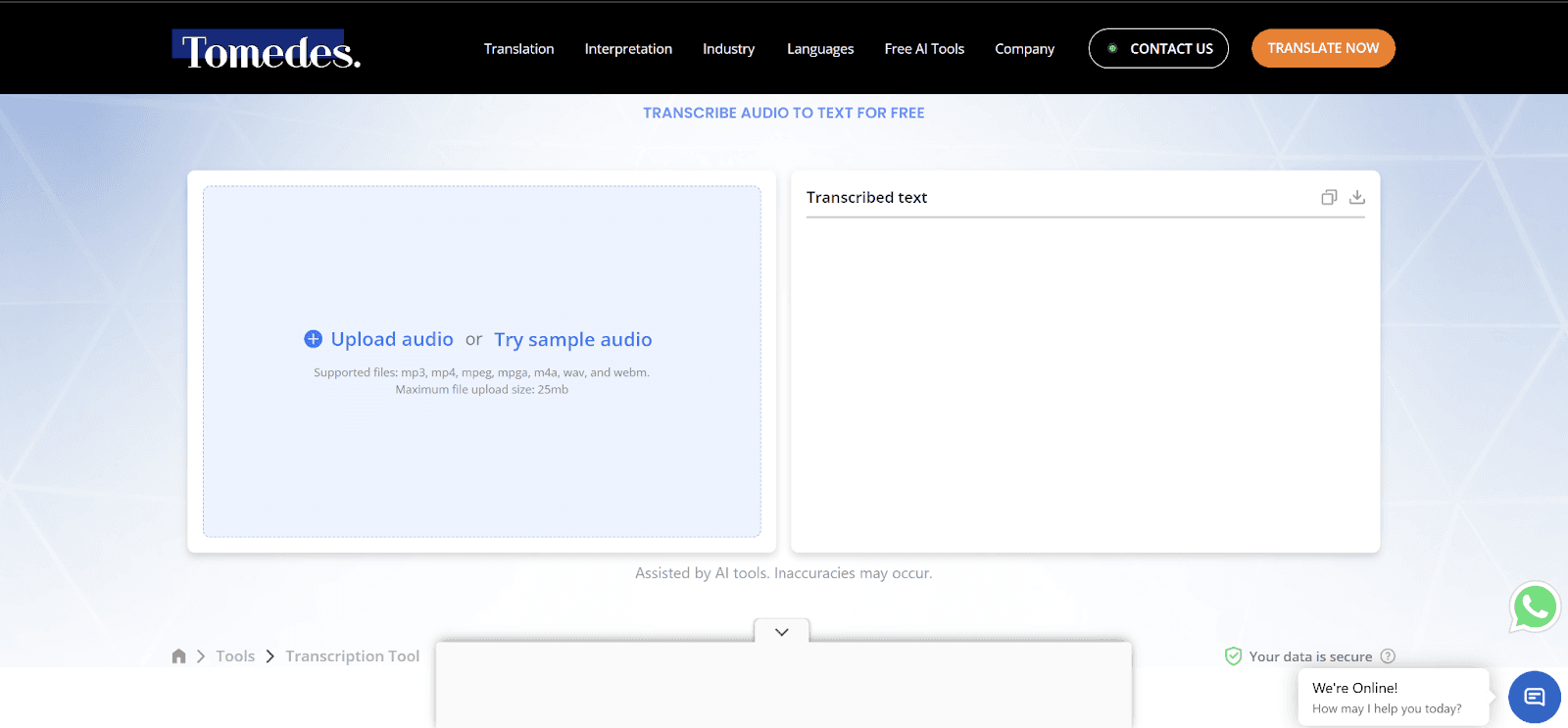
Le prochain outil de notre liste de logiciels pour convertir l'audio en texte est Tomedes.
Tomedes est un outil de transcription gratuit basé sur l'IA qui convertit rapidement l'audio en texte avec une grande précision. Aucune inscription n'est requise et vous pouvez téléverser des fichiers dans des formats tels que MP3, MP4, WAV, M4A, etc. C'est l'outil parfait pour les étudiants, les professionnels et les créateurs de contenu à la recherche de résultats rapides.
L'offre gratuite permet une utilisation basique illimitée et vous permet de comparer les résultats de plusieurs moteurs d'IA pour obtenir le texte le plus fidèle possible. Vous pouvez transcrire des conférences, des réunions, des podcasts et des webinaires, puis télécharger le résultat aux formats SRT, VTT ou DOCX.
Fonctionnalités clés
Transcription IA rapide : Convertit instantanément l'audio en texte.
Compatibilité multi-format : Fonctionne avec les formats MP3, MP4, WAV, M4A, MPEG, etc.
Grande précision : Résultats fiables pour les enregistrements à voix claire.
Outils d'édition IA : Corrigez rapidement vos textes grâce à l'assistance de l'IA.
Avantages
| Inconvénients
|
8. oTranscribe
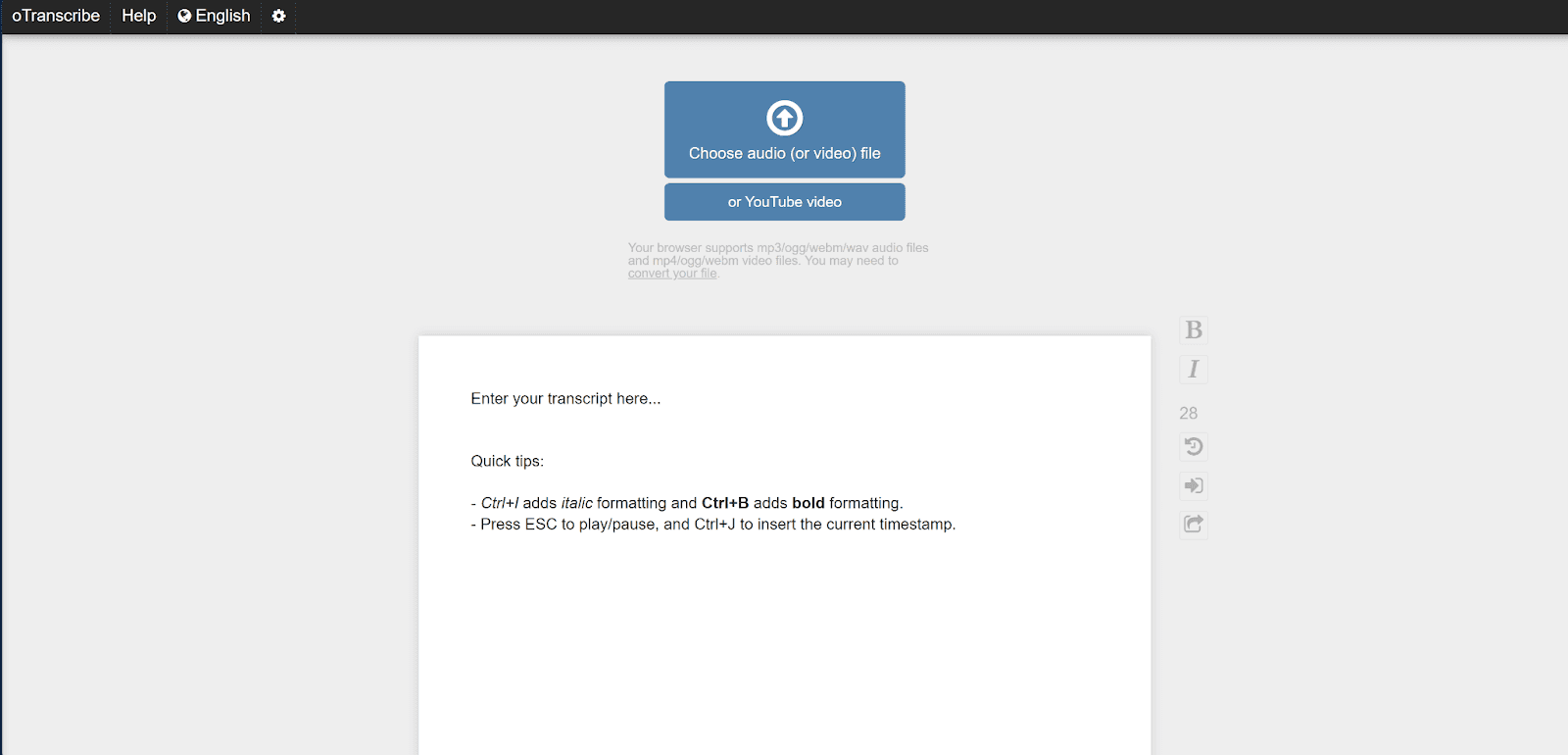
En tant qu'outil gratuit, oTranscribe adopte une approche différente en se concentrant sur la transcription manuelle plutôt que sur l'IA. Cet outil web open-source fonctionne comme une machine de dictée numérique sans distraction. Vous pouvez écouter votre fichier audio tout en tapant directement dans un éditeur de texte intégré.
C'est l'alternative idéale lorsque vous disposez d'un audio de mauvaise qualité, de bruits de fond importants ou d'intervenants avec des accents prononcés que les modèles d'IA ne parviennent pas à traiter correctement. La plateforme est entièrement gratuite, sans inscription. Elle conserve toutes vos données localement sur votre navigateur, ce qui en fait un choix hautement sécurisé et privé pour les projets sensibles.
Fonctionnalités clés
Lecteur multimédia intégré : Prend en charge les fichiers audio courants et les liens YouTube.
Raccourcis clavier : Mettez en pause, reculez et ajustez la vitesse de lecture rapidement.
Stockage local : Sauvegarde automatiquement votre progression dans votre navigateur.
Options d'exportation : Exportez vos transcriptions au format Markdown, texte brut ou vers Google Docs.
Avantages
| Inconvénients
|
9. MacWhisper
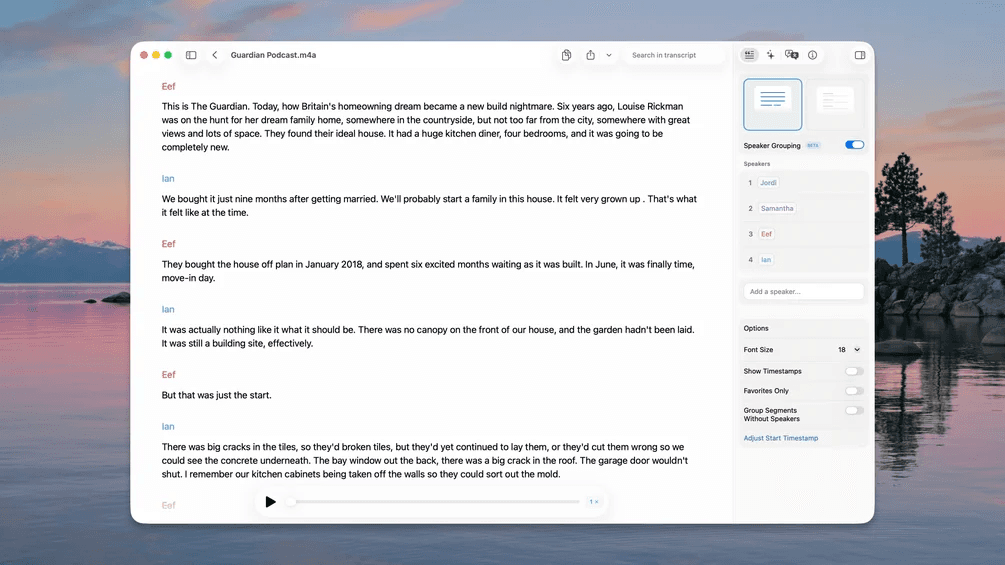
MacWhisper est un outil conçu spécifiquement pour l'écosystème Mac, propulsé par les modèles Whisper d'OpenAI et Parakeet de Nvidia. Sa version gratuite est parfaitement capable de gérer vos tâches quotidiennes en utilisant des modèles d'IA plus légers. Elle convertit rapidement vos réunions, cours et autres enregistrements en textes très précis, le tout localement sur votre machine.
Vous pouvez glisser-déposer des fichiers ou enregistrer directement depuis votre micro. L'application offre une compatibilité totale avec Zoom, Teams, Webex, Chime, Discord et bien d'autres. De plus, vous pouvez utiliser l'application MacWhisper sur iPhone et iPad pour vos besoins en déplacement.
Fonctionnalités clés
Traitement local : Transcrit vos fichiers entièrement sur votre ordinateur, garantissant une confidentialité totale pour vos enregistrements sensibles.
Entrées polyvalentes : Enregistre directement depuis votre microphone ou importe des fichiers existants (MP3, WAV, M4A, etc.).
Support linguistique étendu : Traite la parole dans plus de 100 langues différentes.
Exportations flexibles : SRT, VTT, CSV, DOCX, PDF, Markdown, HTML.
Avantages
| Inconvénients
|
10. Slipbox
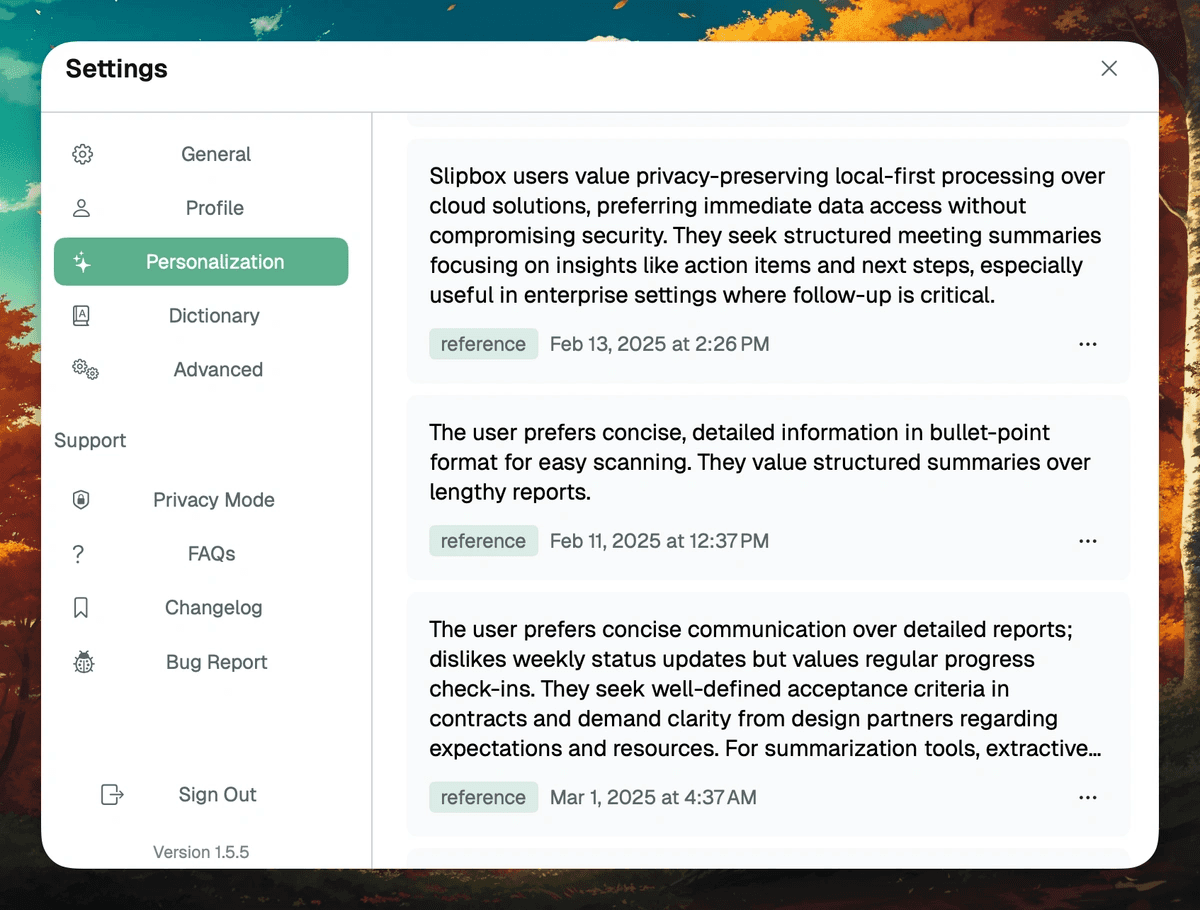
Slipbox est un outil de transcription audio gratuit axé sur la vie privée qui conserve toutes les données localement et ne nécessite l'utilisation d'aucun bot de réunion. Il est compatible avec Zoom, Google Meet, Microsoft Teams, Slack et les appels iPhone sur Mac.
La version gratuite est particulièrement généreuse. Elle offre des transcriptions illimitées et la reconnaissance d'images sans frais. Bien qu'elle comporte des limites pour les tâches assistées par IA (notamment 10 messages de chat IA et 5 résumés toutes les deux semaines), elle vous permet d'archiver gratuitement l'ensemble de vos échanges.
En plus de transcrire vos réunions, Slipbox génère des synthèses par IA, identifie les interlocuteurs et extrait les idées maîtresses. Les utilisateurs expérimentés peuvent également utiliser leurs propres clés API de modèles d'IA via l'option "Bring Your Own Key" (BYOK).
Fonctionnalités clés
Détection automatique de réunion : Démarre et arrête l'enregistrement de manière automatisée.
Transcription en temps réel : Capturez vos réunions au fur et à mesure qu'elles se déroulent.
Identification des locuteurs : Identifiez clairement les participants pour une meilleure lisibilité.
Chat IA et recherche universelle : Interrogez vos transcriptions et vos notes instantanément.
Avantages
| Inconvénients
|
11. Fireflies.ai
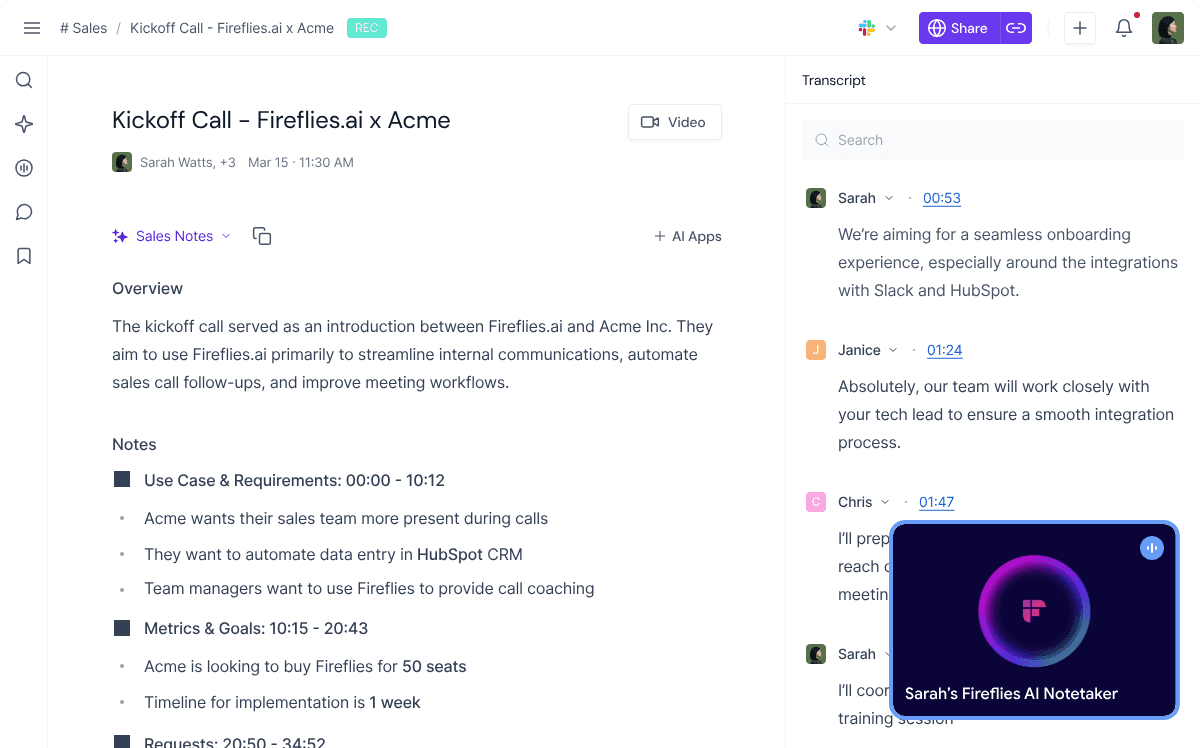
La transcription est l'une des fonctionnalités phares de Fireflies.ai, un assistant de prise de notes par IA ultra-performant pour les réunions d'équipe. Il enregistre, transcrit et résume automatiquement les échanges sur Zoom, Google Meet, Teams, et plus encore.
La version gratuite offre une transcription illimitée avec des résumés IA de base, ainsi que 800 minutes de stockage par utilisateur. Vous pouvez également importer des fichiers audio préenregistrés, accéder à vos textes via des applications mobiles et utiliser l'extension Chrome pour vos réunions en direct.
Fireflies.ai prend en charge plus de 100 langues et intègre des outils avancés comme AskFred pour poser des questions à l'IA sur le contenu de vos réunions.
Fonctionnalités clés
Transcription en temps réel : Prenez des notes en direct pendant vos réunions.
Résumés IA et AskFred : Générez des synthèses et interrogez le contenu de vos échanges.
Formats audio variés : Transcrivez des fichiers préenregistrés sous différents formats.
Extension mobile et Chrome : Accédez à vos projets de transcription partout où vous êtes.
Avantages
| Inconvénients
|
12. Notta
Le dernier outil sélectionné dans notre comparatif des meilleurs logiciels de transcription gratuits est Notta.
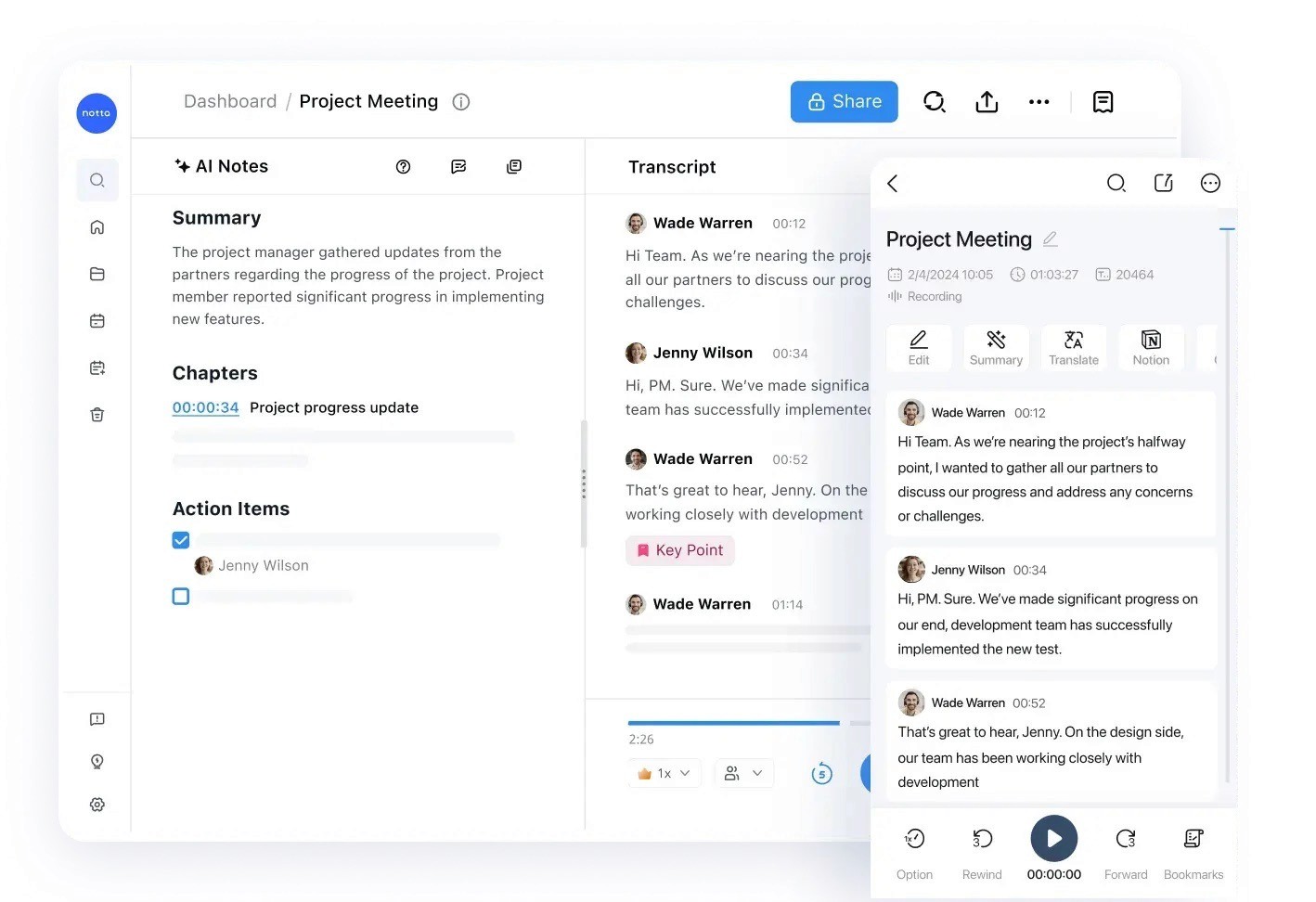
Tout comme Fireflies, Notta est un outil de prise de notes de réunion par IA qui transforme vos conversations en transcriptions consultables, en comptes-rendus et en visuels interactifs. Il s'adapte aux réunions en ligne, aux discussions physiques ou aux fichiers importés.
Sa formule gratuite propose 120 minutes de transcription mensuelles, une limite de 3 minutes par conversation, le téléversement de 50 fichiers et 10 résumés automatisés par IA. Notta identifie également les locuteurs et prend en charge jusqu'à 58 langues.
Si vous souhaitez centraliser, analyser et visualiser les points clés de vos réunions au même endroit, c'est une option très solide.
Fonctionnalités clés
Capture multimodale : Transcrit les conversations physiques via son application mobile, les réunions en ligne via un bot ou les fichiers audio importés.
Création de rapports visuels : Transforme les textes écrits en livrables visuels tels que des infographies ou des présentations.
Identification des locuteurs : Étiquette automatiquement les différents intervenants pour simplifier la lecture.
Espace de travail collaboratif : Synchronise vos notes sur tous vos appareils et s'intègre avec Notion et Slack pour un partage rapide.
Avantages
| Inconvénients
|
Comment nous avons évalué ces outils de transcription gratuits
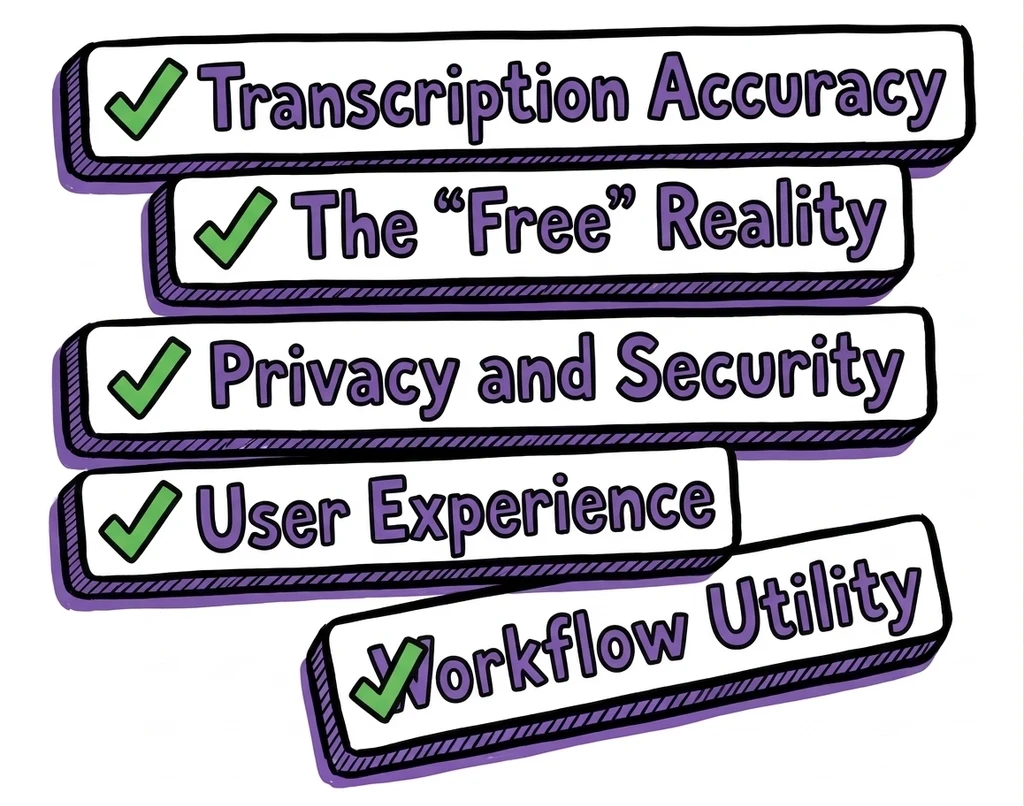
Nous avons testé ces plateformes pour vérifier si elles tiennent réellement leurs promesses. Notre évaluation s'est appuyée sur cinq critères essentiels :
Précision de la transcription : La capacité de l'IA à traiter les voix réelles, les accents régionaux et les bruits de fond. Nous avons privilégié les outils offrant un taux de précision situé entre 90 % et 95 %.
La réalité du "gratuit" : Nous avons valorisé les outils proposant des offres gratuites réellement exploitables, en écartant ceux qui cachent des frais obligatoires immédiats.
Confidentialité et sécurité : La garantie que vos données personnelles et professionnelles sont protégées et non exploitées pour entraîner des modèles IA.
Expérience utilisateur : La rapidité et la simplicité globale, de l'importation de vos fichiers jusqu'à l'obtention d'un fichier texte prêt à être exporté.
Utilité opérationnelle : La facilité avec laquelle ces outils s'intègrent dans vos réunions quotidiennes, votre stratégie de création de contenu et vos tâches de bureau.
C'est ainsi que nous nous sommes assurés que chaque outil répertorié dans ce guide propose un service de transcription clair, de qualité et sans les pièges habituels des logiciels d'essai.
WhisperTranscribe est votre logiciel de transcription audio gratuit n°1
Les meilleurs logiciels de transcription audio gratuits facilitent considérablement la conversion de vos réunions, interviews et enregistrements en textes consultables. Nous avons passé en revue douze solutions fiables, adaptées à différents besoins et cas d'usage.
Si vous cherchez un outil à la fois simple et ultra-précis qui vous aide également à exploiter et retravailler vos textes par la suite, WhisperTranscribe est le point de départ idéal. Notre application de bureau s'appuie sur le modèle de pointe Whisper d'OpenAI pour convertir vos fichiers audio en quelques minutes avec un taux de précision exceptionnel de 95 %.