
YouTube Description Generator
Generate SEO-optimized descriptions that boost your video's discoverability





Why Use Our AI YouTube Description Generator?



How it works
The best practises to come up with a YouTube channel name that will set you up for success!
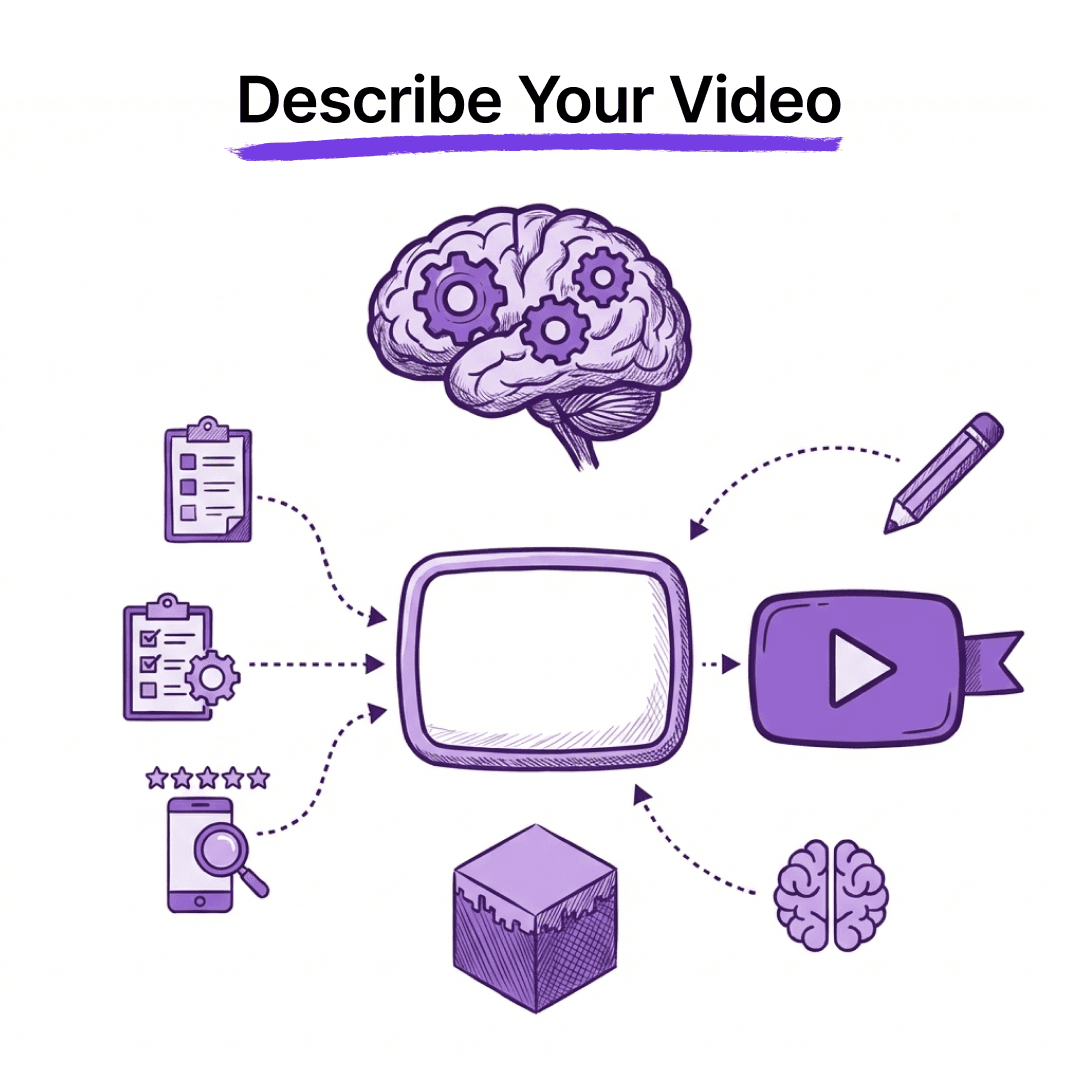
Describe your video
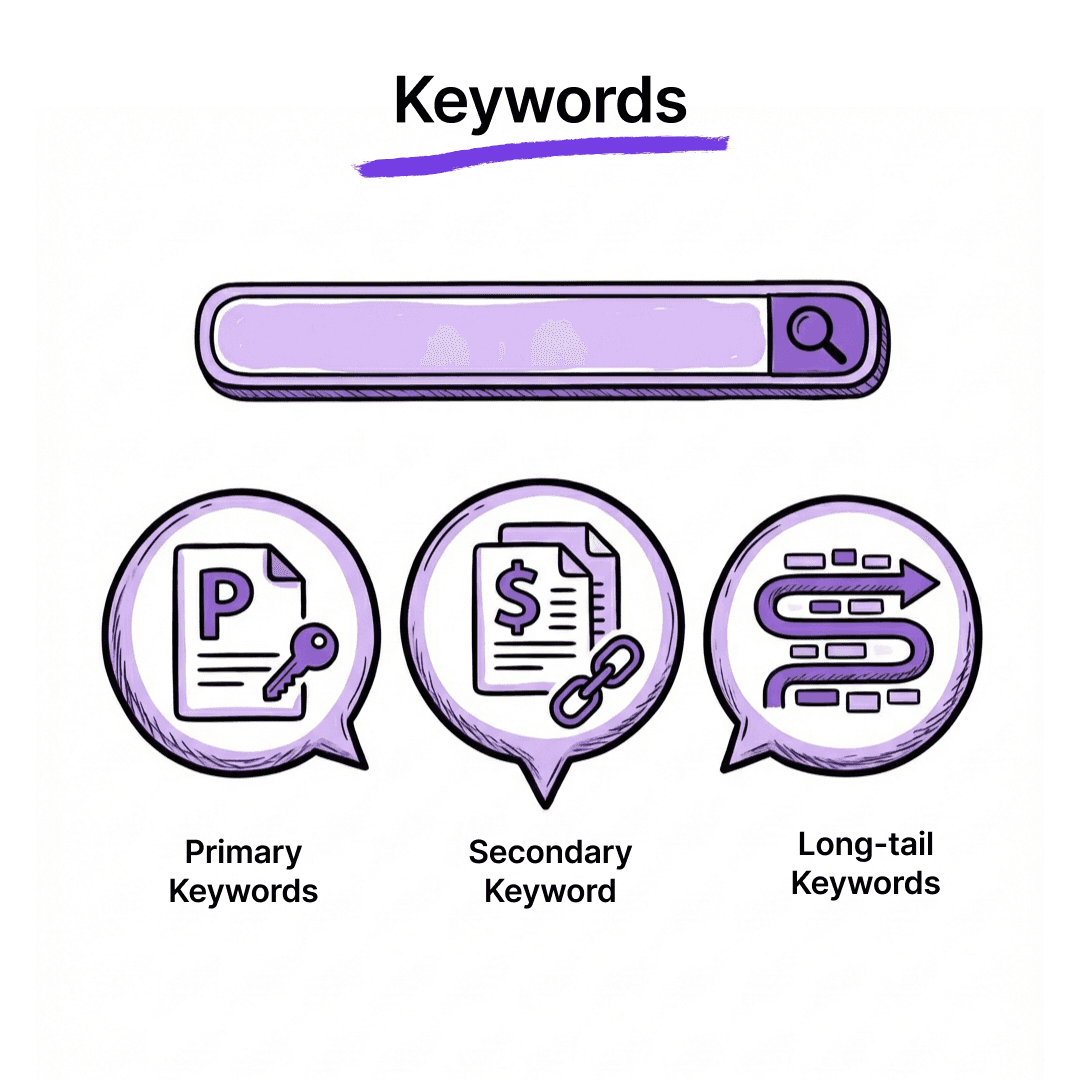
Add relevant keywords
Include keywords that your target audience might search for. These help optimize your description for YouTube and Google search results. Separate keywords with commas.
Examples
For Gaming Content: minecraft, survival mode, underwater base, ocean monument, gaming tutorial, minecraft building
For Tutorial/How-To: Instagram Reels, Canva tutorial, video editing, social media tips, content creation, reels tutorial
For Product Reviews: iPhone 15 Pro Max, iPhone review, smartphone camera, tech review, Apple, best phone 2024
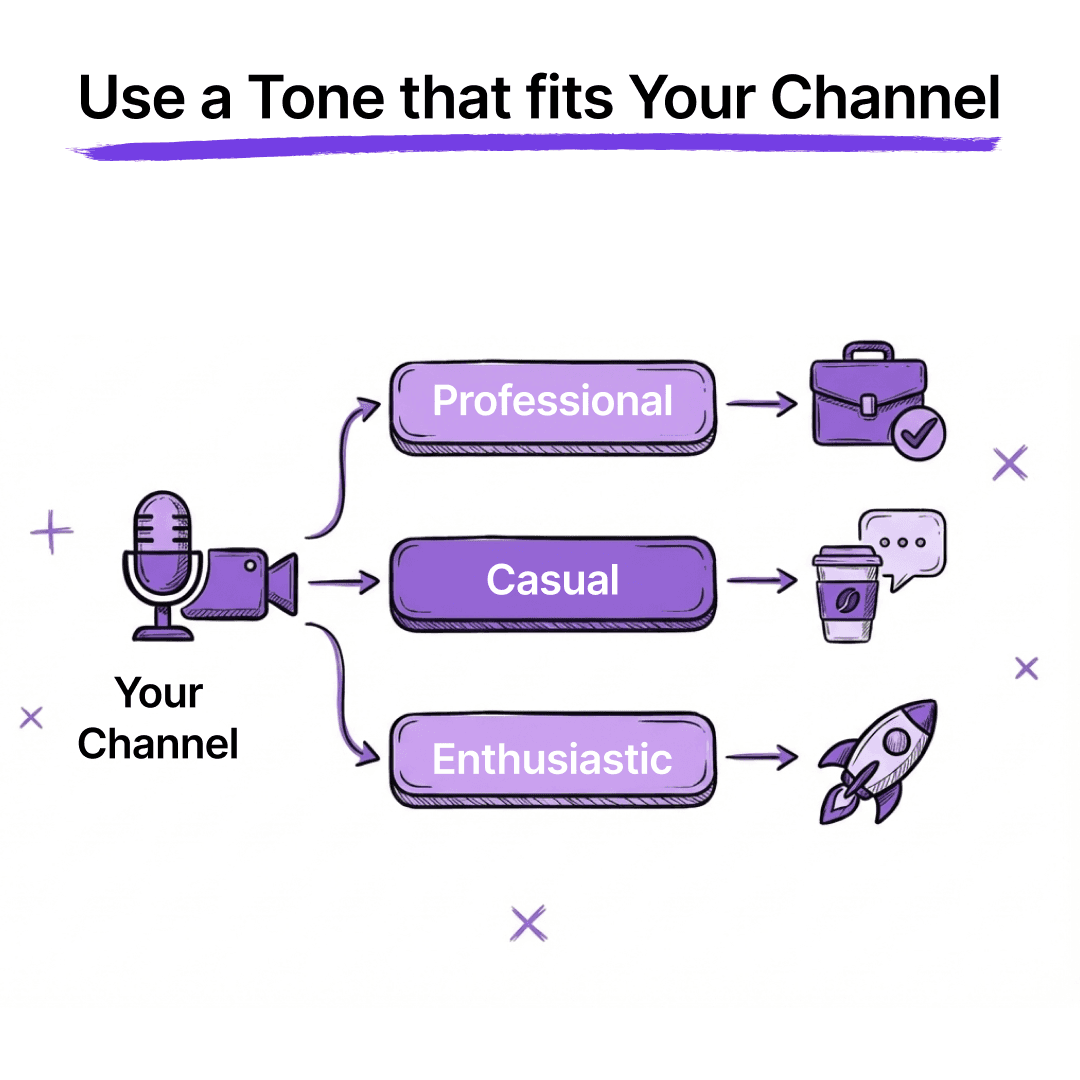
Use a tone that fits your channel
We will automatically create video descriptions using different tones that are proven and tested. You can pick from 3 pre-generated description formats that include different writing styles and tones!
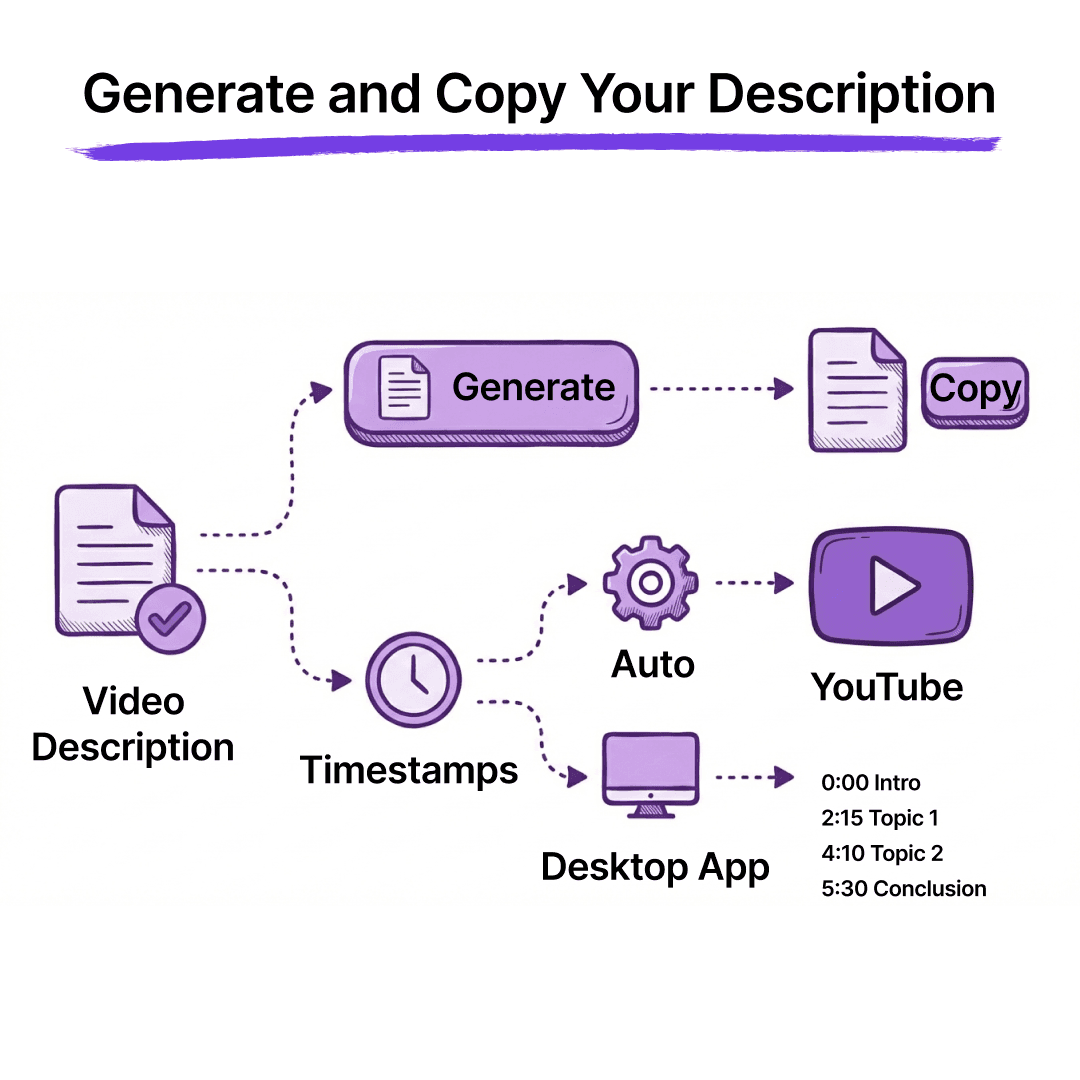
Generate and copy your description
After having a description for your video, ensure to still fill in the timestamps. This will help users better navigate your videos! You can either let YouTube add those automatically or you can use our desktop app to create more accurate timestamps of different topics that are covered.
More than just a transcript
Get publish ready content from your audio with WhisperTranscribe in minutes



Social Media Post Generator
Automatically generate social media posts in your own tone of voice.



YouTube Channel Name Generator
Don't have a YouTube channel yet? Get the perfect name with our free YouTube Channel Name Generator.
Don't just take our word for it.
What our customers say:


FAQ
What is a YouTube description generator?
This is a free small tool that will help you with generating a YouTube description for your video in different styles.
How does the AI YouTube description generator work?
The tool takes your description of a video and uses a large language model to generate a SEO optimized description of your video.
Is this YouTube description generator free?
Yes, this tool is completely free. We do have a limit of 100 generations per day however to prevent abuse.
Do I need to create an account?
No, you can use this tool without having to sign-up!
Is there a limit to how many descriptions I can generate?
Yes, to prevent abuse, we are limiting the usage to 100 generations per day.
Can I edit the description after generation?
Yes, most definitely! Just copy paste it over to your favourite word editor to make final adjustments!
Does it work for YouTube Shorts?
Absolutely! You can also use this tool for YT shorts!
How do I optimize my YouTube description for SEO?
To optimize your description for YouTube SEO, it's important to include the relevant keywords. It's also important that viewers will get the relevant information from your description such as timestamps or resources.
What's YouTube's character limit for descriptions?
YouTube video descriptions have a character limit of 5,000 characters. This allows creators to provide detailed information about their videos and include relevant links and resources.
Can the tool generate descriptions in other languages?
Yes! The tool will always mimic the language in which you describe the video!
Want to try it?
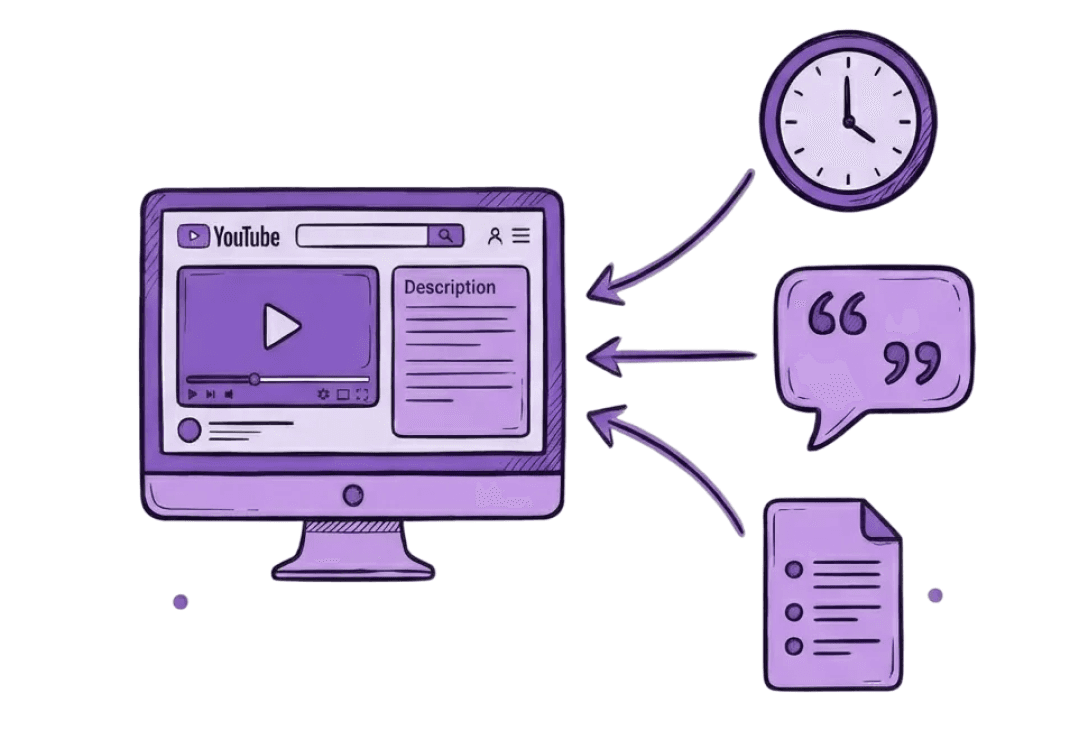
Create YouTube Descriptions including timestamps, quotes, and all other relevant information in our desktop app. You can test it for free! No credit card required or any other strings attached. Join 12k+ YouTubers who are saving time with our tool every week!



Free Tools