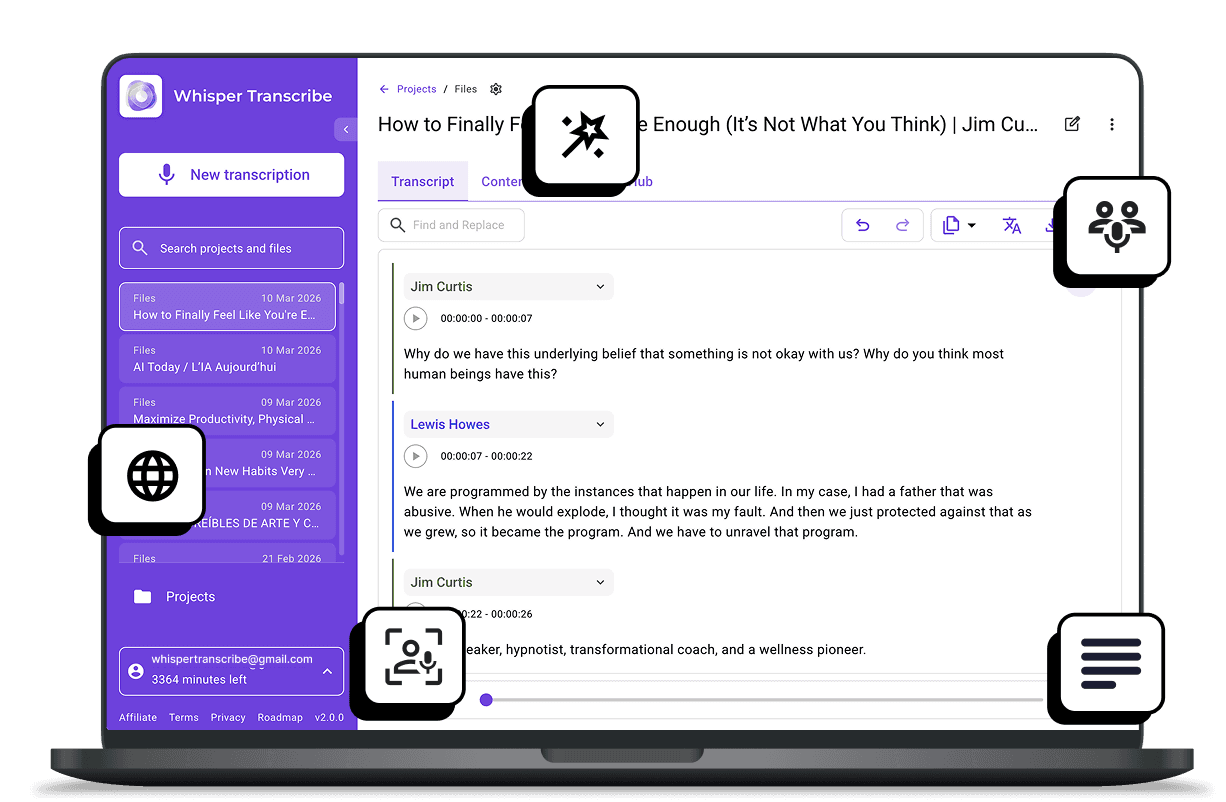
We reviewed the top 10 tools offering the best AI voice transcription for lectures to help students, educators, and learners save time.

Top picks:
WhisperTranscribe: Best for highly accurate, desktop-based transcription and study insights.
Otter.ai: Best for live lectures with real-time transcription and summaries.
Scriptivox: Best for noisy environments and technical lecture recordings.
Aiko: Best for fully offline, high-accuracy transcription on Apple devices.
For more helpful reviews, visit the WhisperTranscribe blog.
Why Listen to Us?
At WhisperTranscribe, we have built a transcription tool used by thousands of users worldwide. This experience gives us a clear view of what students and educators look for in AI voice transcription tools. We evaluated each option based on accuracy, speed, usability, and features that support real lecture transcription.
What are AI Voice Transcription Tools for Lectures?
Tools offering the best AI voice transcription for lectures automatically convert spoken words into written text. Think of them as your personal assistant in the classroom. They capture your lectures, whether in-person or online, and generate transcripts almost immediately.
But that’s not all, they can also identify multiple speakers, add time stamps for easy reference, and summarize key points automatically.
How Does That Help You?
With an AI voice transcription tool as your lecture companion, you can:

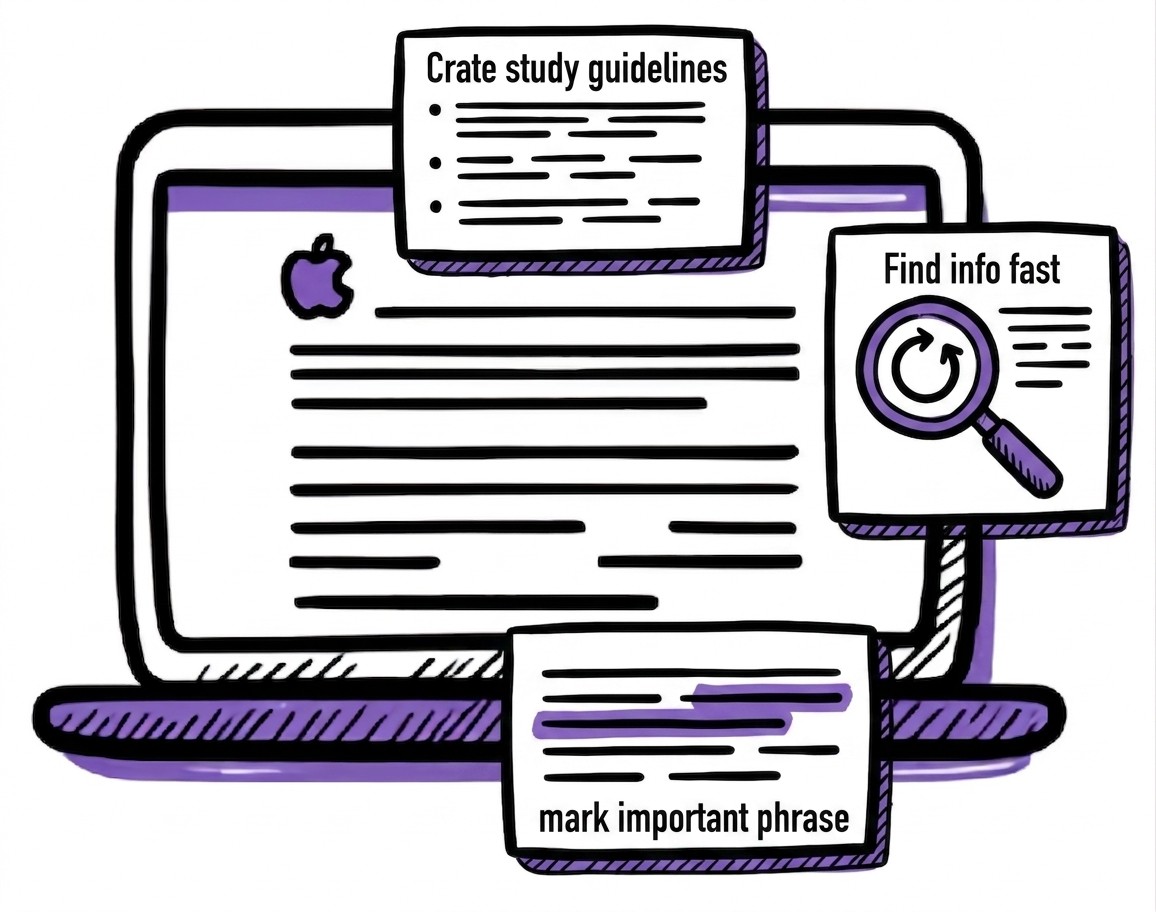
Focus on the lesson: Stop worrying about catching every word and spend your time actively listening and engaging.
Create quick study guides: Let the AI extract key points and summaries, so you spend less time formatting.
Find info fast: Use search functions to jump directly to specific topics, formulas, or terms.
Catch every detail: Be confident that the AI captured those important, complex explanations you couldn’t note.
Study anywhere: Review your transcripts and study wherever and whenever for better time management.
Top 10 Tools With the Best AI Voice Transcription for Lectures
This table compares the best AI voice transcription tools for lectures covered in this guide:
1. WhisperTranscribe
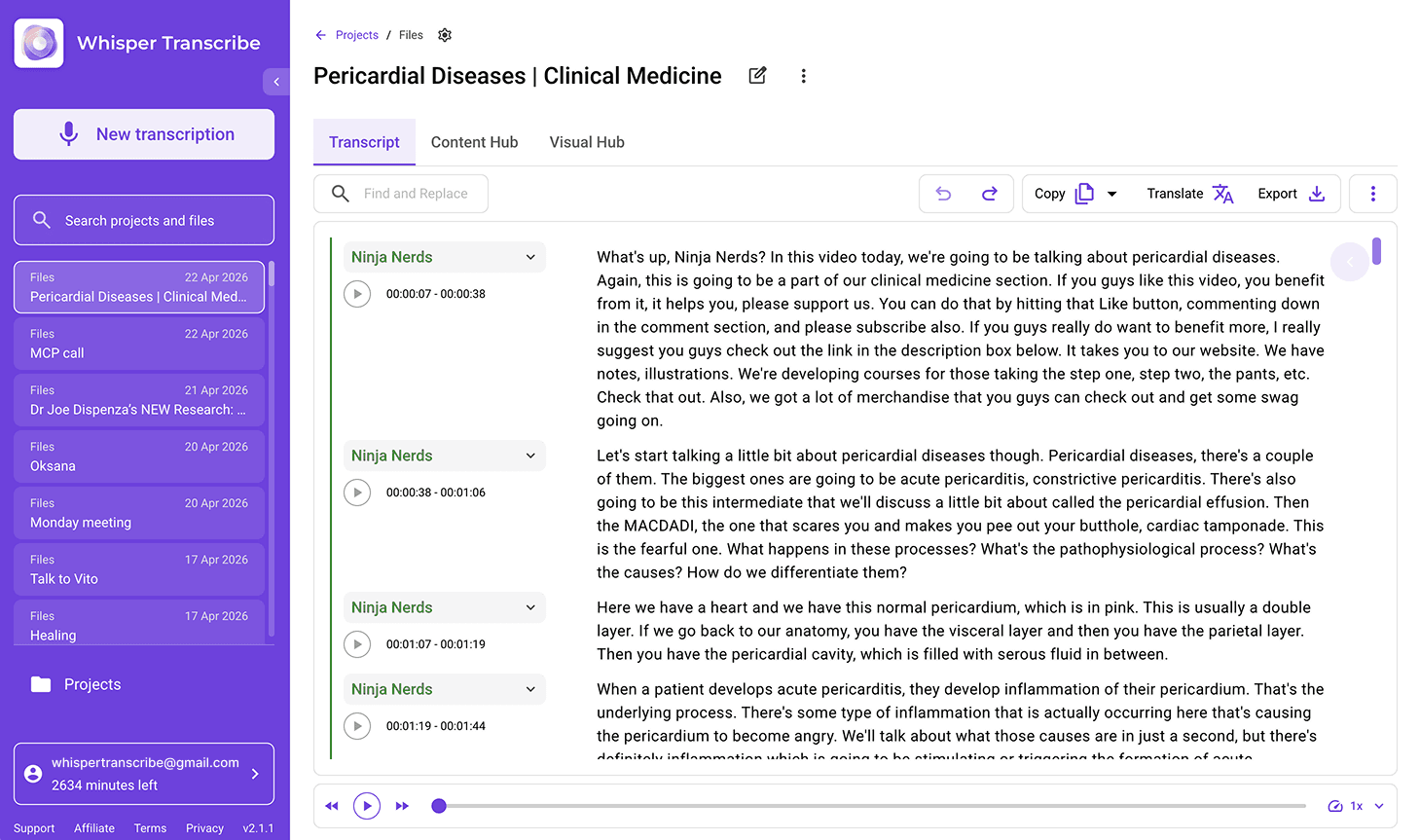
WhisperTranscribe is a powerful desktop application that converts audio and video lectures into easy-to-read, editable transcripts. Powered by OpenAI’s WhisperAI, it runs on both Windows and Mac computers, keeping your data private and secure.
Unlike other complex AI transcription tools, we designed WhisperTranscribe to be simple and user-friendly. Once installed, you can:
Key Features
High-Accuracy Engine: Delivers professional-grade, 95%+ accurate transcriptions that follow standard grammar and punctuation rules.
Multilingual Support: Transcribes in over 55 languages and offers instant translation in 99+ languages to make study materials more accessible.
Lecture Repurposing: Automatically generates summaries, study notes, and custom content from your lecture transcripts using AI.
Pricing
We offer a free trial with 60 minutes of transcription. After that, you can choose from any of our four paid plans:
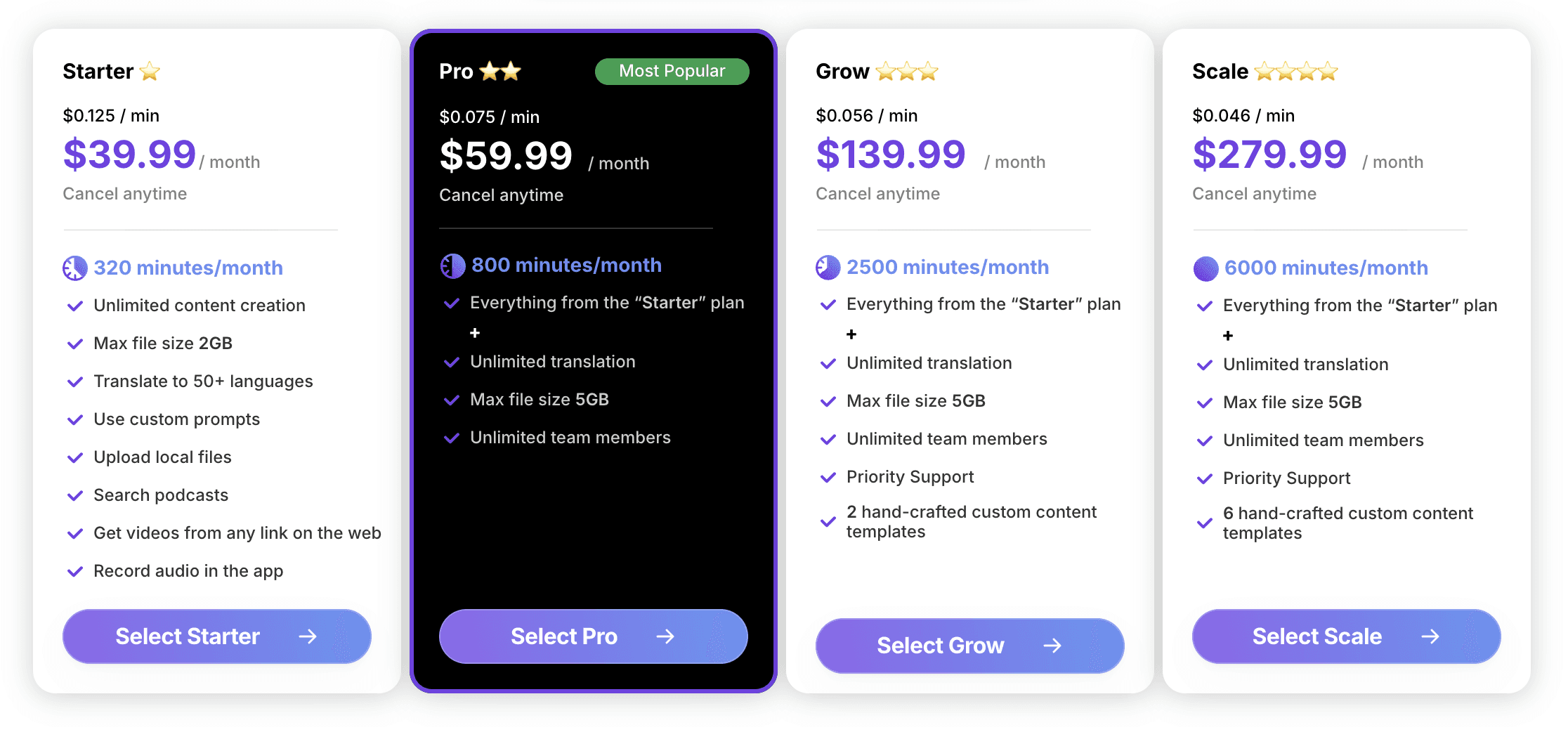
Starter at $39.99/month
Pro at $59.99/month
Grow at $139.99/month
Scale at $279.99/month
We also offer pay-as-you-go options starting at $9/hour, which you can purchase directly in the app.
Pros
Perfect for recording sensitive research privately
Desktop app handles massive 5GB files
Handles accents and multilingual speech better than most tools
Great for post-lecture studying and insights
Cons
Available as a desktop app only
2. Evernote AI Transcribe
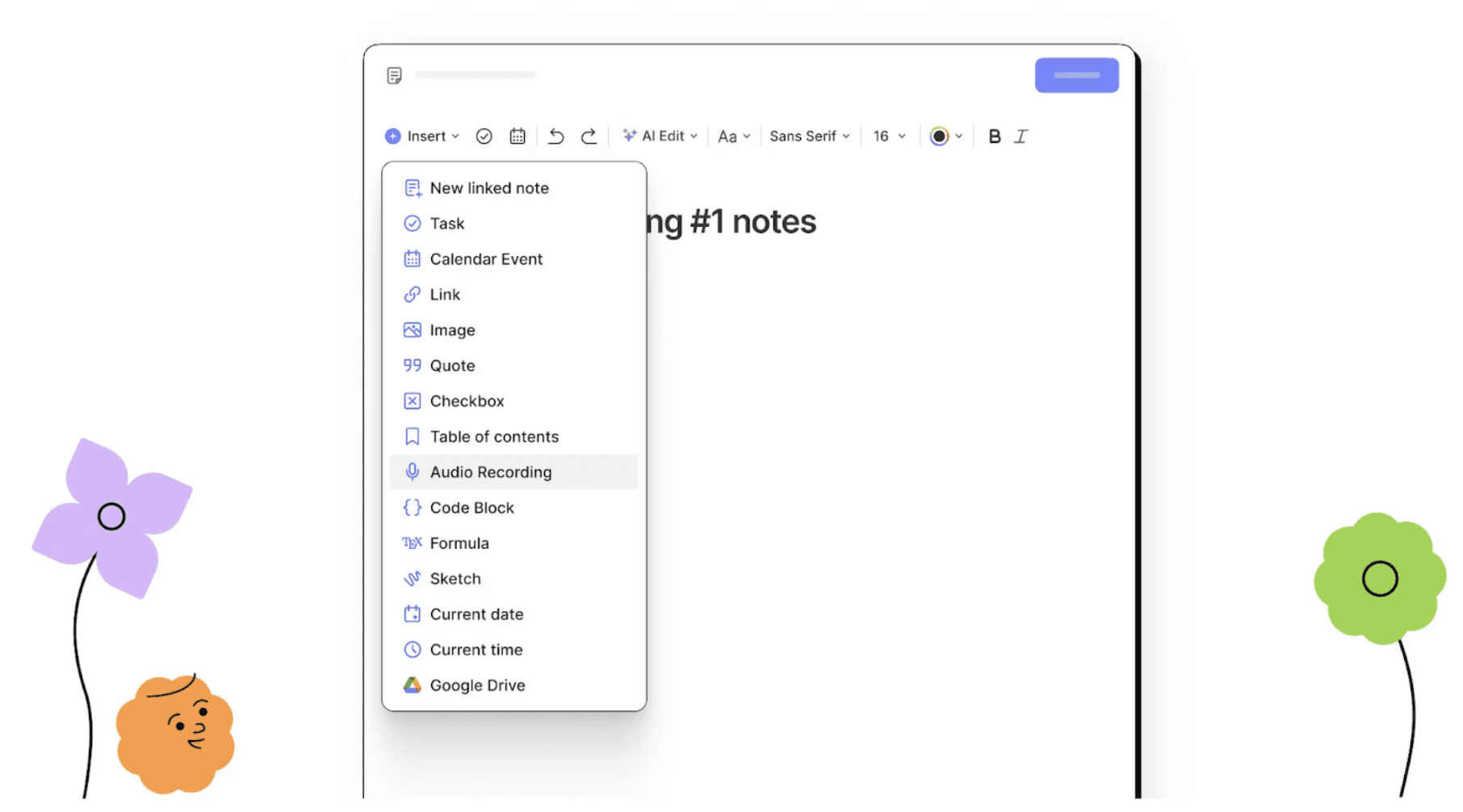
Evernote AI Transcribe turns your audio, video, and images into searchable, editable text directly within your notes. Whether you are capturing a university lecture, recording a research interview, or documenting a webinar, this tool integrates seamlessly into your existing workflow.
It is perfect if you want to keep all your study materials organized in one place without jumping between different apps.
Key Features
Browser Tab Recorder: Capture audio or video from any browser tab and transcribe instantly.
File Upload Support: Upload audio (MP3, WAV, AAC), video (MP4, AVI, MOV), or image/PDF files for transcription.
Zoom & Meeting Support: Transcribe recorded or live meetings without waiting for exports.
Multilingual: Supports transcription in 50+ languages for global accessibility.
Pricing
Evernote AI Transcribe offers a free trial. Full pricing is available on request.
Pros
Strong transcription accuracy
Built directly into notes, no switching apps
Speaker identification + summaries built-in
Cons
Not specialized for long-form audio
Pricing is opaque and requires inquiry
Slower processing than dedicated transcription engines
3. Scriptivox
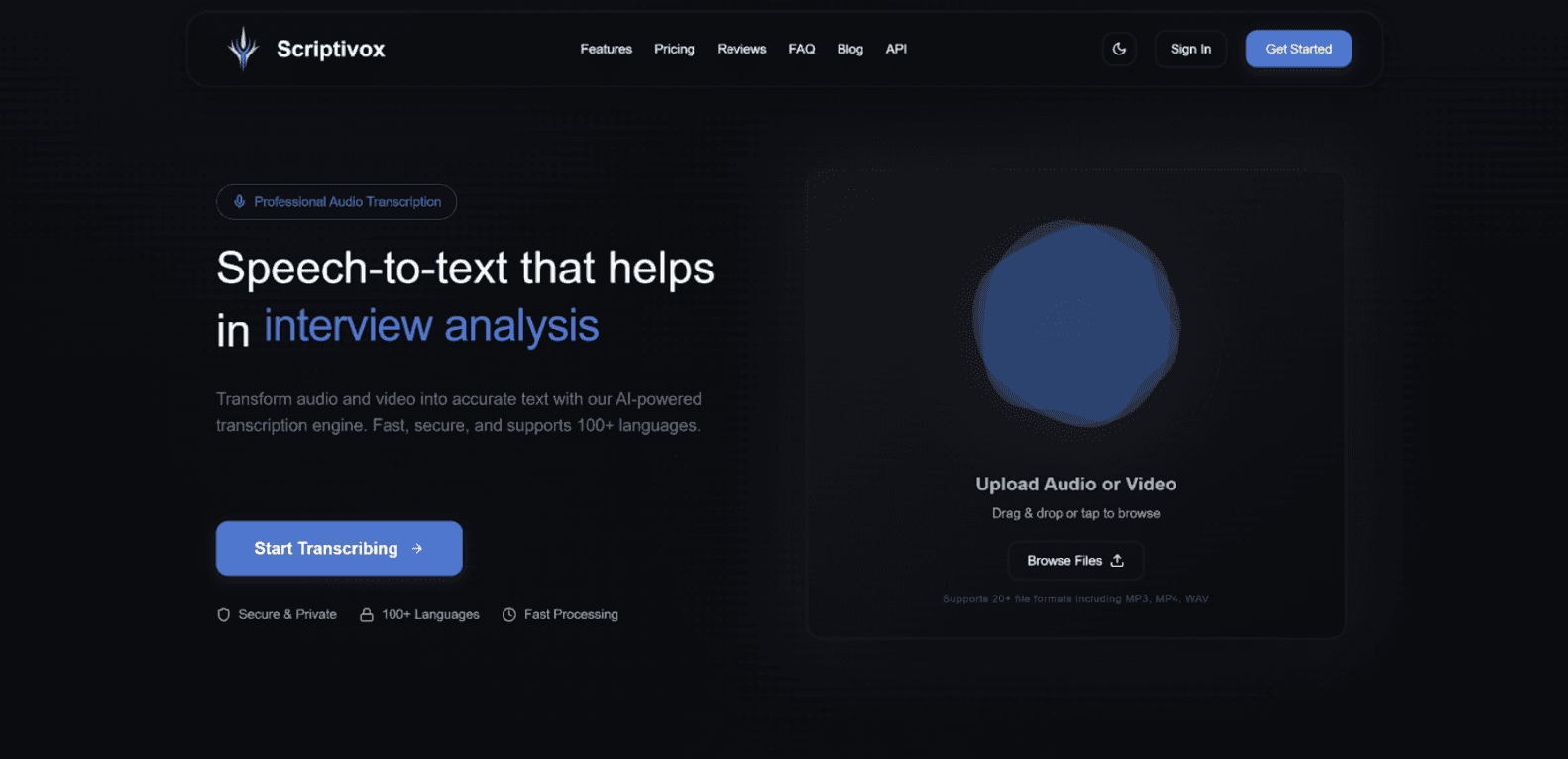
Scriptivox is a highly versatile, cloud-based AI transcription tool designed for precision and speed. It made our list of the best AI voice transcription tools for lectures because it handles "difficult" audio better than many standard tools.
It’s an excellent choice for students who don't always have a front-row seat and need a tool that can cut through environmental noise to find the lecturer's voice.
Key Features
Noise Robustness: Uses advanced audio filtering to maintain clarity, even in busy lecture halls.
Global Language Support: Over 100 languages with continuous model updates.
High-Speed Processing: Typically returns a 60-minute lecture transcript in under 10 minutes.
Multi-Speaker Tracking: Excellent for seminars and discussion-heavy workshops.
Pricing
Free: $0/month, 3 transcriptions/day, 30-min max file
Pro: $20/month, unlimited transcriptions, 10-hr max, priority support
Team: $19/user/month, centralized billing, unlimited members, admin controls
Pros
Best for noisy, crowded lecture halls
Handles complex medical and technical jargon
Smooth performance even with weak connections
Cons
Primarily designed for teams, not individuals
Considered feature-light vs competitors
Limited post-transcription study note features.
4. Aiko
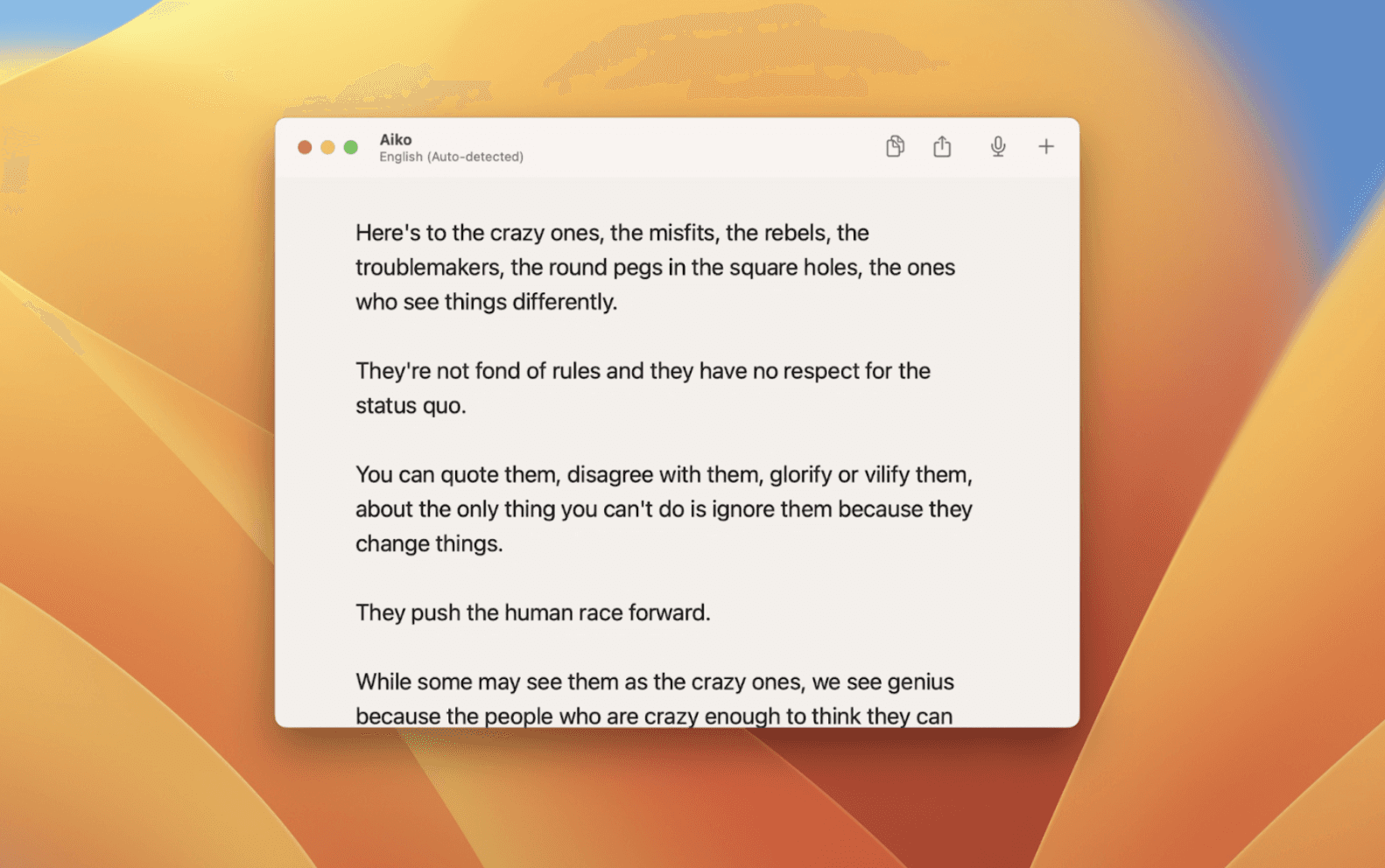
Aiko uses OpenAI’s Whisper model locally to deliver high-end accuracy when transcribing your lecture notes across 100 languages. It runs entirely on your Mac, iPhone, or iPad, meaning no data is ever sent to a cloud server. This is key if you’re a student in lab or sensitive research environments.
If you want a transcription tool with total privacy and high-accuracy results over real-time processing, this is the ideal option for you.
Key Features
On-Device Processing: Transcriptions run locally, ensuring complete privacy.
Supports Multiple Devices: Works across macOS, iOS, and visionOS with a Universal Purchase.
Quick Recording and Transcription: Use action buttons or Home Screen shortcuts to instantly record and transcribe.
Finder and Voice Memo Integration: Transcribe files directly in Finder or via iOS share sheet shortcuts.
Pricing
Free Trial: 14-day full access via TestFlight, no auto-charges or commitments.
Purchase: Available on the App Store after the trial to continue using the full app.
Pros
Works entirely offline without internet access
One-time payment (no subscription fatigue)
Supports over 100 languages for international students
Cons
No real-time transcription (mostly post-processing)
Apple-only ecosystem (iOS/macOS)
No speaker identification for group discussions.
5. SpeakApp AI
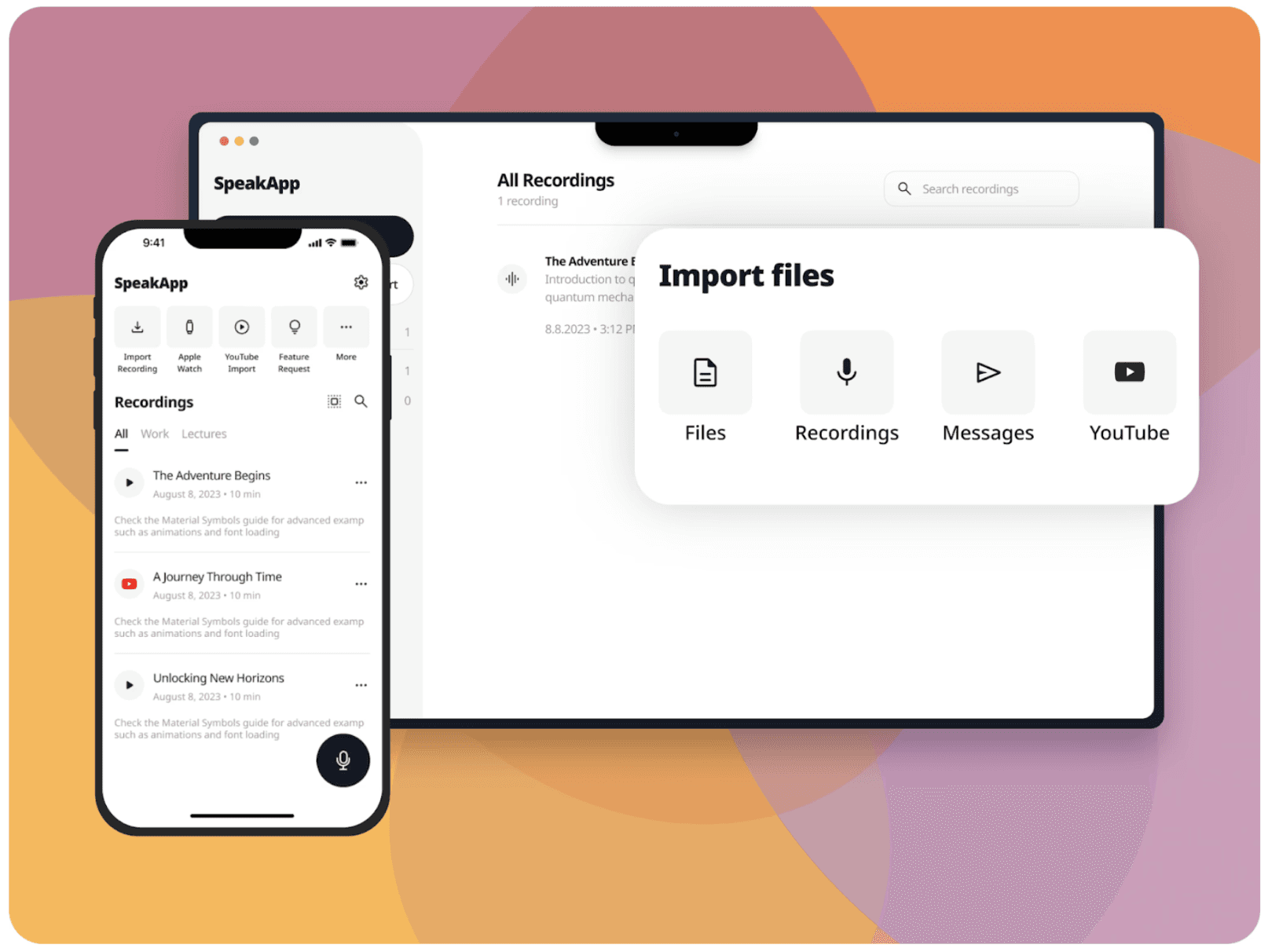
With SpeakApp AI, you can import lecture recordings from other apps, voice messages, or audio files for quick AI transcription. You can initiate quick recordings in class with one tap of a button. Irrespective of the source, it transcribes, summarizes, and even rewrites the content for you with 99% accuracy.
SpeakarApp AI supports over 50 languages with automatic language detection. It’s available as a desktop app for Mac and a mobile app for Android and iOS.
Key Features
AI Summaries and Rewriting: Turn long recordings into concise summaries, bullet points, or well-written text.
Record Syncing: Keep your recordings in sync across desktop and mobile with a SpeakApp account.
Customized Prompts: Personalize the AI output you get from your transcript.
Language Auto-Detection: Just speak, and the tool automatically detects your language and starts transcribing.
Pricing
Pricing details are not publicly listed. SpeakApp AI is available as a downloadable app for Mac and mobile devices.
Pros
Real-time transcription with good grammar cleanup
Automatic summaries and translations
Easily imports audio from messenger apps
Cons
Grammar fixes can alter technical meanings
Subscription required for most useful features
Not battle-tested at scale (few deep reviews)
6. Otter.ai
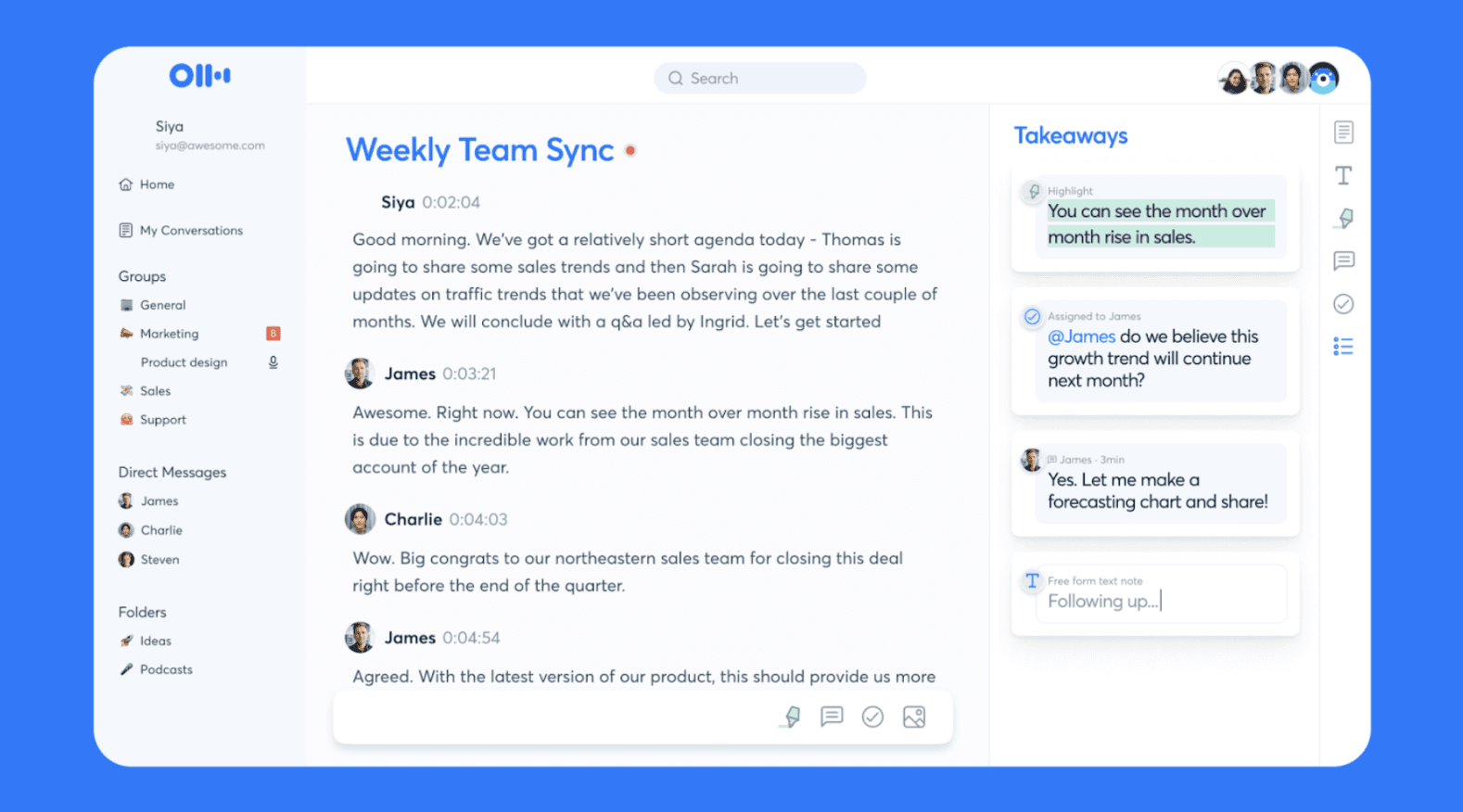
Otter.ai is a transcriber and note-taking assistant in one. It joins your lectures as an assistant to record and transcribe notes. It’s perfect for students who want to highlight key terms in real-time as the professor speaks. You can also upload lecture recordings and get transcriptions in minutes.
Because it syncs across mobile and desktop, you can record on your phone in a lecture hall and immediately have a searchable, editable text file waiting on your laptop.
Key Features
Otter AI Chat: Ask the AI questions about the lectures and get accurate answers.
Live AI Transcription: Words appear on your screen as the lecturer speaks.
Automated Summaries: Generates a TL;DR of the lecture with key takeaways and action items.
Direct Zoom/Teams Integration: Joins virtual classes as a bot to record and transcribe automatically.
Pricing
Otter.ai offers a limited free 300-minute/month plan and three paid plans:
Pro: $16.99/user/month for up to 1200 minutes.
Business: $24–30/user/month for unlimited meetings
Enterprise: Custom with advanced features
Pros
Excellent real-time transcription
Speaker identification + highlights
Great for live lectures and discussions
Cons
Privacy concerns due to cloud processing
Transcription quality varies with poor audio
Complaints about intrusive integrations/permissions
7. VoiceToNotes
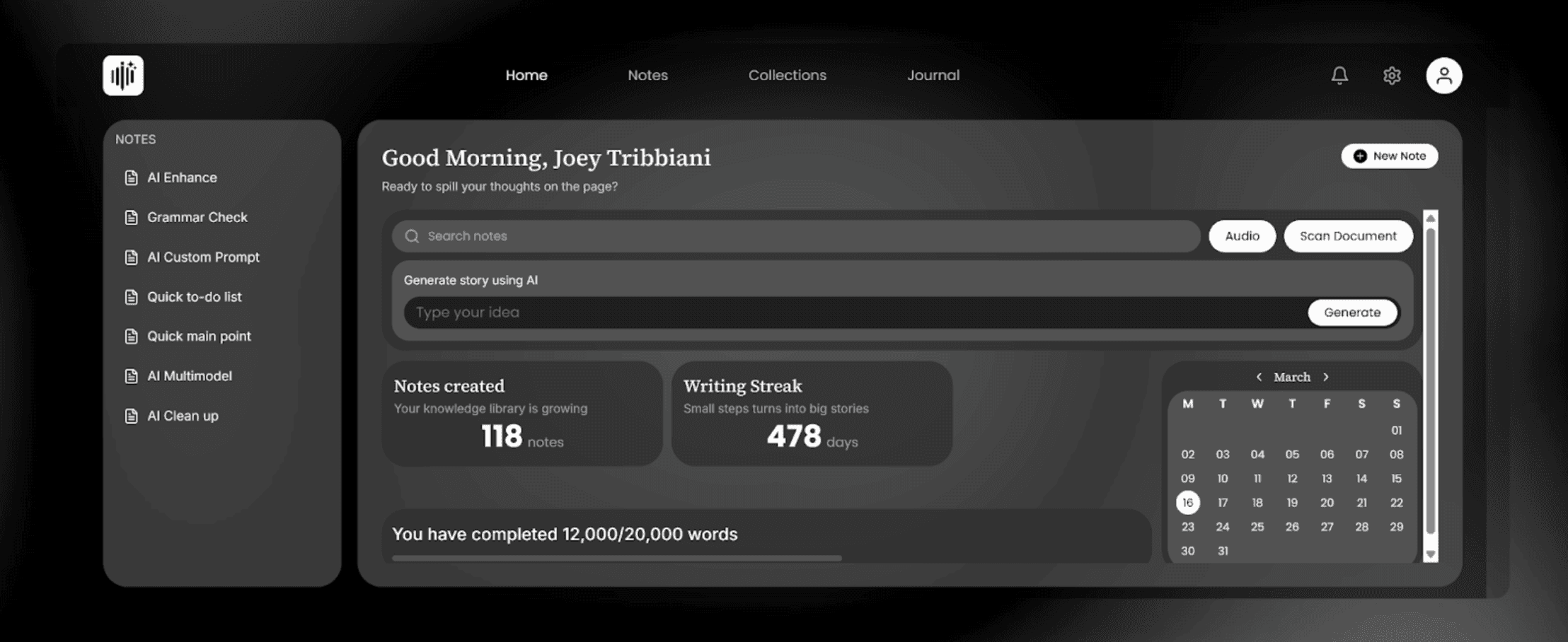
As one of the tools offering the best AI voice transcription for lectures, VoiceToNotes focuses on converting lectures into clean, usable notes. You can record and transcribe in real time, or record lectures and turn them into organized notes in up to 20+ languages.
Besides transcribing, it also cleans up grammar, removes filler words, and can generate summaries, action items, or quick to-do lists from your lecture recordings.
Key Features
Real-Time Voice Transcription: Record voices and instantly convert speeches into structured text.
High Accuracy: Delivers up to 99% transcription accuracy in real-time workflow.
Meeting Intelligence: Identifies key decisions and generates structured summaries and action items automatically.
Knowledge Organization: Store transcripts inside collections and folders to build a searchable knowledge library.
Pricing
One free plan and two paid plans:
Starter: $0/month, limited daily usage
Pro Monthly: $5/month, unlimited recordings and AI tools
Pro Annual: $50/year, includes premium features and support
Pros
Simplest interface for quick lecture audios
Excellent at cleaning up "um" and "uh" filler words
Very affordable compared to professional tools
Cons
Limited organization for multiple course subjects
Potential over-processing (rewriting may distort meaning)
Minimal integration with external apps
8. Transkriptor (AI Note Taker)
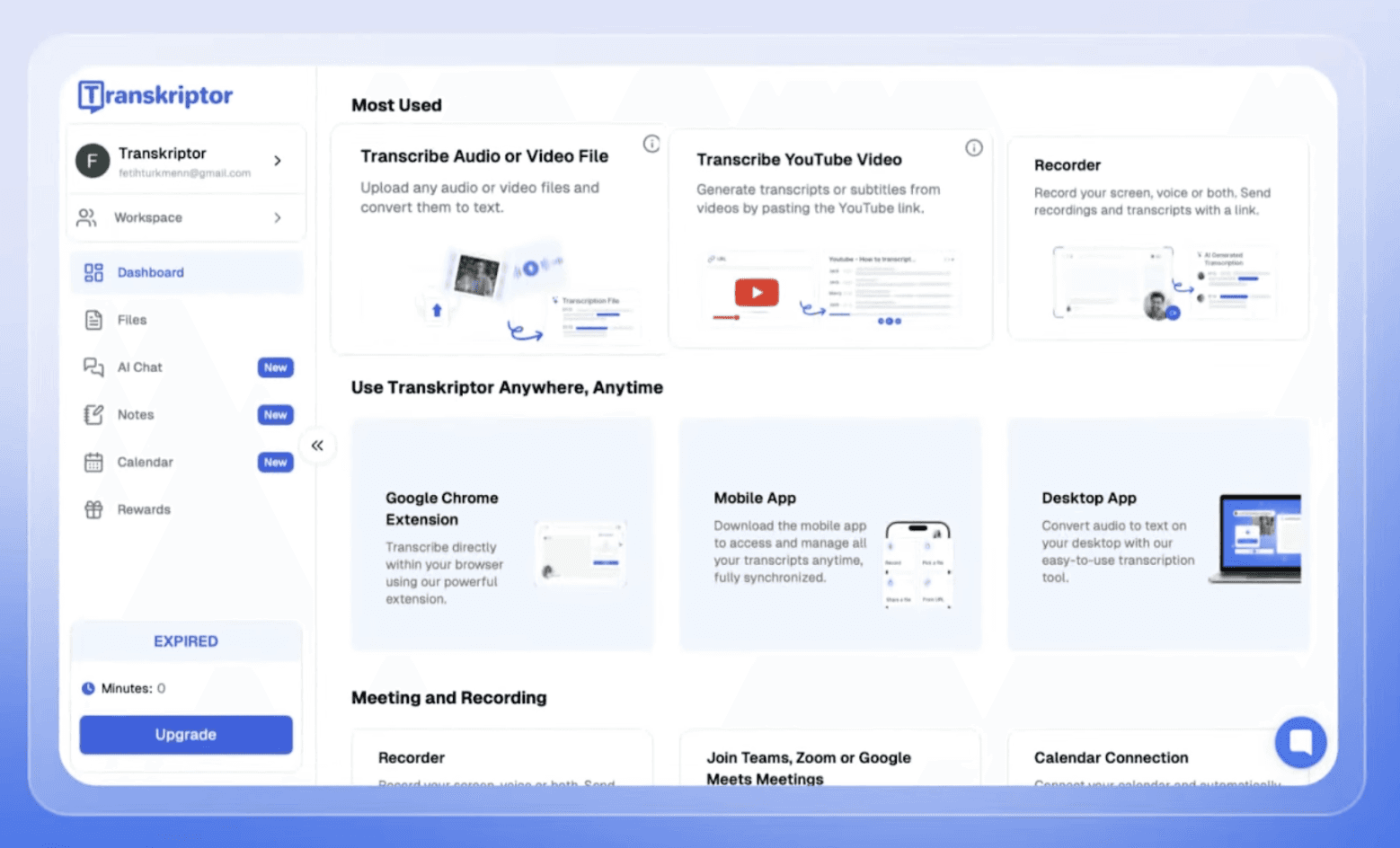
Transkriptor is an AI meeting assistant that automatically records, transcribes, and organizes conversations from your online lectures. Instead of writing notes manually, you can let the AI join your scheduled calls and capture everything for you.
You get your lectures’ accurate transcripts, smart summaries, and action lists within minutes after the online class ends.
Key Features
Automatic Meeting Recording: Connect your Google or Outlook calendar and let the AI join and record meetings automatically.
High Accuracy Transcription: Achieves over 99 percent accuracy across more than 100 languages, even with multiple speakers.
Smart Meeting Summaries: Instantly generate summaries, key decisions, and action items after meetings end.
Speaker Identification: Distinguish between participants and track who said what in discussions.
Pricing
No free plan, but you can take advantage of the Transkriptor for Education offer to get 50% off on all plans.
Paid plans include Lite: $9.99/month, Pro: $19.99/month, and Team: $30/month/seat.
Pros
Extremely high accuracy for technical lectures
50% off for educational use
Good for long lectures and meetings
Cons
Ideal for online lectures only
User interface feels cluttered and technical
9. HoverNotes
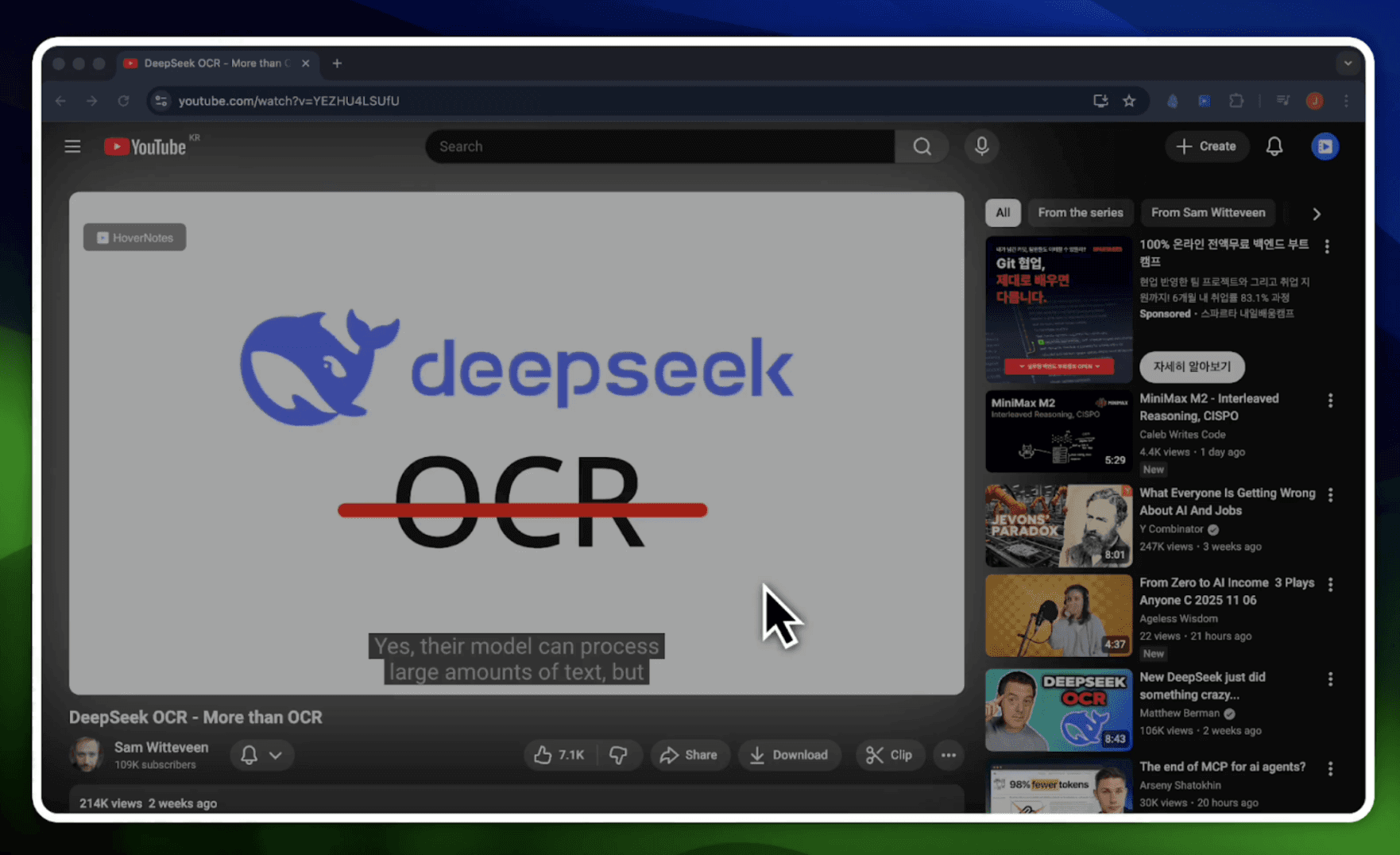
HoverNotes is a Chrome extension built for students who learn from video lectures. Instead of only transcribing audio, it watches the video with you and generates structured AI notes. This approach helps capture visual details that normal transcription tools often miss, such as diagrams, equations, or code shown on screen.
If you watch lectures on platforms like YouTube, Coursera, Udemy, or university portals, HoverNotes creates organized Markdown notes as you learn and saves them directly to your computer.
Key Features
Video-Aware AI Notes: Analyze video frames and audio to capture diagrams, code snippets, and visual explanations during lectures.
Timestamped Screenshots: Capture screenshots with clickable timestamps that return you to the exact moment in the video.
Local Markdown Storage: Save notes as .md files on your computer for full ownership and offline access.
Distraction-Free Study Mode: View notes beside the video for focused learning.
Pricing
Free plan with 20 minutes of AI notes, and two paid plans:
Unlimited Pro: $12/month for unlimited AI notes and advanced summaries.
Pro Annual: $6.67/month (billed annually) for full access at a discounted rate.
Pros
Captures diagrams that transcripts usually miss
Best for Obsidian and Markdown users
Works on private university video portals
Cons
Limited to Chromium-based desktop browsers only
Cannot record live, in-person physical lectures
Free AI processing time is very short
10. TurboScribe
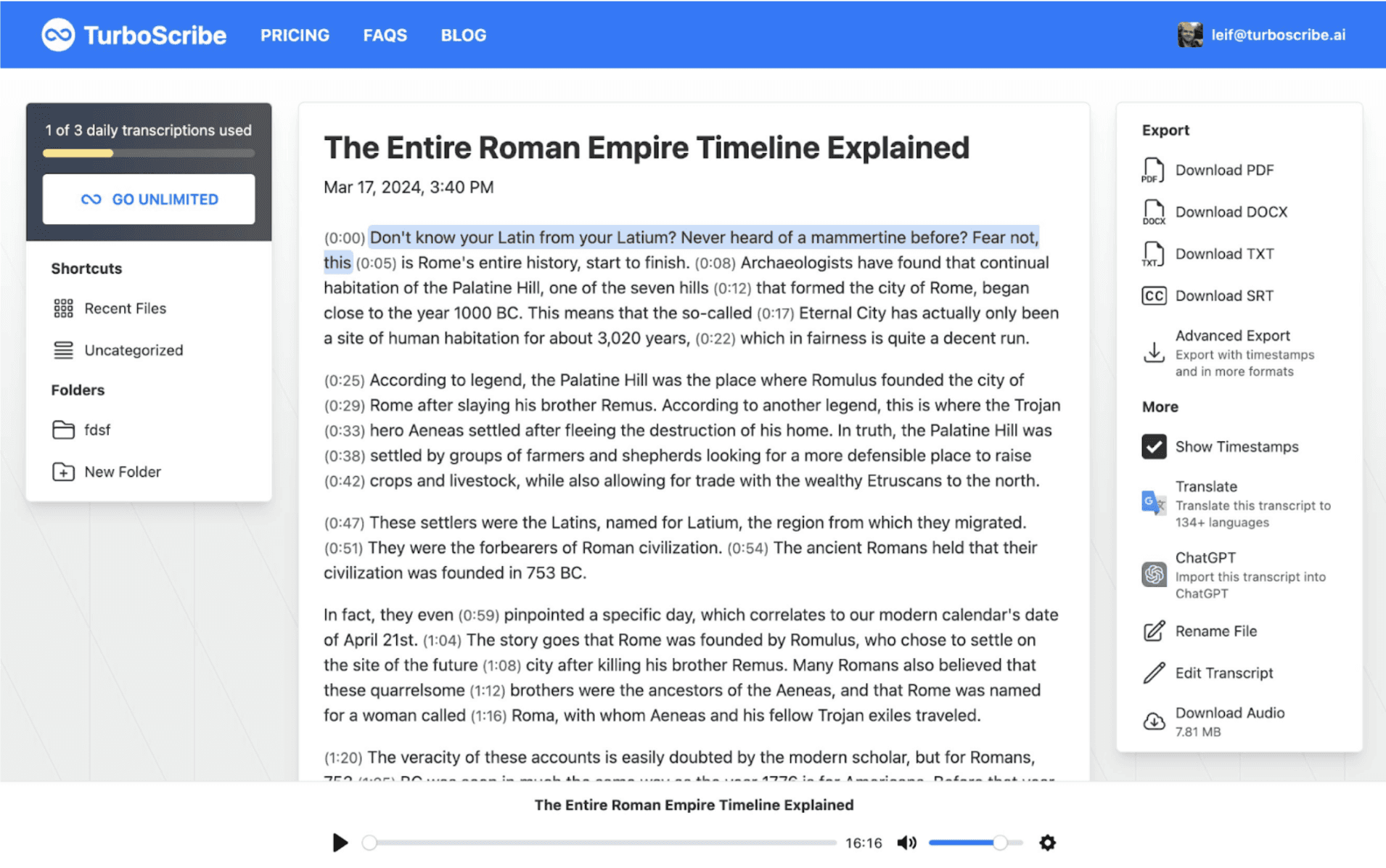
The final entry on our list of the tools offering the best AI voice transcription for lectures is TurboScribe.
TurboScribe is a high-performance transcription tool built for students who need to process massive audio files (up to 10 hours). It runs on OpenAI's Whisper Large V3, without the technical setup. You can easily transcribe complex lectures with multiple speakers across 98 languages at 99%+ accuracy.
Key Features
Ultra-Fast Transcription: GPU-powered engine converts files to text instantly, saving hours of manual work.
Speaker Recognition: Automatically labels different voices for meetings, interviews, and podcasts.
Built-In Translation: Translate transcripts into 134+ languages or transcribe directly to English.
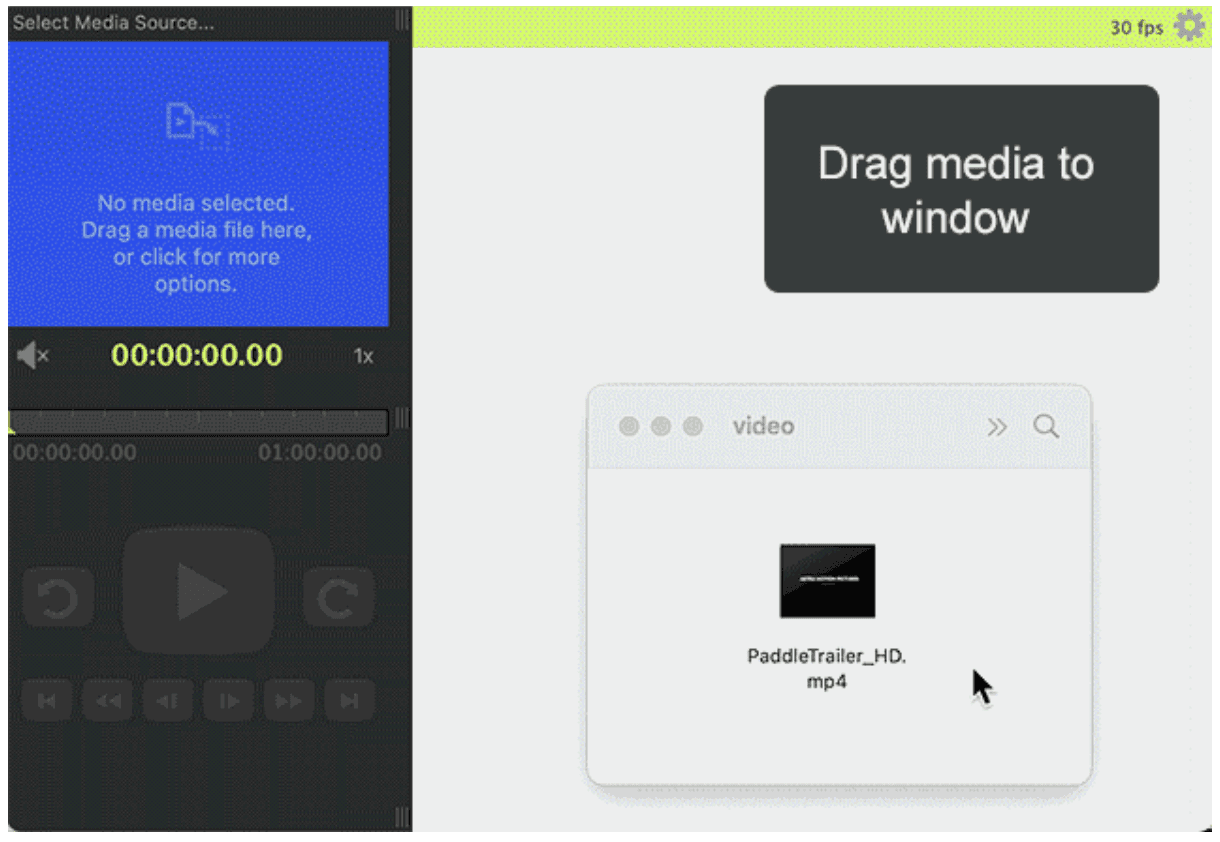
Audio and Video Compatibility: Supports MP3, MP4, M4A, MOV, WAV, OGG, YouTube links, and more.
Pricing
Free: 3 transcripts daily (up to 30 minutes each) with standard priority.
Unlimited: $10/month (billed yearly at $120); includes unlimited transcriptions, 10-hour uploads, and highest priority processing.
Pros
Fast transcription turnaround
Simple workflow (upload → transcript)
No limits on total monthly minutes
Cons
Lacks built-in AI study note generators
No mobile app for recording classes
Accuracy is inconsistent for complex audio
Choosing the right transcription tool depends on whether you attend classes in person, online, or via video. If you want a solution that prioritizes security and deep academic insights, you should consider WhisperTranscribe.
WhisperTranscribe provides accurate, fast, and secure transcription specifically designed for students and educators. With features like multi-speaker detection, multilingual support, and AI-generated summaries, it simplifies note-taking and helps you focus on learning rather than typing.
No credit card needed.