
Your best insights should not stay buried inside long group recordings. WhisperTranscribe converts focus group sessions into clear, searchable transcripts with speaker recognition and support for 55+ languages. Now, you can spot patterns, pull quotes, and review participant feedback without watching the entire session again.
No credit card needed.


Trusted by 12,700+ customers









Focus Group Transcription for Richer Research Analysis


Turn Group Discussions Into Searchable Research Data
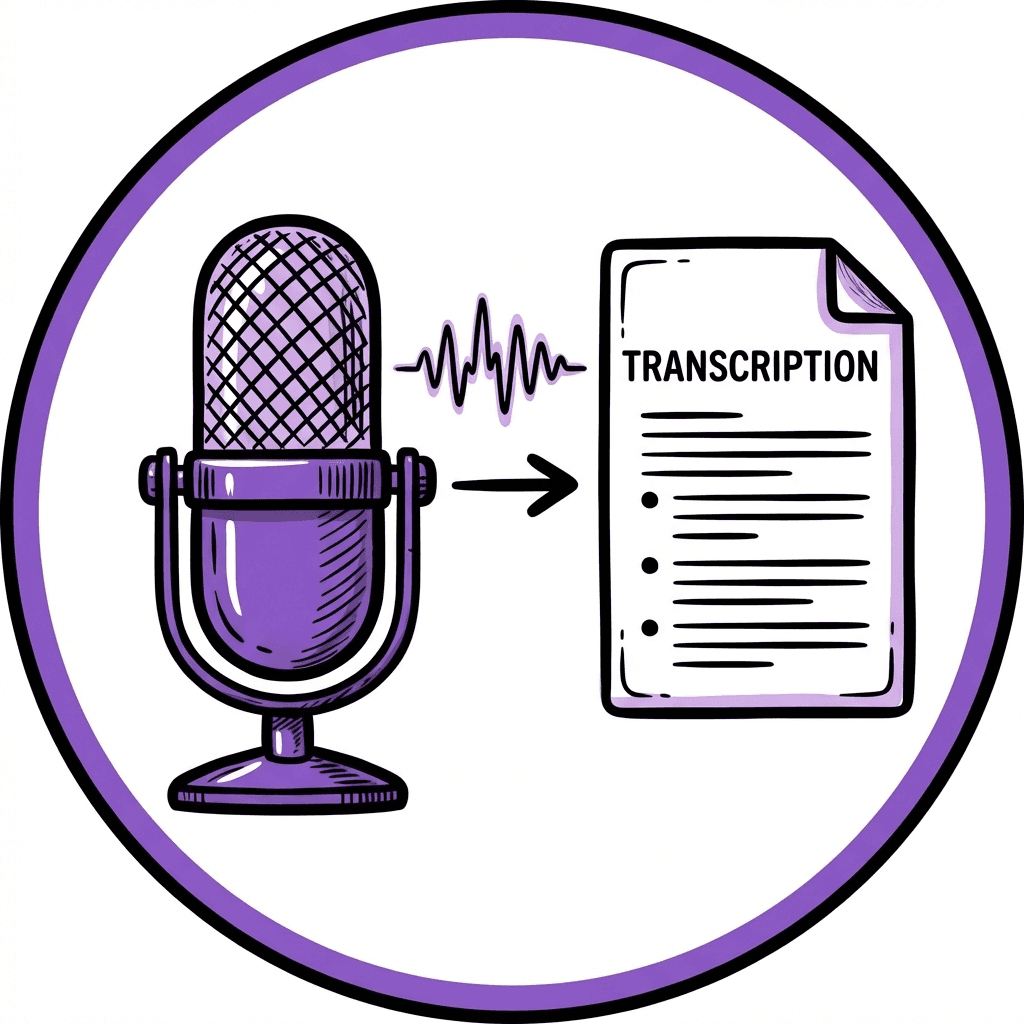
Upload your focus group recording to WhisperTranscribe and get a clean, searchable transcript for review, coding, and analysis. Find key comments, themes, reactions, objections, and standout quotes without replaying the full session.

95% Transcription Accuracy
Focus groups can get messy, with interruptions, fast responses, and overlapping voices. WhisperTranscribe turns them into accurate, readable transcripts for customer research, product feedback, UX studies, market testing, academic research, and brand analysis.
Separate Participant Feedback With Speaker Labels
WhisperTranscribe labels speakers automatically, so each participant's input is easier to follow. Organize responses, compare different viewpoints, separate recurring concerns, and trace standout quotes back to the right participant.

Transcription in 55+ Languages
Research does not always happen in one language. WhisperTranscribe supports transcription in 55+ languages and translation into 99+ languages, helping teams analyze multilingual focus groups, regional studies, international customer interviews, and cross-market research without losing important context.

Find Themes and Participant Quotes Faster
Focus group analysis often means digging through hours of discussion to find recurring opinions, standout quotes, objections, and emotional reactions. WhisperTranscribe makes transcripts searchable. With Magic Chat, you can quickly surface themes, compare participant responses, and identify key insights without manually reviewing every conversation.
Step 1: Upload Your Focus Group Recording
Add your focus group recording to WhisperTranscribe after the session ends. You can upload recordings from customer research sessions, UX studies, academic research, market testing, or moderated group interviews.

Step 2: Set Up the Transcript
Choose the session language, enable multilingual transcription when needed, and turn on speaker recognition. This helps WhisperTranscribe separate participant voices and make the transcript easier to review and analyze.

Step 3: Let the AI Transcribe the Discussion
Click "Transcribe Now" and WhisperTranscribe will turn your focus group recording into clear, readable text. It can handle long discussions, multiple participants, different accents, overlapping comments, and background noise, so you can focus on analyzing responses instead of typing notes manually.

Step 4: Review, Refine, and Export
Check the transcript, make quick edits, and export it as TXT, Word, SRT, or VTT. Use it for research notes, coding, quote extraction, client reports, summaries, presentations, captions, or team review.
From Focus Group Recordings to Research-Ready Insights
Once transcribed, your focus group recording becomes easier to review and analyze. Pull quotes, compare responses, spot themes, and prepare findings without rewatching the full session.
You can use your transcript to create:
Customer insight summaries from group discussions
Theme lists for recurring opinions, needs, and objections
Quote banks for reports, presentations, and case studies
Product feedback notes from testing or concept validation sessions
UX research findings from moderated user discussions
Market research reports for client or stakeholder review
Academic research notes for coding, analysis, and documentation
With Magic Chat, you can also ask questions directly from your transcript. Find the participant quote, recurring theme, objection, product reaction, emotional cue, or key research takeaway you need without scanning the entire discussion manually.

What Our Customers Are Saying


Market Research Teams
Turn group discussions into searchable transcripts for analysis, reports, and client deliverables. Capture opinions, motivations, objections, and recurring themes without relying on rough notes.

UX Research Teams
Transcribe user discussions, concept tests, and usability feedback sessions. Find frustrations, feature reactions, and experience patterns faster.

Product and Marketing Teams
See how people respond to products, campaigns, messaging, or positioning. Pull quotes, compare reactions, and spot the language customers use.

Academic Researchers
Convert group interviews into structured transcripts for coding, analysis, and documentation. Speaker labels help separate participant contributions clearly.

Agencies and Consultants
Create source material for reports, presentations, strategy decks, and insight summaries. Find standout quotes, concerns, and themes without replaying the full recording.
Turn Focus Group Recordings Into Research-Ready Notes
How accurate is WhisperTranscribe for focus group recordings?
How do I use WhisperTranscribe for focus group transcription?
Can WhisperTranscribe identify different speakers?
Can I transcribe multilingual focus group discussions?
Can I transcribe both audio and video focus group recordings?
Can I use WhisperTranscribe for online and in-person focus groups?
Does WhisperTranscribe transcribe focus groups in real time?
Are my focus group recordings private?
Is there a limit on the file size I can upload for my focus group transcription?
What file types can I export my focus group transcript in?
