
Get High-Quality, Reliable MP4 Transcription with AI in Minutes
Convert your MP4 audio and video files into precise text in minutes. WhisperTranscribe’s AI-powered transcription ensures high-quality results, even with background noise. Perfect for creators, professionals, and businesses.
No credit card needed.


Trusted by 12,700+ customers
Trusted by Top Brands, Creators, And Professionals Worldwide









Quick Mp4 Transcription You Can Trust
Handles Mp4 And 20+ Other Formats
WhisperTranscribe supports a wide range of audio and video formats, including MP4, MOV, MP3, WAV, and M4A. You can also upload content directly from YouTube and Vimeo, streamlining the transcription process.

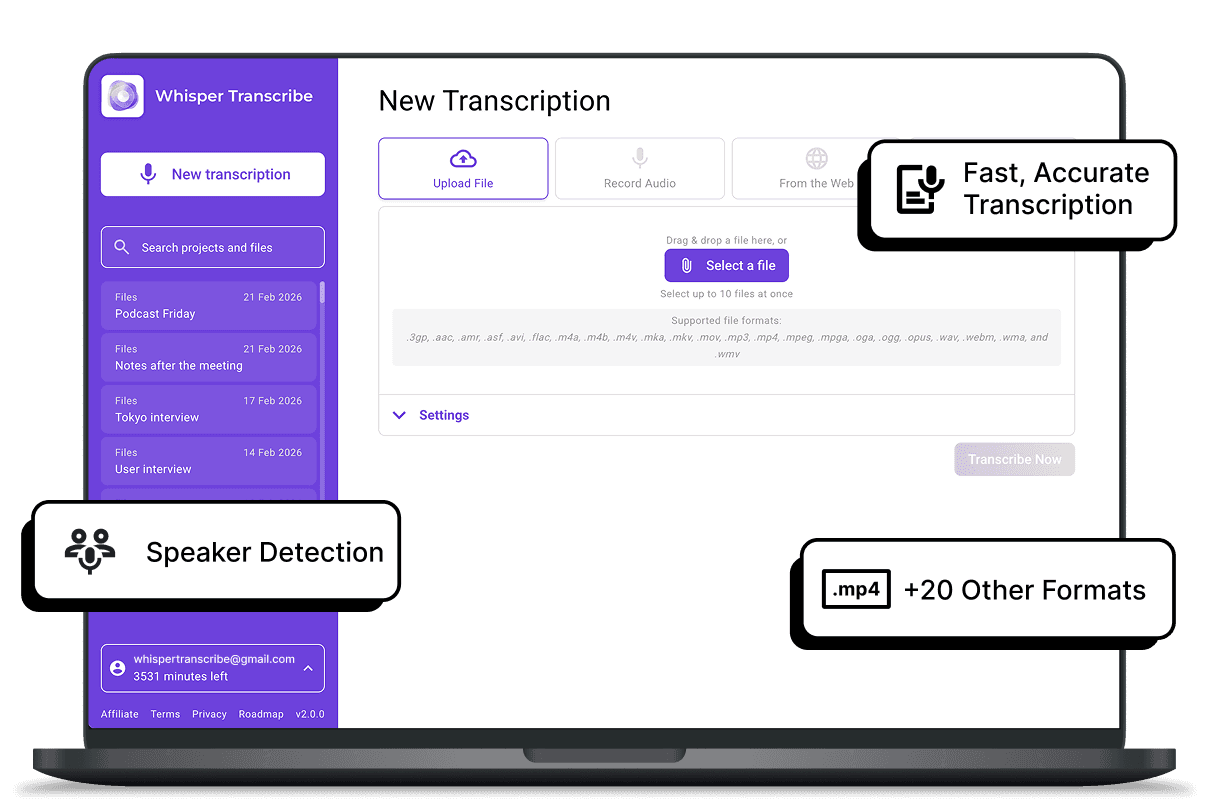
Fast, Accurate Transcription
With WhisperTranscribe’s AI, you get 95% accuracy for your MP4 transcriptions, even in noisy environments or with multiple speakers. Transcriptions are processed quickly, typically within minutes, making it ideal for creators on tight deadlines.

Speaker Detection For Mp4 Files
WhisperTranscribe’s speaker detection feature automatically identifies and labels different speakers in your MP4 files. This is especially helpful for interviews, podcasts, or meetings, ensuring clarity and making it easier to follow conversations.

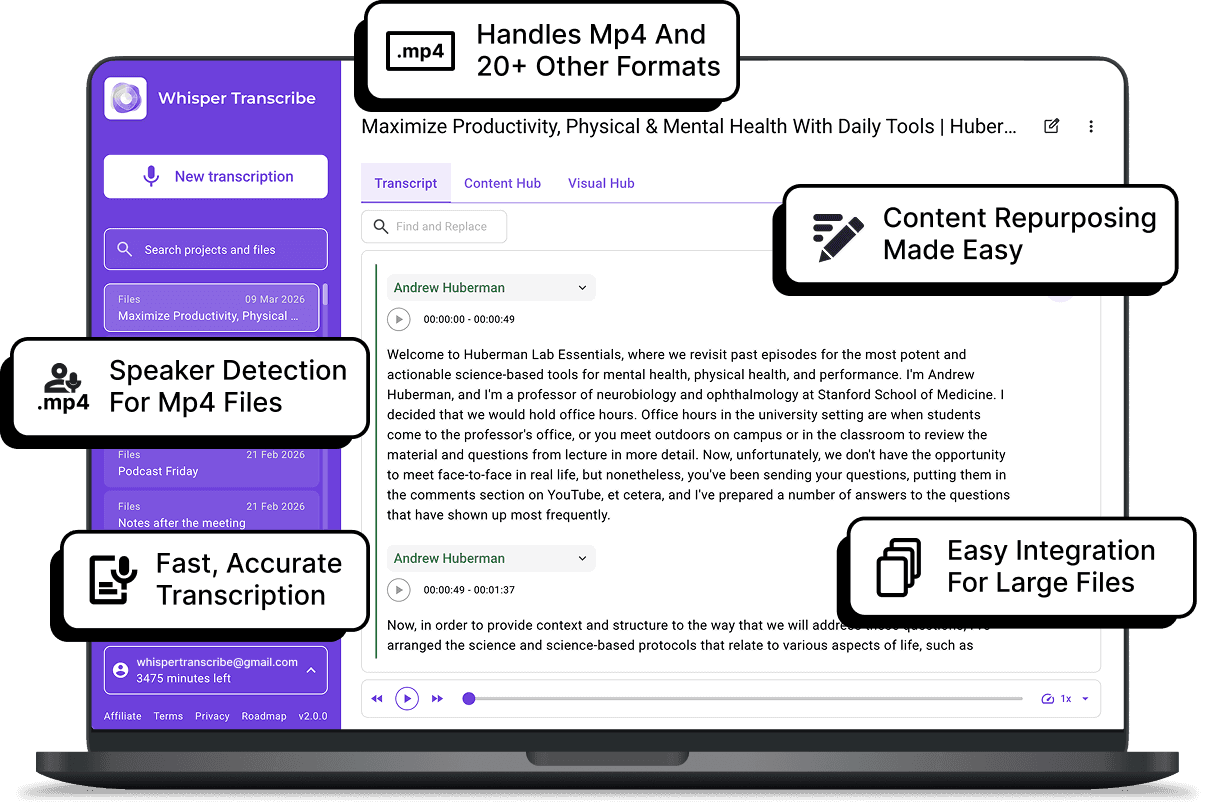
Easy Integration For Large Files
No need to split large files. WhisperTranscribe supports MP4 files up to 5GB without any hassle. This is perfect for long videos, interviews, and podcasts that need efficient transcription with no quality loss.

Content Repurposing Made Easy
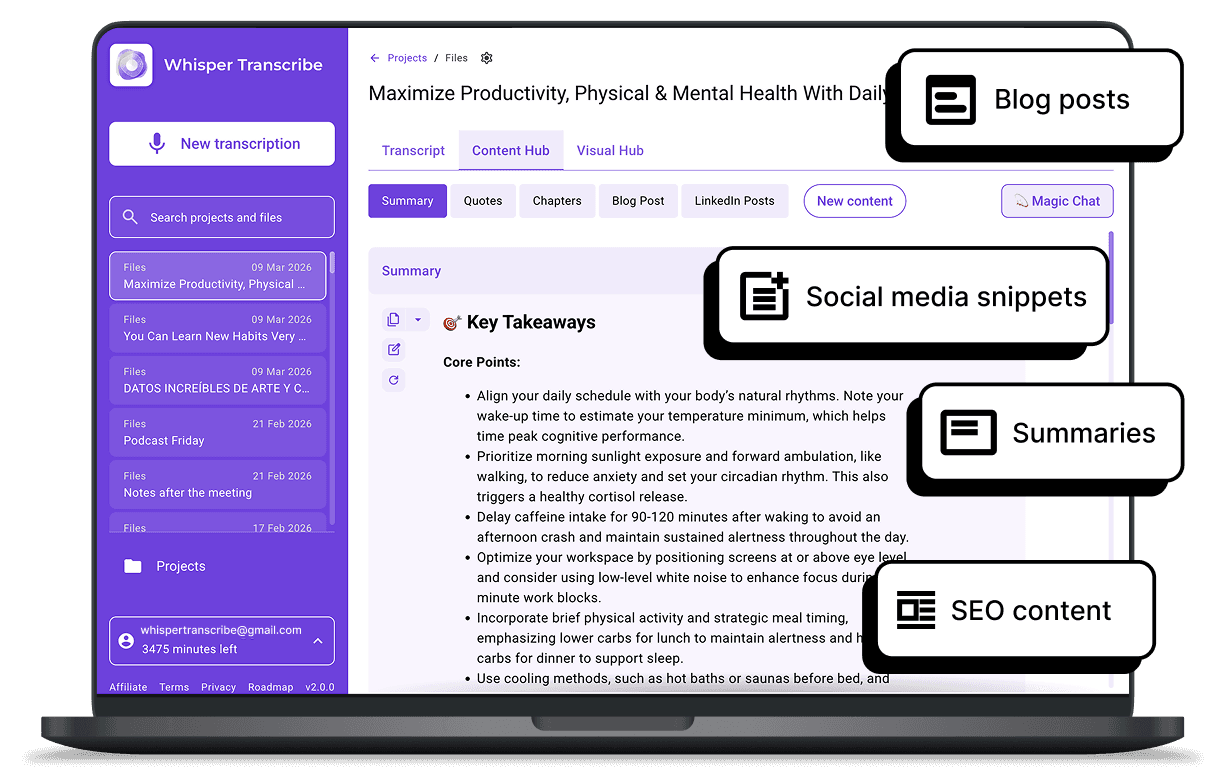
Transform your MP4 audio into blog posts, social media snippets, summaries, and more. WhisperTranscribe helps you create engaging content from your transcription, saving time and increasing productivity.

Step 1 - Upload Your MP4 File
Drag and drop your MP4 video or audio file into the app. You can also upload directly from YouTube or Vimeo.

Step 2 - Automatic Transcription
WhisperTranscribe’s AI-powered system automatically transcribes your MP4 content in minutes, ensuring high accuracy even with background noise or multiple speakers.
Step 3 - Review and Edit
Once your MP4 is transcribed, review and refine the text using the built-in editor. You can also use Magic Chat to quickly extract insights or clarify sections.

Step 4 - Export and Repurpose
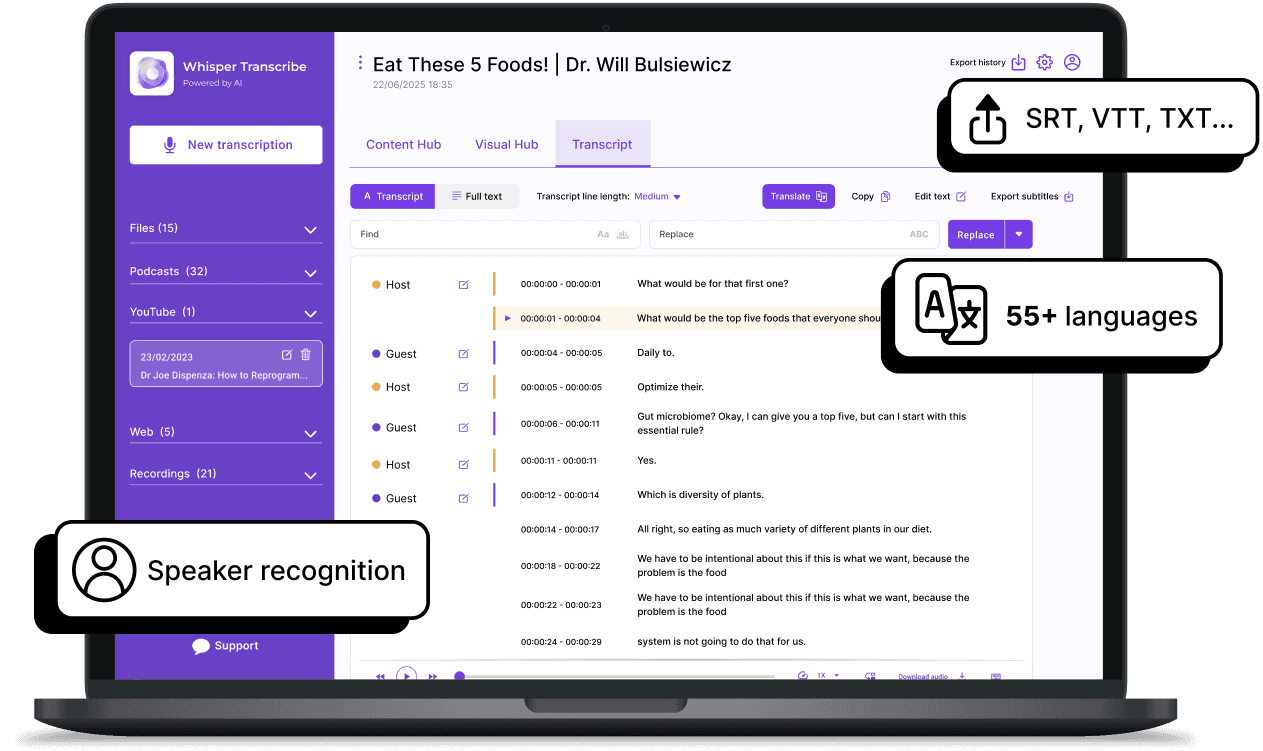
Download your transcription in formats like SRT, VTT, TXT, or Word. Then, repurpose the content into blog posts, social media snippets, and more.
Make Great Content Out Of Your Mp4 Transcripts
WhisperTranscribe goes beyond simple transcription by turning your MP4 audio and video into a range of content assets.

Blog posts: Generate long-form content directly from your MP4 transcript.
Social media posts: Extract key quotes or moments for Twitter, LinkedIn, or Instagram.
Summaries: Quickly create concise summaries for newsletters or reports.
SEO-friendly content: Repurpose your transcription into content optimized for search engines.
With our Magic Chat feature, you can ask questions about your MP4 transcript and instantly get new content ideas or insights.
See What Our Users Say



Podcasters and Content Creators
Transcribe your MP4 episodes for show notes, SEO, and blog posts. Enhance content reach and engagement across multiple platforms.

Journalists and Documentarians
Transcribe hours of MP4 footage, extract key quotes, identify speakers, and create subtitles for your interviews or documentaries.

Marketers and Social Media Managers
Repurpose MP4 recordings into social media posts, summaries, and SEO content to maximize audience interaction and drive traffic.

Educators and Trainers
Convert lecture recordings, training videos, and webinars into editable text, making learning materials more accessible and organized.

Businesses and Enterprises
Transcribe meetings, webinars, and client calls in MP4 format for easy documentation, review, and follow-up, improving internal communication and knowledge management.
Experience Fast Mp4 Transcription With Whisper AI Today
WhisperTranscribe offers fast, reliable MP4 transcription to help you create valuable content effortlessly. No setup, no hassle.
Frequently Asked Questions (FAQs)
How do I transcribe MP4 files with WhisperTranscribe?
How accurate is MP4 transcription with WhisperTranscribe?
Can I transcribe MP4 audio with different accents?
How long does it take to transcribe an MP4 file?
Can I edit my MP4 transcription after it's completed?
Can WhisperTranscribe detect multiple speakers in MP4 files?
Can I translate my MP4 transcription into other languages?
Does WhisperTranscribe support large MP4 files?
Is MP4 transcription available for both Mac and Windows?
How does WhisperTranscribe handle noisy MP4 recordings?
Can I repurpose MP4 transcriptions for content creation?
