
Multilingual Transcription Software for Accurate, Fast Results
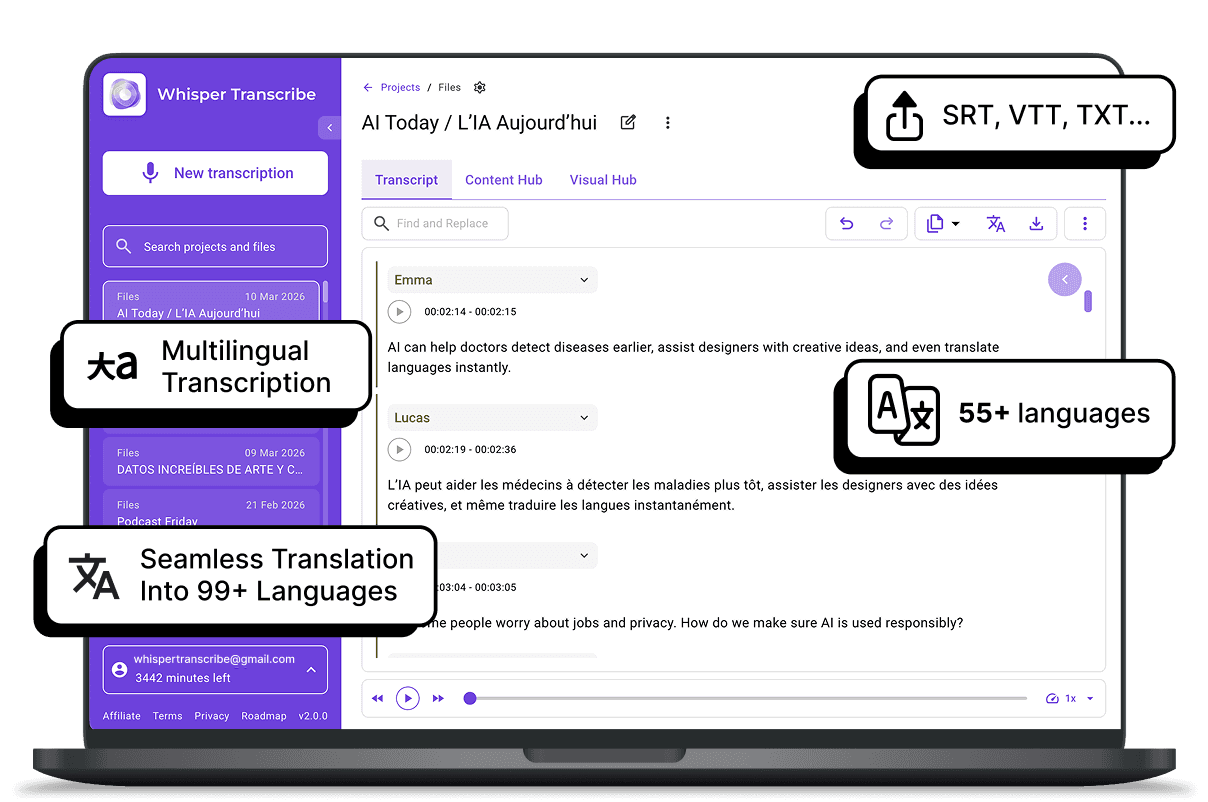
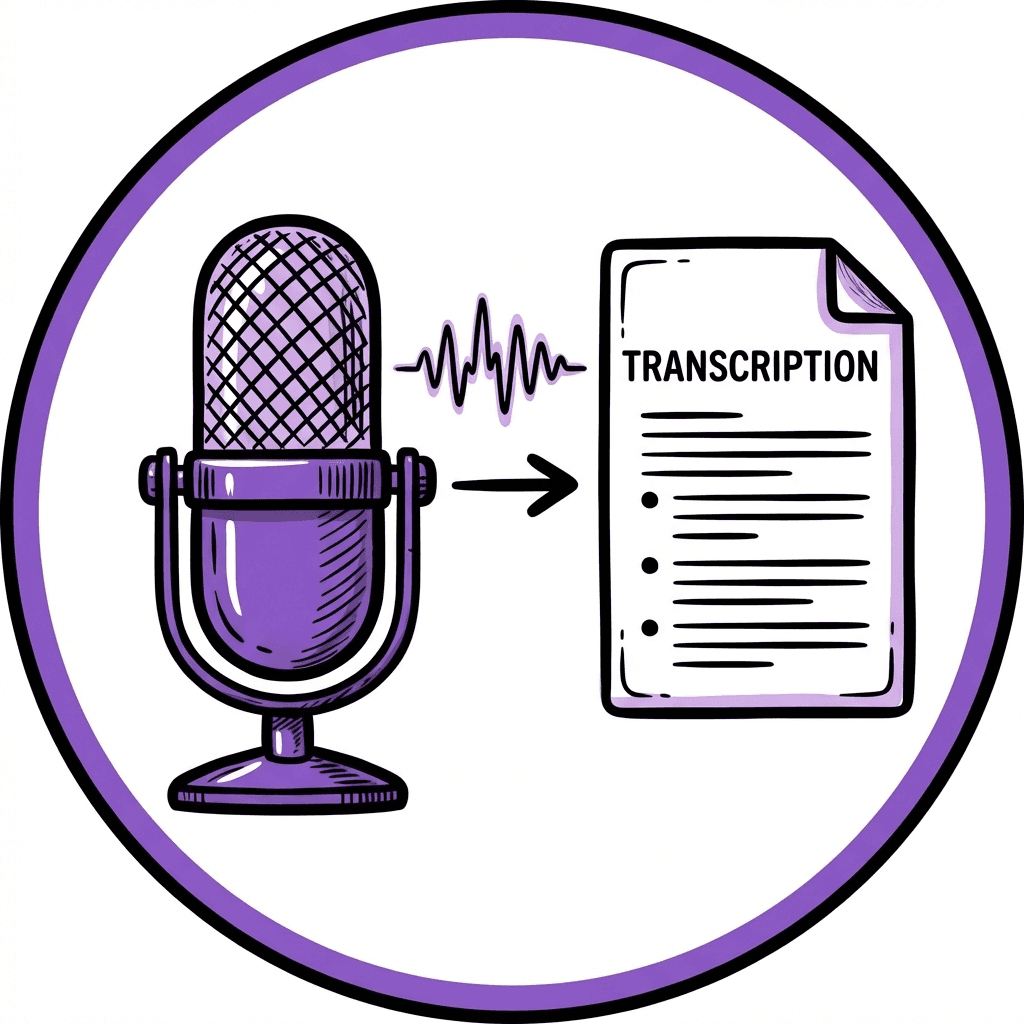
WhisperTranscribe transforms your audio and video into text, supporting 55+ languages. Get high-quality transcriptions with accurate speaker recognition and flexible export options, all with complete privacy and control.
No credit card needed.


Trusted by 12,700+ customers
Used by Content Creators, Researchers, and Businesses in 55+ Countries









Get Accurate Multilingual Transcripts In Minutes
Unlock powerful transcription tools designed to break language barriers and boost your productivity

High Accuracy In 55+ Languages
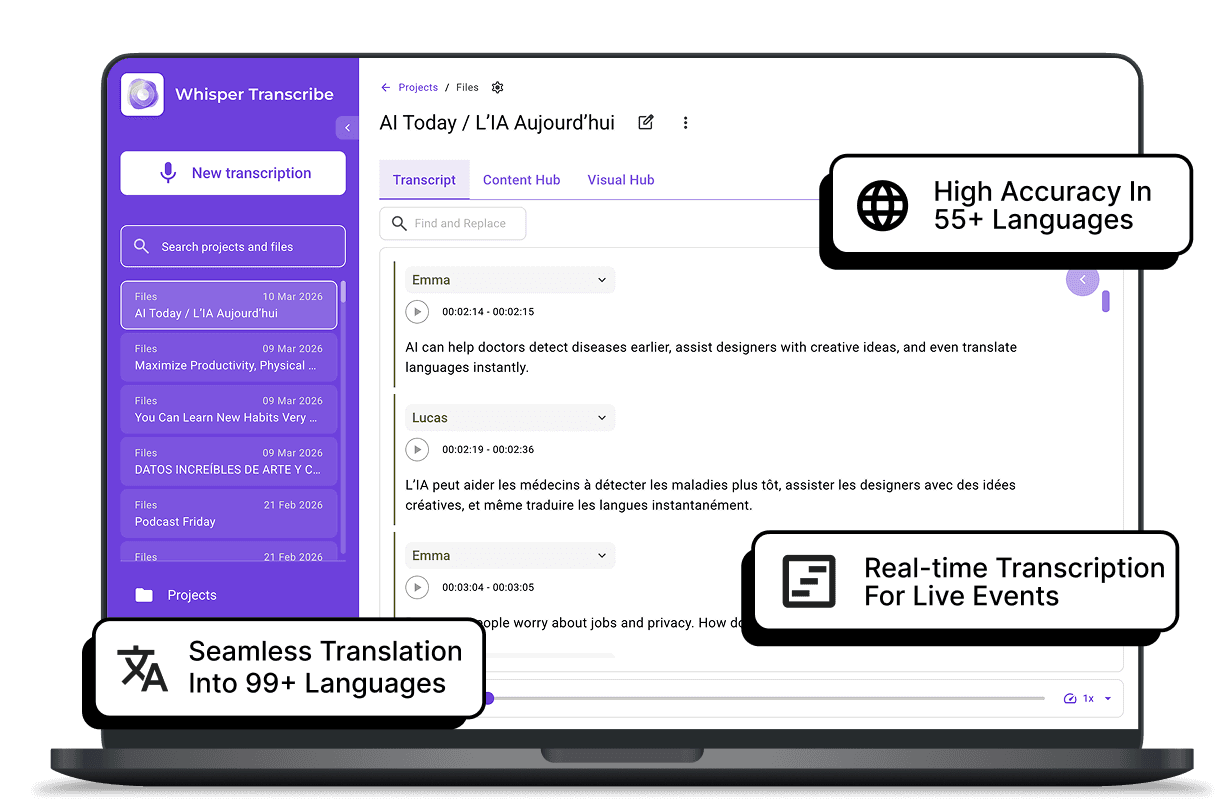
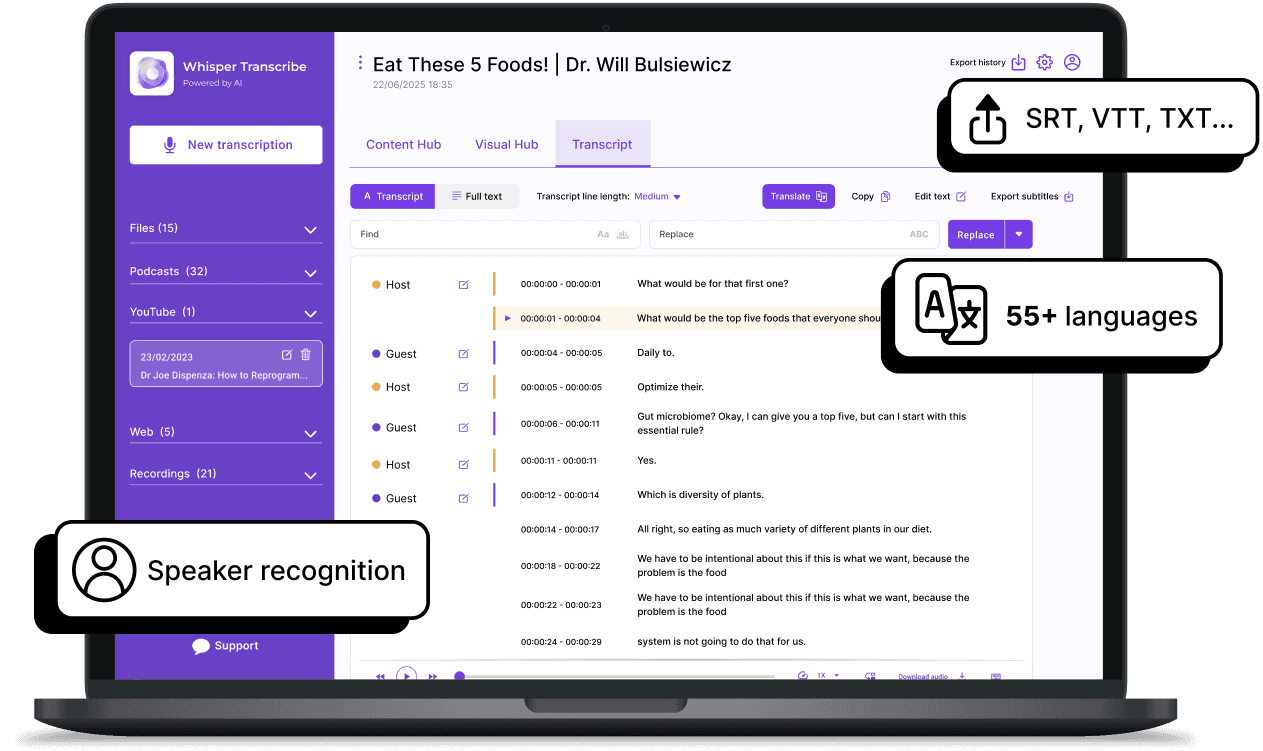
WhisperTranscribe delivers highly accurate transcriptions, even in complex languages and accents. Whether you’re transcribing in Spanish, Mandarin, or any of 55+ supported languages, WhisperTranscribe ensures precision, saving you time and effort in manual corrections.

Automatic Speaker Recognition
No more confusing who said what. WhisperTranscribe's AI automatically identifies and tags different speakers. This helps to create clean, organized transcripts that are easy to read and follow, perfect for multilingual content with multiple speakers.

Seamless Translation to 99+ Languages
Not only can you transcribe in 55+ languages, but WhisperTranscribe also allows you to translate your transcripts into 99+ languages. Maintain speaker labels, timing, and formatting while reaching a global audience effortlessly.
Manual transcription or using outdated tools leads to frustration. Missed words, unrecognized speakers, and long hours spent on tedious tasks only slow down your workflow. Creators need a solution that not only transcribes with accuracy but also helps them make the most of their content quickly and easily.

Step 1: Upload Your Audio or Video
Easily upload your audio or video files in any supported format, or paste a YouTube or podcast link. WhisperTranscribe supports a wide range of media, so you can get started instantly.
Step 2: Choose Your Language and Settings
Select the language(s) you need for transcription, whether it's one language or multiple. WhisperTranscribe supports 55+ languages, and you can customize speaker recognition and timestamping.

Step 3: Let AI do the Work
Our advanced AI transcribes your content in real-time or batch processing, capturing multiple languages with precision, even in noisy environments or with heavy accents.

Step 4: Export and Use
Once your transcript is ready, export it in your desired format (SRT, VTT, TXT, or Word) for seamless integration into your workflow, whether it’s for subtitles, content creation, or reports.
Repurpose Your Transcripts Into Valuable Content With WhisperTranscribe
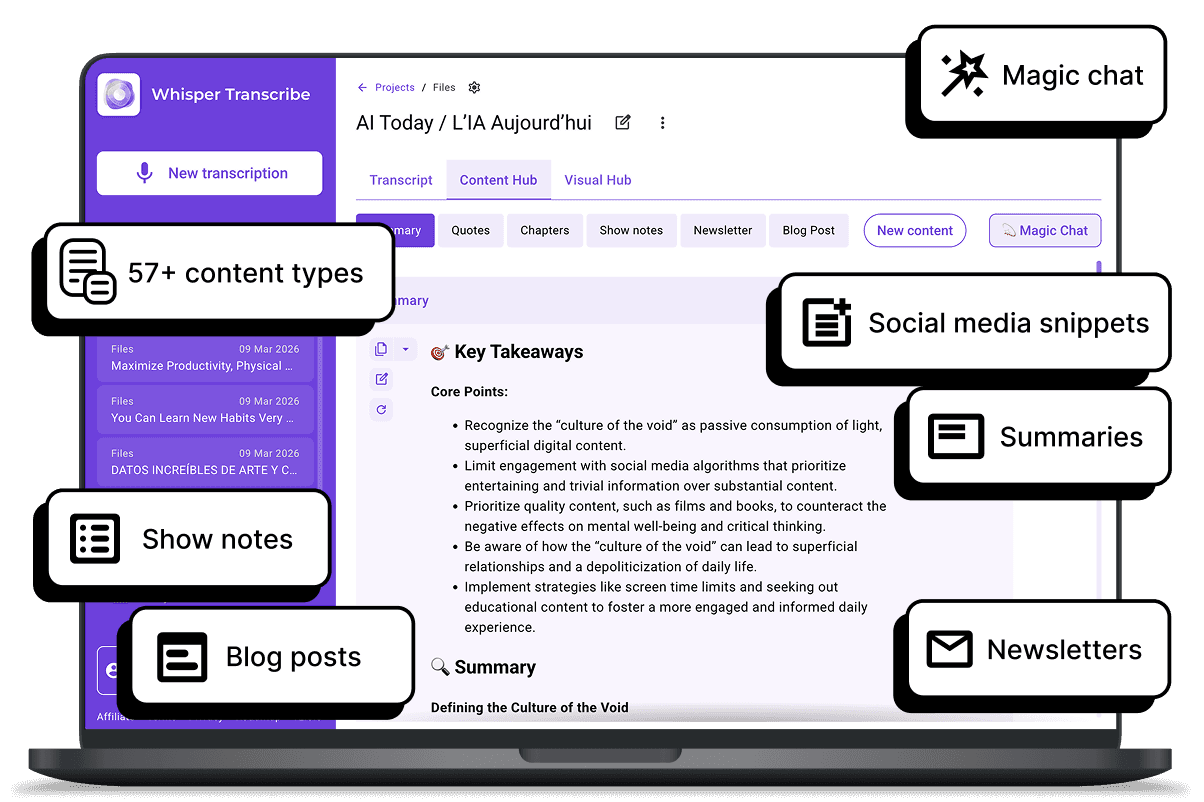
WhisperTranscribe stands out by not only transcribing but also helping you repurpose your content into a wide variety of formats. Unlike basic transcription tools, we offer AI-driven content generation that allows you to quickly create:

Detailed summaries for key insights
Engaging show notes for podcasts or videos
In-depth blog posts to expand on topics
Attention-grabbing social media snippets
Informative newsletters to keep your audience engaged
Plus, with our Magic Chat feature, you can interact with your transcript by asking questions or extracting specific insights, making it easier to generate targeted content quickly.
What Our Customers are Saying
What our customers say:
Start Transcribing in 55+ Languages Today
Experience the power of WhisperTranscribe’s accurate, fast, and secure multilingual transcription. Transform your audio into valuable content effortlessly.
Frequently Asked Questions (FAQs)
What is the best software for transcription?
What is multilingual transcription?
How does WhisperTranscribe support multilingual transcription?
Which languages does WhisperTranscribe support for transcription?
How accurate is WhisperTranscribe’s multilingual transcription?
Can WhisperTranscribe transcribe audio with multiple languages in one file?
Can I translate my transcript into other languages with WhisperTranscribe?
How does WhisperTranscribe handle speaker identification in multilingual content?
Can WhisperTranscribe be used for live multilingual transcription?
What formats can I export my multilingual transcript to?
