
Turn your podcast episodes into high-quality text in minutes. WhisperTranscribe uses AI to remove background noise and interpret accents, giving you 95% accuracy every time. Easily get high quality transcripts, summaries, blog posts, and social media content out of your episodes.
No credit card needed.


Trusted by 12,700+ customers
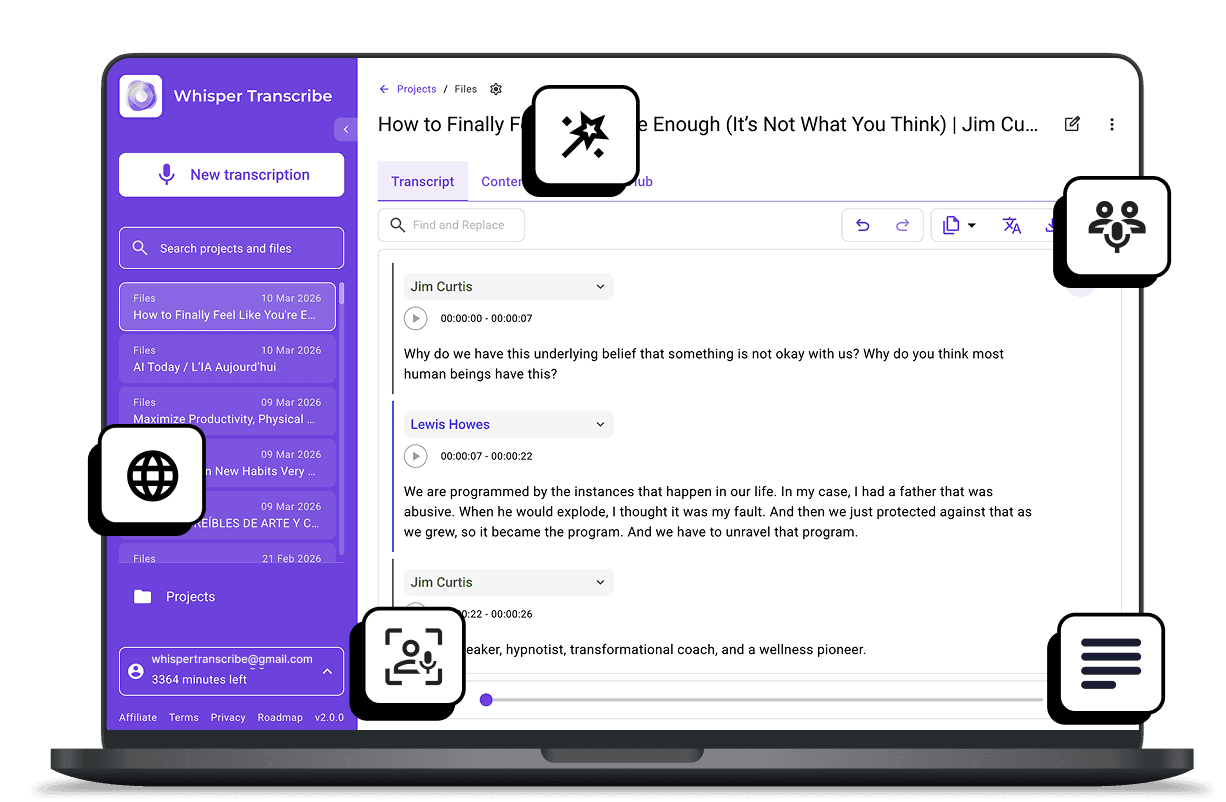
Trusted by Podcast Creators and Teams Worldwide









Everything You Need to Transcribe and Repurpose Podcasts
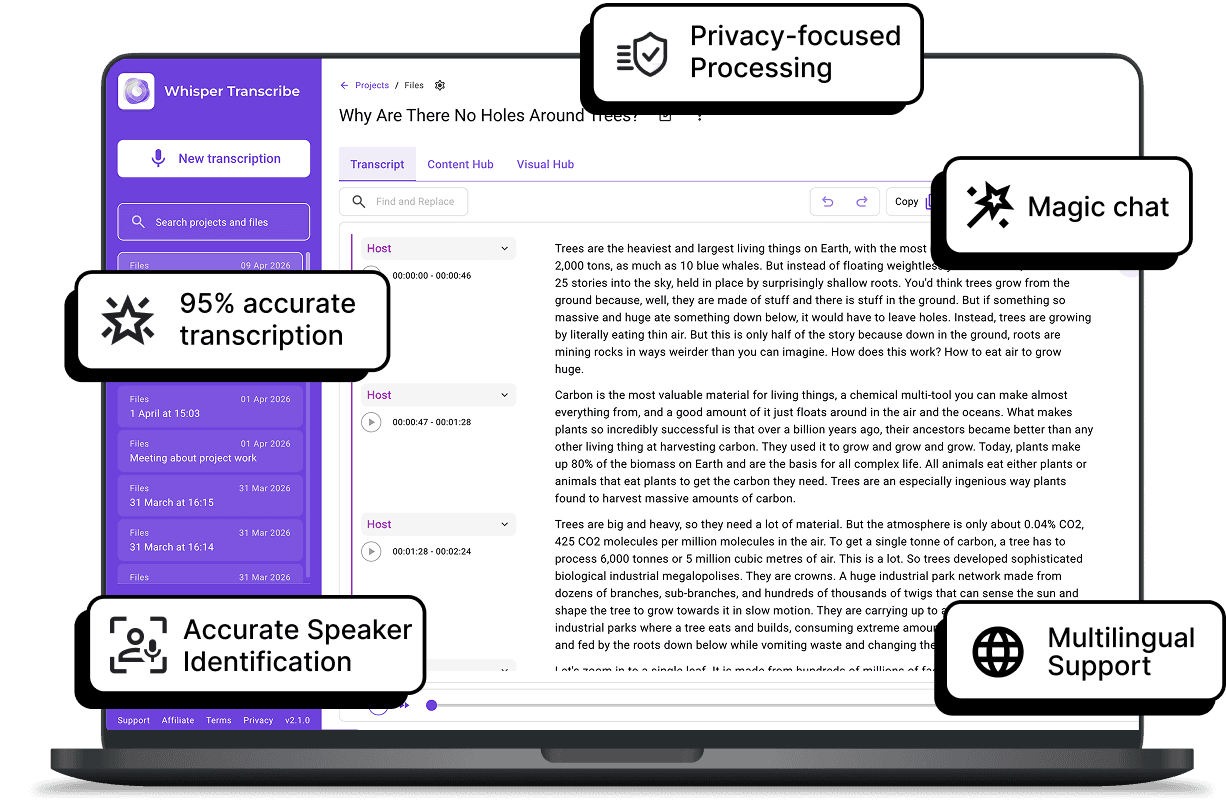

95% Accurate AI Podcast Transcription
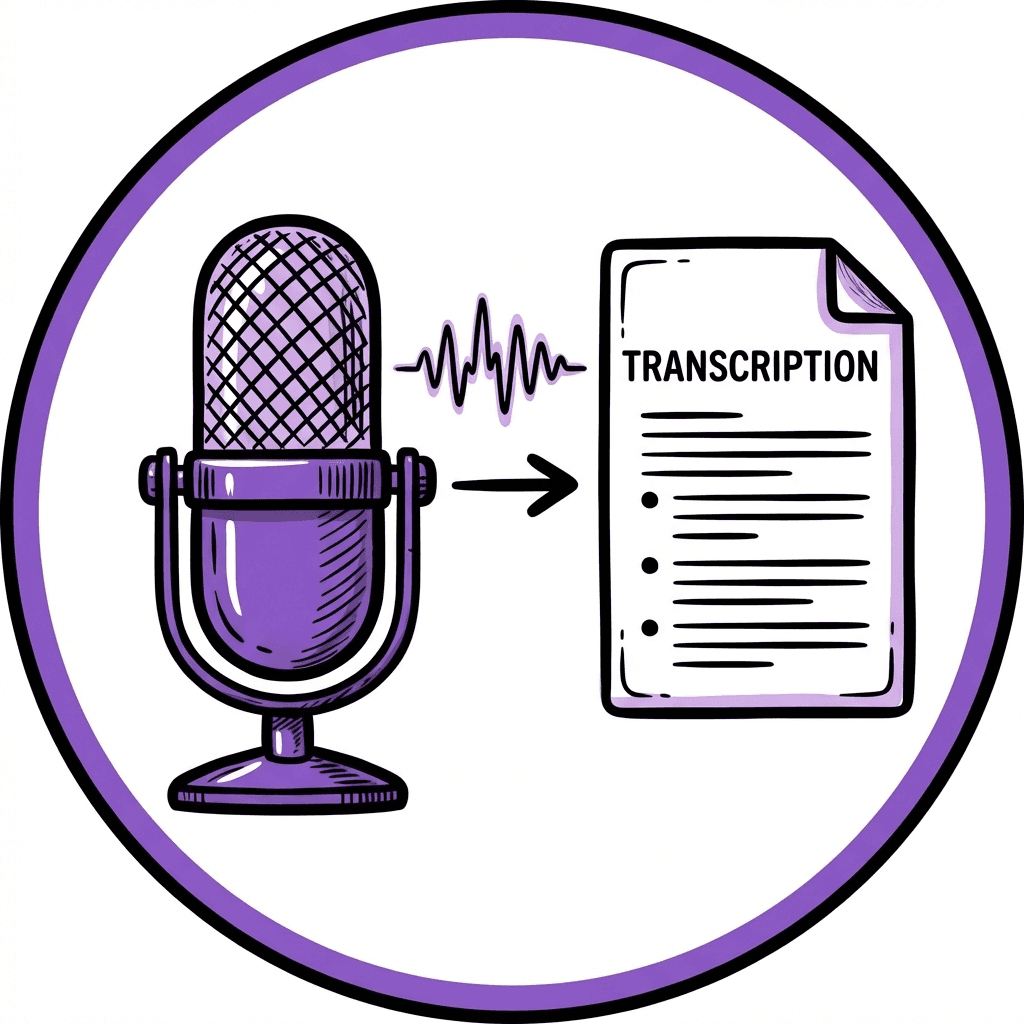
WhisperTranscribe turns your podcast audio into text with ~95% accuracy. It handles accents, background noise, and even tricky recordings, so you spend less time fixing errors and more time focusing on content creation.

Automatic Speaker Identification
Stop guessing who said what. Our AI transcription tool detects different voices and labels them automatically. You get a clean, structured transcript that clearly shows the flow of your interviews and group conversations.

Global Language Support
Transcribe your podcast audios in over 55 languages and translate your final text into 99+ languages. WhisperTranscribe’s global language support helps you reach listeners anywhere in the world with just a few clicks.

Magic Chat for Insights
Skip hours of re‑listening to get specific details in your podcast episodes. Ask questions about your episode, pull key quotes, summarize discussions, or highlight key moments in seconds. It’s like having an assistant who has read every word.

Flexible Export Options
Get your podcast transcripts in SRT, VTT, TXT, or Word formats. Whether you need show notes, captions, blog posts, or client deliverables, WhisperTranscribe gives you perfectly formatted files that are ready to use.
Step 1: Upload or Record Your Episode
Drag and drop your audio or video file, or select up to 10 files at once. Record directly using your microphone or capture meetings from Google Meet, Zoom, Teams, Slack, and more. You can also paste YouTube or Vimeo links or search podcasts by title, host, or RSS feed.

Step 2: Set Your Preferences
Name your transcription, choose where to save it, select the primary language, and turn on speaker recognition for multiple voices. WhisperTranscribe supports 55+ languages, making it ideal for multilingual podcasts.

Step 3: Let AI Work Its Magic
Click “Transcribe Now” and let WhisperTranscribe handle the rest. It delivers ~95% accurate transcripts, handling accents, background noise, and multiple speakers.
Step 4: Export or Repurpose
Your podcast’s transcription is ready. Export it in formats like SRT, TXT, or Word. You can now use your text for blog posts, show notes, or subtitles.
Maximize the Value of Every Episode
WhisperTranscribe does more than just create transcripts. Every episode can become a toolkit of content, helping you reach more listeners, save hours, and maintain your unique voice.
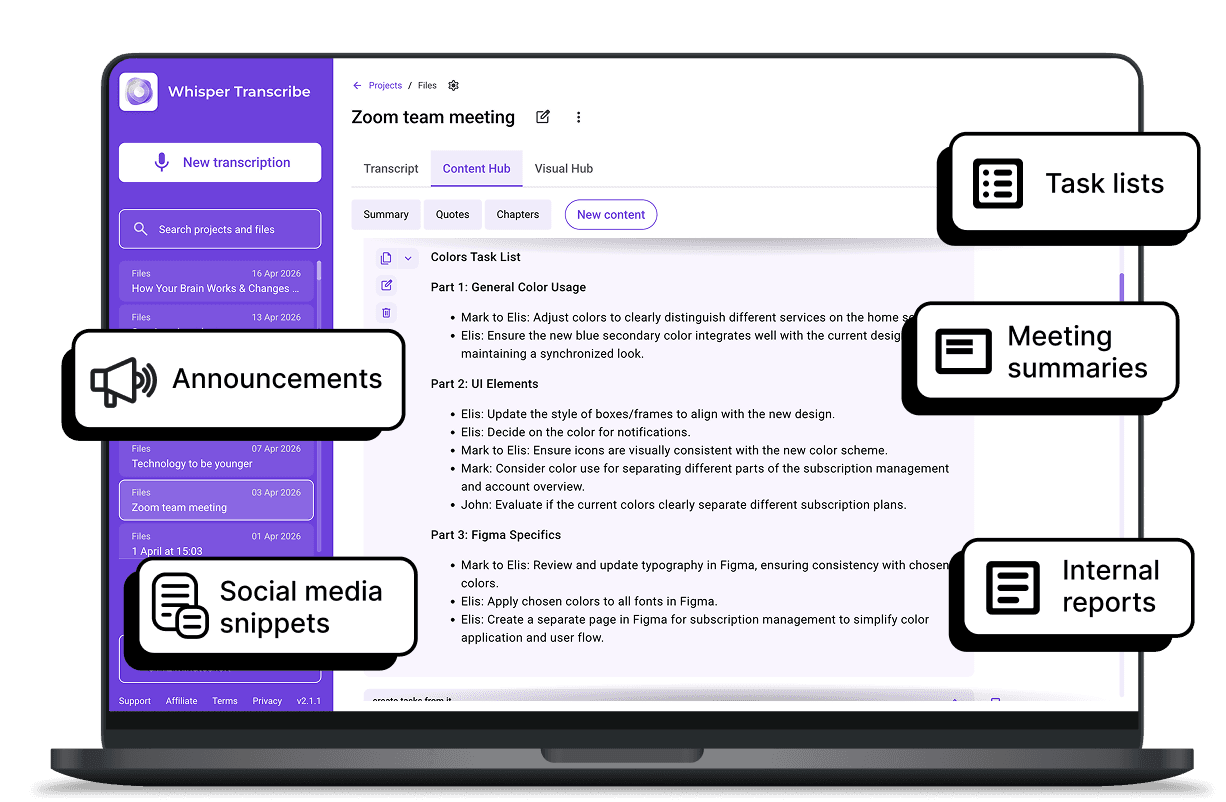
With Magic Chat, you can ask questions about your transcript, pull quotes, or summarize key discussions without re‑listening. Then, instantly generate content from your transcript, including:

Blog posts and newsletters
Social media snippets for TikTok, YouTube, and LinkedIn
Show notes and summaries
Reports and research insights
Optimized clips highlighting key moments
Transform a single podcast episode into 50+ ready-to-use content pieces, all while keeping your style and messaging consistent.
What Our Users Are Saying



Independent Podcasters
Save hours of work. Automatically generate show notes, blog posts, and social media captions from your latest episode.

Podcast Agencies
Scale your production. Use bulk uploading to manage dozens of podcasts at once, ensuring consistent quality across every client show.

Digital Marketers
Extract actionable insights using Magic Chat. Pull quotes and summaries to feed your content calendar.

Journalists and Interviewers
Capture every detail. Get accurate transcripts of long-form interviews that you can quote instantly.

Educators and Researchers
Make your lectures accessible. Turn seminars into searchable, archived text for students.
Start Creating More Content From Your Episodes Today
How do I start transcribing my podcast with WhisperTranscribe?
How accurate is WhisperTranscribe for podcast transcription?
Can I transcribe podcasts in other languages?
Can WhisperTranscribe detect multiple speakers in podcast transcription?
What file formats can I export for podcast transcription?
Can I create content from my podcast transcript?
Can I import from YouTube or RSS?
Can I transcribe from a podcast library?
Is my content private?
Can I edit my podcast transcript?
