
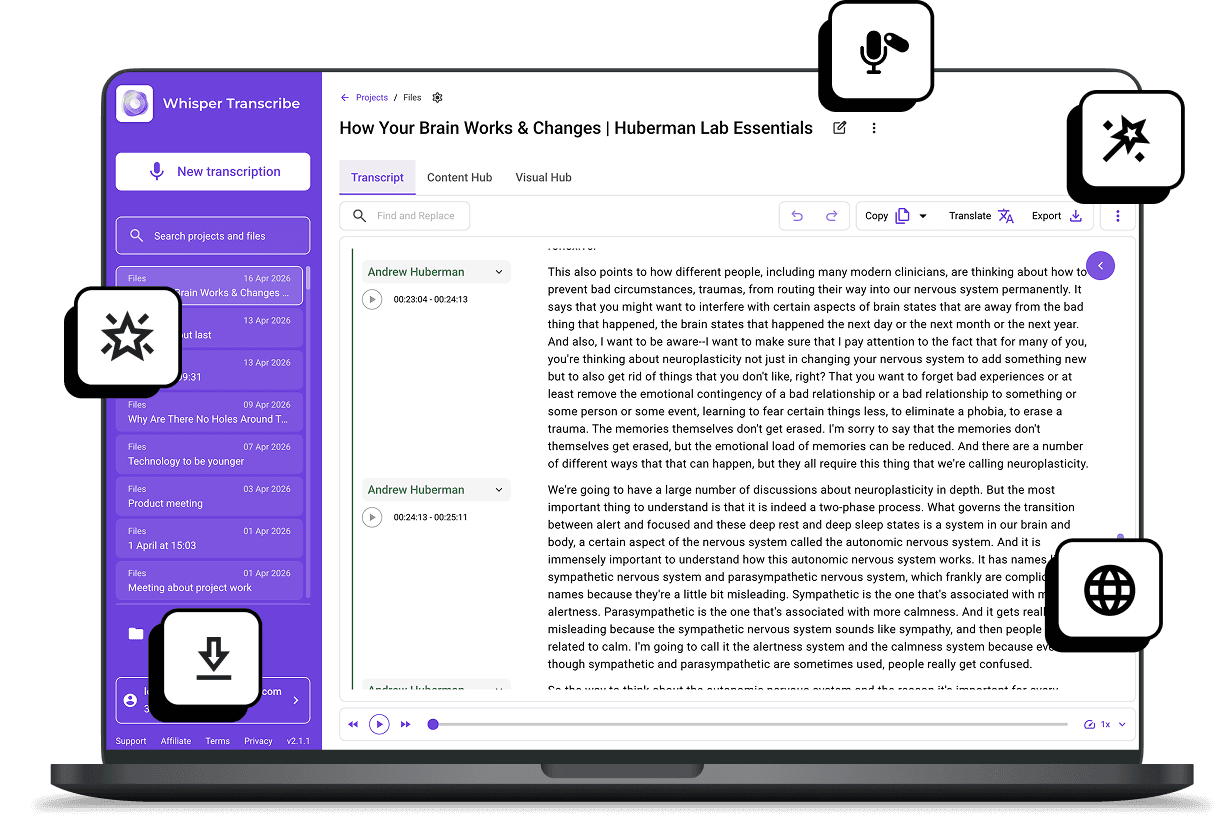
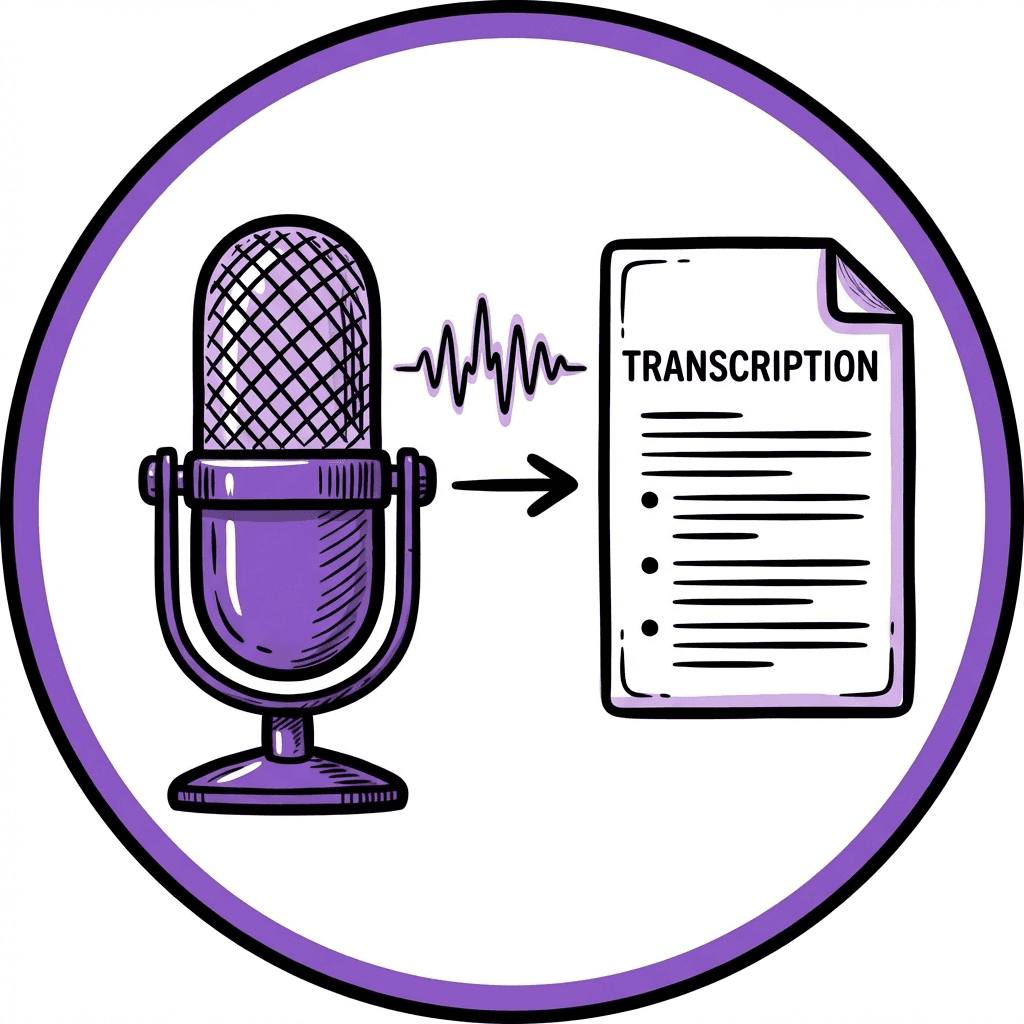
Still spending hours writing out research data manually? WhisperTranscribe's research transcription tool converts interviews, focus groups, and field recordings into accurate transcripts. Spend less time typing and more time analyzing findings, uncovering insights, and making research actionable.
No credit card needed.


Trusted by 12,700+ customers
Trusted by Researchers and Analysts Worldwide







Features That Make Research Transcription Simple

High-Accuracy Transcription
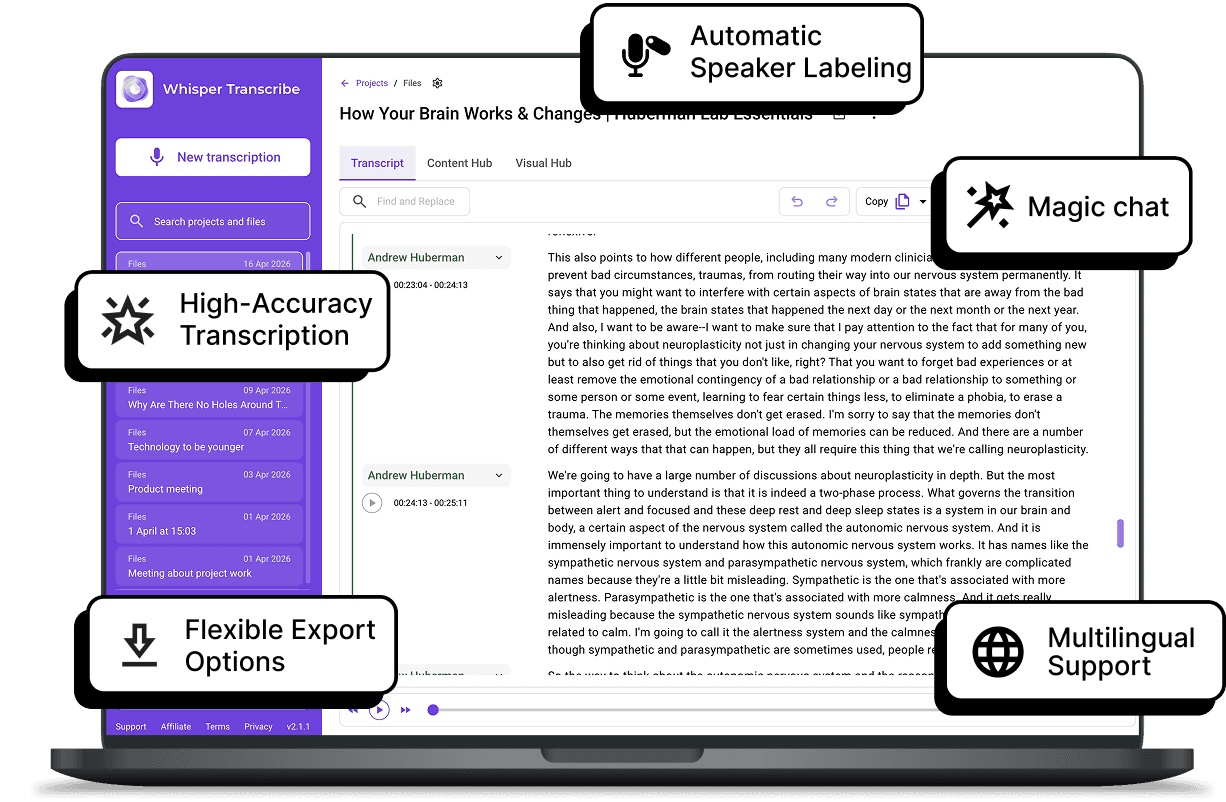
WhisperTranscribe delivers research transcriptions with ~95% accuracy, even with overlapping voices, background noise, or multiple speakers. Your research recordings become reliable, easy-to-analyze text, saving hours of manual writing or typing.
Automatic Speaker Labeling
Conducted interviews with multiple participants? Our AI automatically detects and tags each speaker, so you can see who said what at a glance. This keeps responses organized and simplifies data analysis.

Multilingual Support
WhisperTranscribe supports transcription in 55+ languages and can translate transcripts into 99+ languages. Perfect for global research studies, multilingual participants, and international collaborations.

Flexible Export Options
Get your data in the format you need. Export transcripts in Word, TXT, SRT, or VTT formats. Seamlessly integrate transcripts into analysis software, research reports, or presentations without extra formatting work.

Magic Chat for Analysis
Don't waste time re-listening to hours of audio. Ask our Magic Chat questions about your transcript, summarize complex responses, or pull specific themes instantly. It is the fastest way to extract findings and maintain your project momentum.
Step 1: Upload or Record Your Research Audio
Drag and drop your research audio or video file, select multiple files at once, or record directly using a microphone. You can also capture interviews from Zoom, Teams, Google Meet, or Slack.

Step 2: Set Your Preferences
Name your research transcription, choose where it will be saved, select the primary language, and turn on speaker recognition for multiple participants. WhisperTranscribe handles 55+ languages for global research.

Step 3: Let AI Work Its Magic
Click "Transcribe Now" and let WhisperTranscribe process your research recordings. It delivers clean, accurate transcripts, even with background noise, overlapping voices, or accents.
Step 4: Review, Edit, and Export
Once the research transcript is ready, review it in our editor and export in formats like Word, TXT, SRT, or VTT. Use your transcript for reports, analysis, or sharing insights with your team.
Maximize Your Research Data With WhisperTranscribe
Our research transcription tool does more than just write out your audio. It turns your raw recordings into ready-to-use research data.
Use your transcripts to instantly generate:

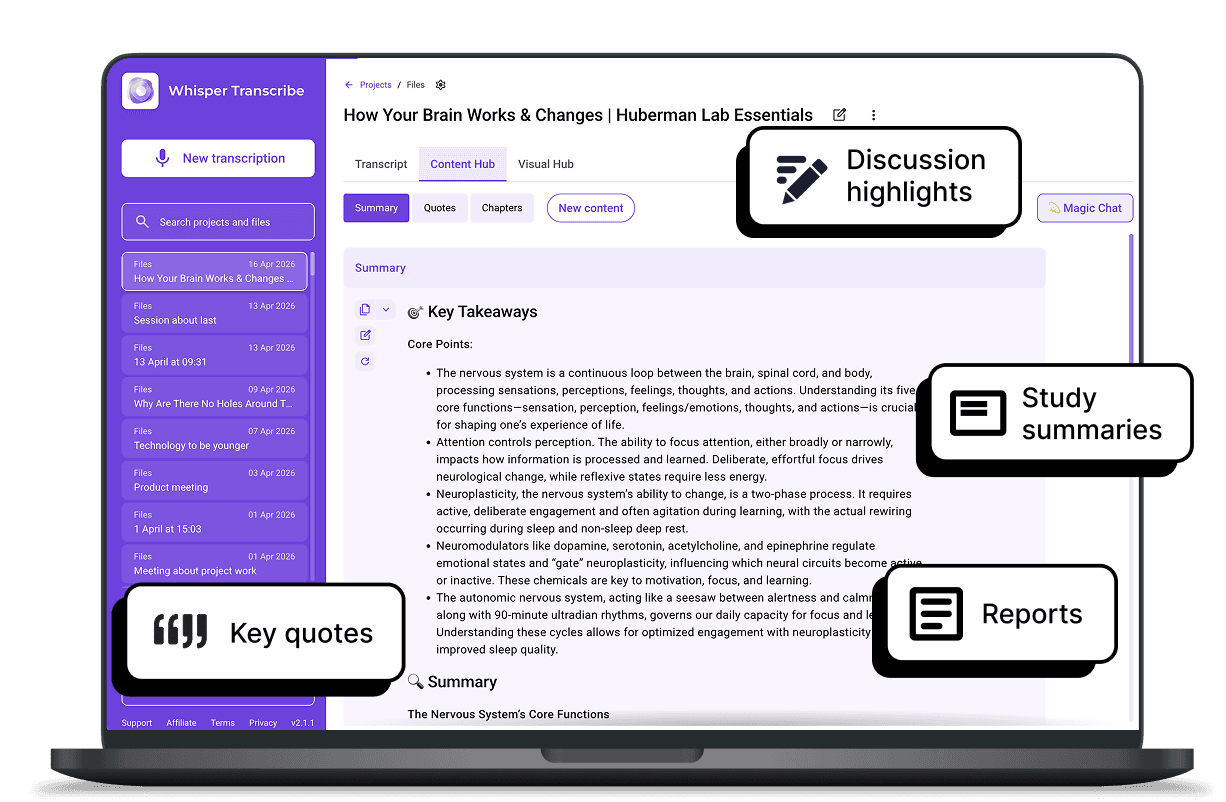
Study summaries and research notes
Key quotes and discussion highlights
Reports and presentations
Drafts of case studies based on interview feedback
Theme and pattern notes
For more insights, use our built-in Magic Chat to ask questions about your transcripts, pull important quotes, or summarize feedback, all without needing to re-listen to hours of audio.
What Our Customers Are Saying



Academic Researchers
Quickly convert interviews, focus groups, and field recordings into organized transcripts. Extract key insights and summarize findings without spending hours typing.

Market Researchers
Turn survey recordings and customer interviews into clear text. Analyze patterns, track responses, and generate reports efficiently.

Students and Study Groups
Capture lectures, group discussions, or study sessions. Generate summaries, notes, or presentations for easier review and collaboration.

Consultants and Analysts
Transcribe client meetings, interviews, and strategy sessions. Pull actionable insights and create polished reports for internal or client-facing use.

Nonprofits and Community Groups
Document interviews, testimonials, or discussions for research projects. Produce accessible and shareable transcripts for multilingual or diverse audiences.
What types of research recordings can I transcribe?
You can transcribe interviews, focus groups, field observations, case studies, surveys, and recorded discussions. WhisperTranscribe processes both audio and video files used in research projects.
How accurate is WhisperTranscribe for research transcription?
WhisperTranscribe delivers around 95% accuracy in most recordings. It handles multiple speakers, background noise, and different accents to produce reliable transcripts for research analysis.
Does WhisperTranscribe support multilingual research projects?
Yes. With Magic Chat, you can ask questions about your transcript, summarize responses, and identify themes without re-listening to the entire recording.
Can I analyze transcripts directly within the platform?
Yes. With Magic Chat, you can ask questions about your transcript, summarize responses, and identify themes without re-listening to the entire recording.
Is there a file size limit for uploads?
Yes. You can upload files up to 5 GB in size, allowing you to transcribe long interviews or full research sessions without splitting recordings.
Can it handle multiple speakers?
Yes. Our research transcription AI tool automatically labels each speaker in your recording. This makes it very easy to track the flow of conversation during focus groups or interviews without manual identification.
What file formats can I upload for research transcription?
WhisperTranscribe supports common audio and video formats used in research recordings. These include 3GP, AAC, AMR, ASF, AVI, FLAC, M4A, MP4, MP3, OPUS, WAV, etc.
What file formats can I export my transcripts into?
Once processed, you can export your completed transcripts into several versatile formats, including Word, TXT, SRT, and VTT. Enjoy seamless compatibility with various qualitative analysis software and reporting tools.
How quickly can I get a research transcript?
Most recordings are processed within minutes, depending on file length. This allows researchers to move quickly from data collection to analysis and reporting.
Can I try it for free?
Yes, you can. We invite you to start a free trial to test how our research transcription AI works with your own recordings.
