
Stop losing deal details to messy notes and missed information. WhisperTranscribe delivers 95% accurate sales call transcription with speaker recognition and support for 55+ languages, so you can focus on the conversation instead of note-taking. Capture key insights, objections, and buying signals from every call.
No credit card needed.


Trusted by 12,700+ customers









Quick and Accurate Sales Call Transcriptions with Zero Hassle

Smooth Sales Call Transcription with Less Steps
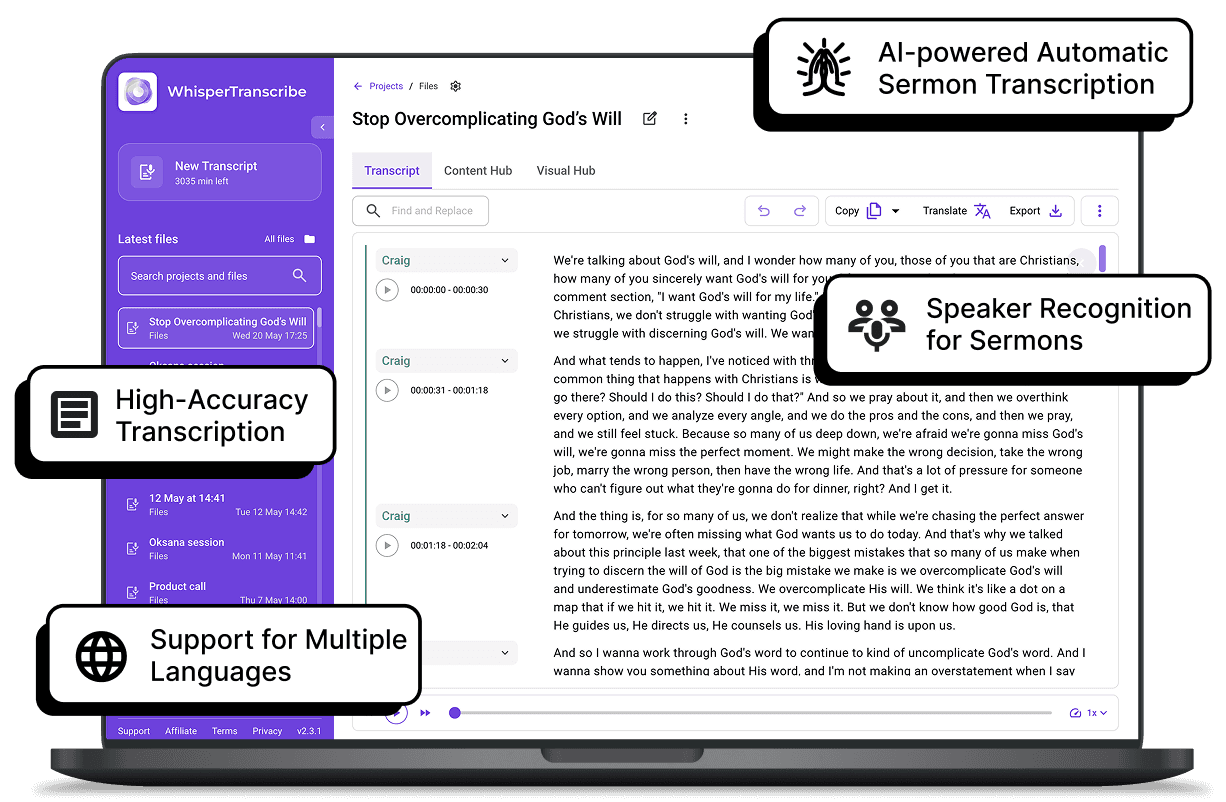
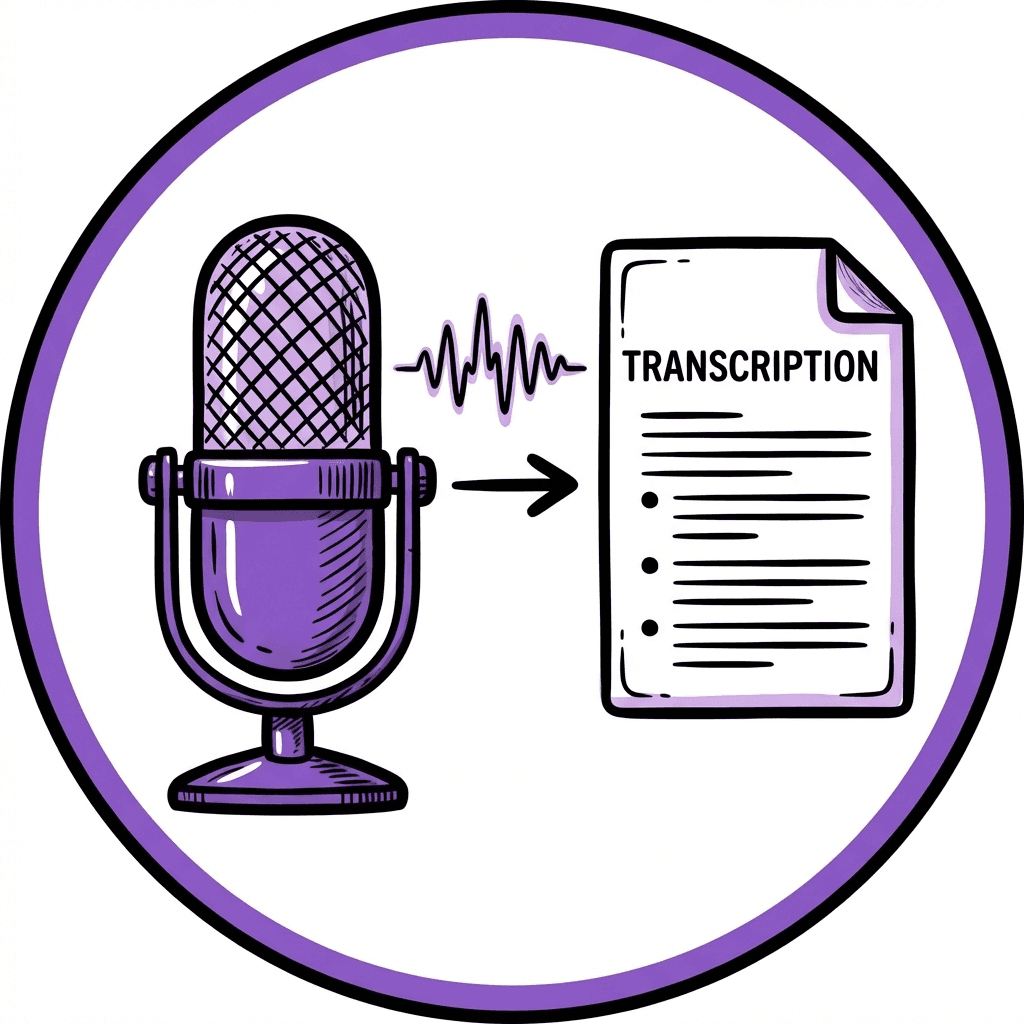
Upload your sales call recordings into WhisperTranscribe or use our meeting bot to receive accurate transcripts. No manual processing, creating manual notes or complicated workflows. The tool converts calls into text, helping you review conversations and stay organized.

95% Transcription Accuracy
Even with background noise or strong accents, WhisperTranscribe delivers clear, readable sales call transcripts. The AI captures key details such as pricing questions, objections, next steps, and buyer intent, so sales teams can review calls without messy notes.

Know Exactly Who Said What
Multiple speakers on a sales call? WhisperTranscribe automatically detects and labels each one. This makes it easier to track buyer questions, rep responses, and decision-maker comments from every call.

Get Clear Transcripts in 65+ Languages
WhisperTranscribe supports 65+ languages for transcription. You can also translate transcripts into 99+ languages, making it easier to review sales calls across different regions and share insights with global teams.

Ready for Export, Review, and Team Sharing
Once your sales call transcript is ready, you can export it in TXT, Word, SRT, or VTT formats for review and sharing. Use transcripts to create summaries, training materials, or customer insights for team use. The software will automatically identify your customer's pain points, open questions to address or customer needs to help you close more deals.
Step 1: Upload Your Sales Call Recording
Add your recorded sales call to WhisperTranscribe or record meetings as they happen with the meeting bot. You can use call recordings from discovery calls, demos, follow-ups, objection-handling calls, or customer check-ins.

Step 2: Choose Your Transcript Settings
Select the call language, note if your file includes multiple languages, and turn on speaker recognition to separate each voice. WhisperTranscribe labels each speaker to make the transcript easier to follow.

Step 3: Let Our AI Transcribe the Call
Click "Transcribe Now" and let WhisperTranscribe convert the conversation into accurate, readable text, even when the call includes background noise, accents, or multiple speakers.

Step 4: Review and Export
Review the transcript, make quick edits, and export it as TXT, Word, SRT, or VTT for easy sharing, recordkeeping, or follow-up planning.
From Sales Calls Into Ready-to-Use Sales Assets
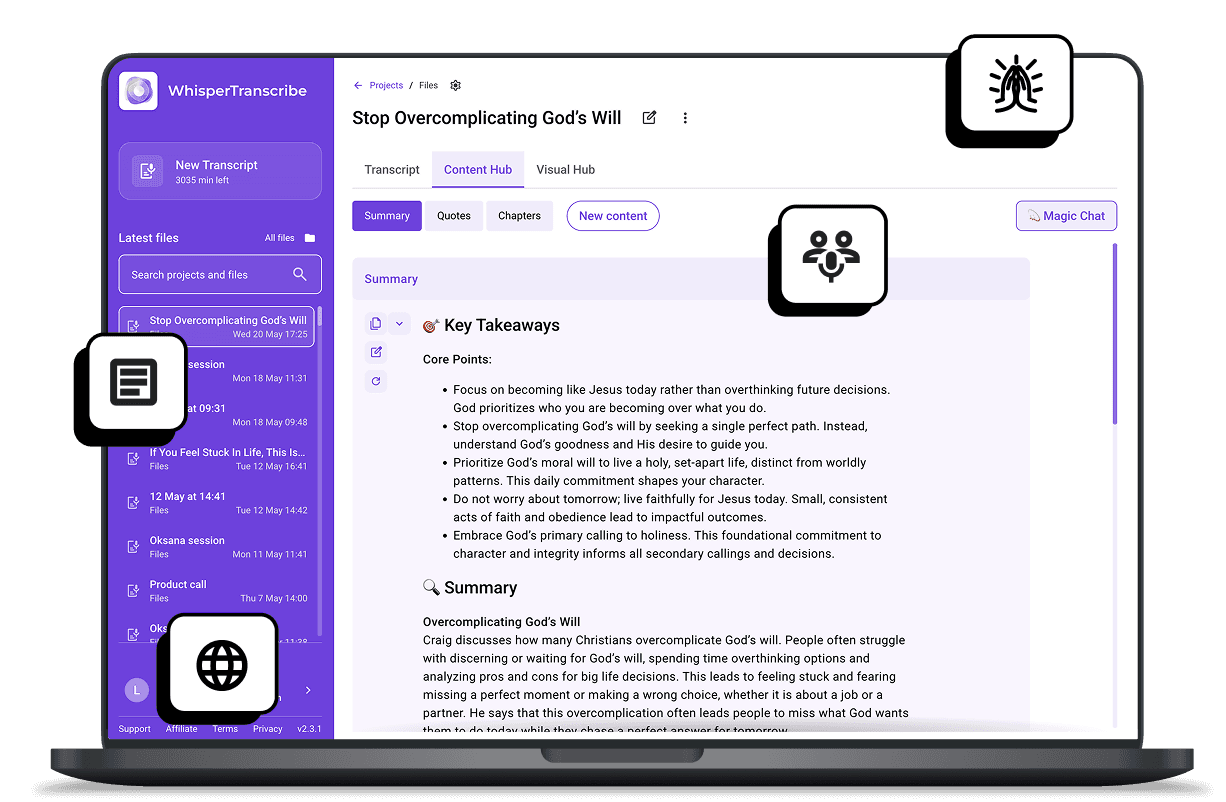
Once your sales call transcription is complete, WhisperTranscribe turns the conversation into ready-to-use notes, summaries, and insights for follow-up, coaching, and reporting.
You can use your transcript to create:
Follow-up notes for prospects
Call summaries for CRM updates
Objection and question lists
Sales coaching notes
Customer insight reports
Internal handoff notes
Magic Chat also lets you ask questions directly from your transcript, so you can find buyer concerns, next steps, pain points, or pricing discussions without replaying the full call.
What Our Users Are Saying



Sales Reps
Turn discovery calls, demos, and follow-ups into transcripts. Capture objections, pricing questions, pain points, and next steps without relying on notes.

Sales Managers
Review sales conversations for coaching insights. Spot talk patterns, missed opportunities, strong responses, and areas where reps need support.

Account Executives
Keep deal details easy to find after every call. Use transcripts to plan follow-ups, update CRM notes, and keep conversations moving toward a close.

Customer Success Teams
Transcribe onboarding calls, check-ins, and renewal conversations. Track customer goals, concerns, and commitments without replaying the full recording.

Revenue Teams
Turn sales calls into searchable insights. Share call summaries across sales, marketing, and leadership so teams stay aligned on customer conversations.
Turn Sales Calls Into Transcripts in Minutes
How accurate are WhisperTranscribe sales call transcripts?
Can WhisperTranscribe identify speakers on a sales call?
What formats can I export sales call transcripts in?
How do I get started with sales call transcriptions?
Can I use WhisperTranscribe for sales calls in different languages?
Is there a limit on the file size I can upload for my sales call transcription?
How long does the sales call transcription process take?
Is my data private during sales call transcription?
Can WhisperTranscribe transcribe sales calls in real time?
Can I edit my sales call transcripts?
