
Spending more time taking notes manually in meetings? WhisperTranscribe uses AI to transcribe meeting notes into clear, accurate texts in minutes. Whether you are in the office or on a video call, our platform captures every decision and action item from your meeting notes.
No credit card needed.


Trusted by 12,700+ customers
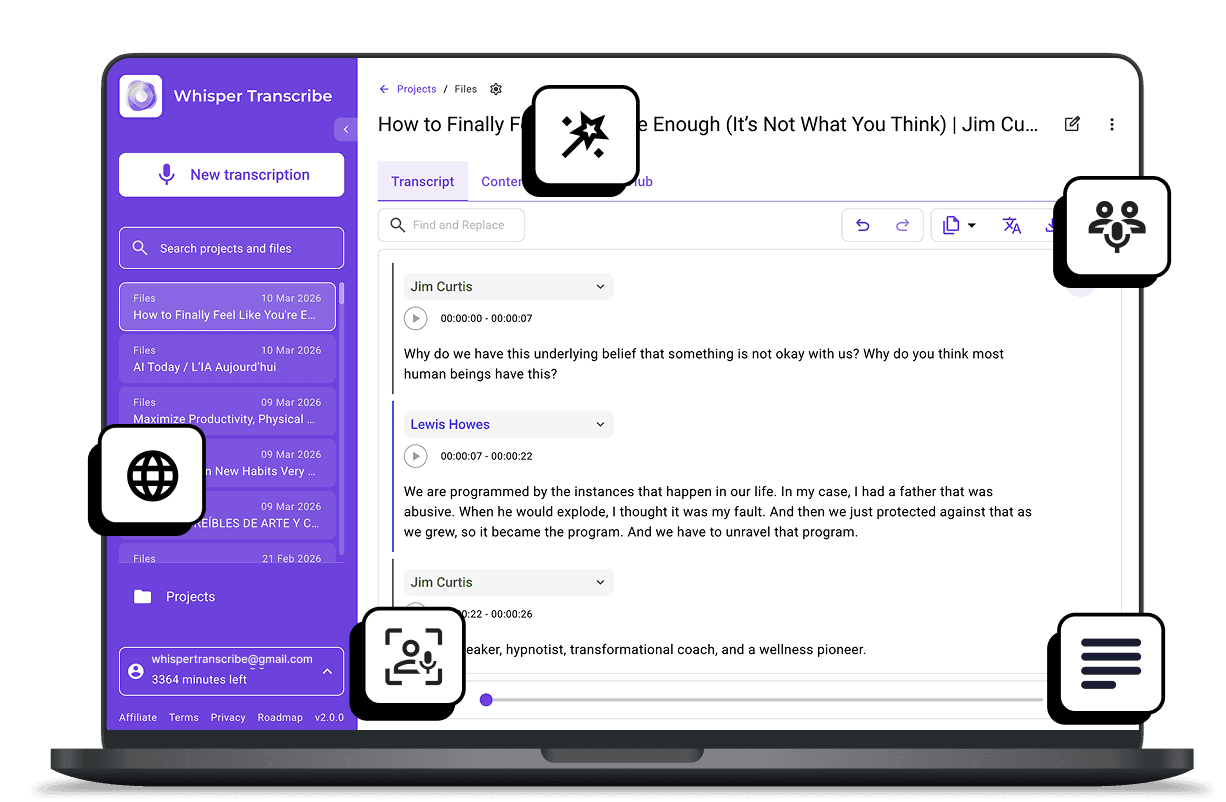
Trusted by Teams and Professionals Worldwide









Powerful Features for Accurate Meeting Notes
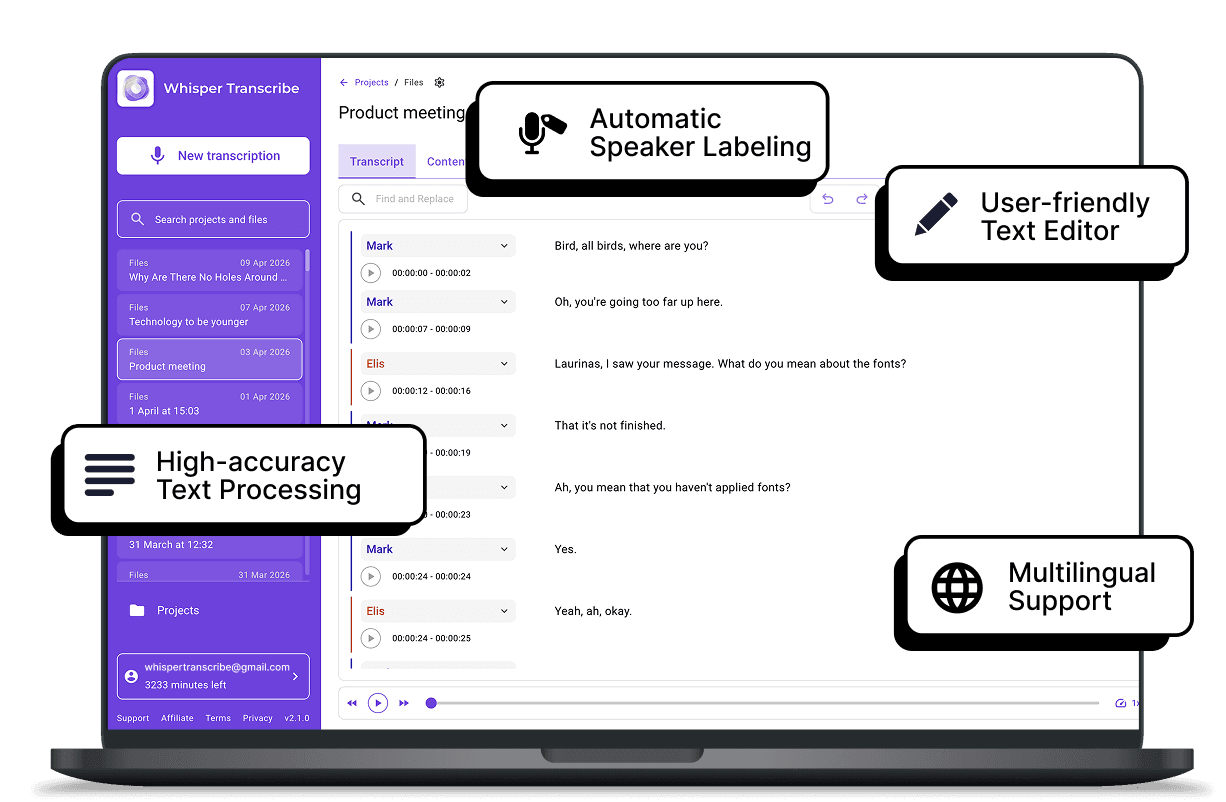

High-accuracy Text Processing
Whether you’re in a meeting with one or multiple speakers, WhisperTranscribe handles overlapping voices and background noise easily. You get around 95% accuracy on every file, reducing the time you spend correcting errors.

Automatic Speaker Labeling
Identify who said what automatically. WhisperTranscribe detects different voices, creating a clean, structured record of every team meeting, conference call, or project sync. This ensures accountability for every task and decision.

User-friendly Text Editor
Need to tweak your notes? Use our simple text-based editor to mark exactly what you want to keep or change. You do not need any special editing skills to produce a clean, professional final document.

Multilingual Support
Your meeting does not have to be in a certain language. We transcribe meeting notes by processing audio and video files in 55+ languages. You also get to translate your transcripts into 99+ languages. Perfect for multilingual teams and international engagements.

Magic Chat for Insights
Go beyond transcription. Ask questions directly in your transcript, and Magic Chat delivers answers instantly. Extract key decisions, summarize action items, or highlight discussion points to keep your team aligned.
Step 1: Upload or Record Your Meeting
Drag and drop audio/video files or select up to 10 at once. Record directly via microphone or capture online meetings from Zoom, Teams, Google Meet, or Slack. You can also paste links from YouTube, Vimeo, or other platforms.

Step 2: Set Your Preferences
Name your transcript, select a save location, choose the primary language, and enable speaker recognition. WhisperTranscribe supports 55+ languages, ideal for international or multilingual teams.

Step 3: Let AI Work Its Magic
Click “Transcribe Now” and let WhisperTranscribe produce a clear, accurate transcript. Background noise, multiple speakers, and accents are handled automatically.t

Step 4: Review and Export
Check your transcript and translate if needed. Export in Word, TXT, SRT, or VTT formats, or repurpose into meeting minutes, summaries, or action items.
Turn One Meeting Into Multiple Team Resources
Stop replaying meetings to catch important details. WhisperTranscribe converts your audio into a clean transcript that your team can act on immediately.
Transcribe meeting notes into:

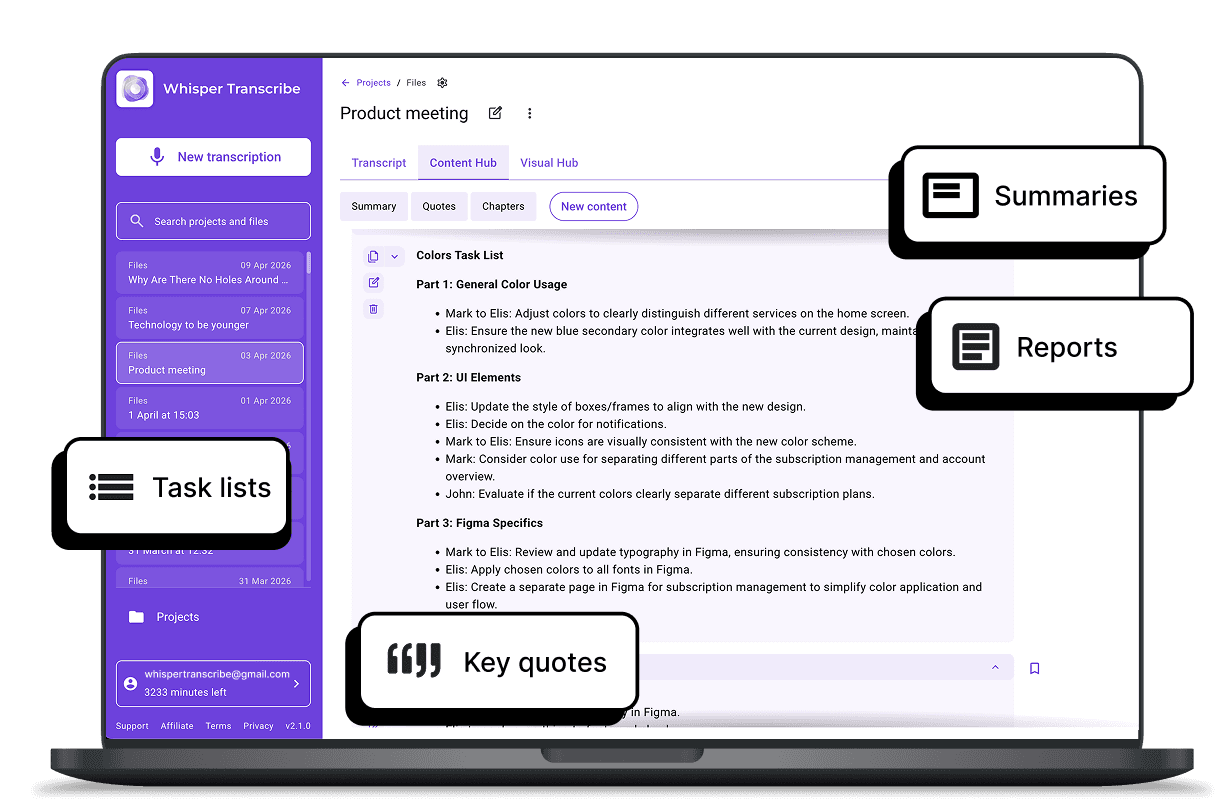
Meeting minutes and summaries
Task lists and follow-up action items
Reports and internal documentation
Accessible records for remote or multilingual teams
Key quotes and discussion highlights
With Magic Chat, you can also extract action items, highlights, and summaries, keeping everyone aligned and projects moving forward smoothly. Save hours every week and focus on getting real work done.
What Our Customers Are Saying



Team Leaders and Managers
Keep track of decisions, assign tasks, and ensure accountability without taking manual notes.

Remote Teams
Share accurate transcripts across time zones so everyone stays aligned, even if they miss the live meeting.

Project Managers
Convert discussions into action items, follow-ups, and clear project documentation effortlessly.

HR and Training Teams
Transcribe interviews, onboarding sessions, or training calls for review, compliance, and knowledge sharing.

Consultants and Client-Facing Professionals
Capture every client conversation accurately, generate meeting summaries, and share insights without relying on memory.
Can I summarize meetings or extract key points?
How do I get started with meeting transcription?
Can I transcribe live meetings?
Can it recognize different speakers automatically?
How can I use my transcripts after processing?
What languages are supported for meeting transcriptions?
How do I identify different speakers in a meeting with five or more people?
Is there a limit on file size?
Can I translate a meeting after it has been transcribed?
Can I edit my transcripts?
