
Unlimited transcription is great, until you realize you still need to edit, polish, and repurpose the output. WhisperTranscribe builds in an AI assistant, advanced editor, and content tools so you turn audio and video into publish-ready content without switching apps.
No credit card needed.


Trusted by 12,700+ customers
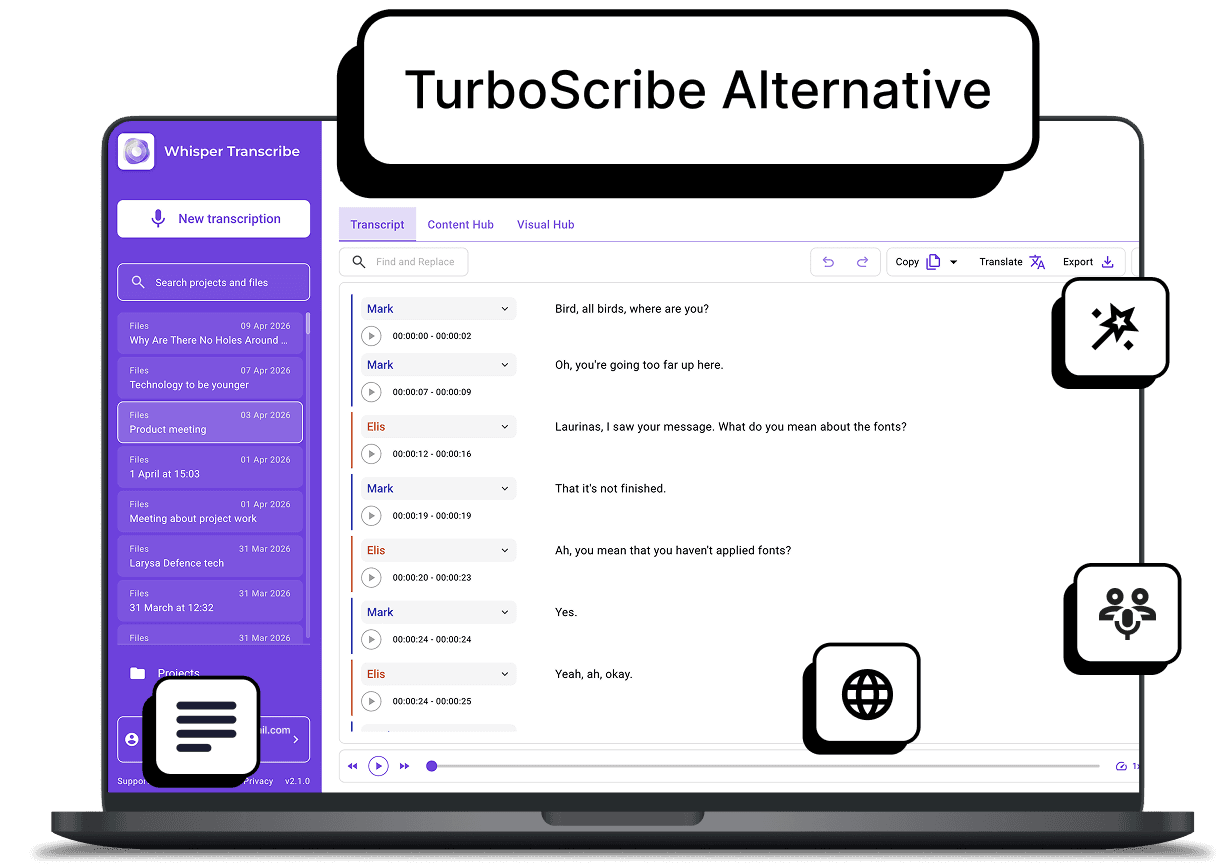
Trusted by 1,100+ Creators, Teams, and Professionals









Where TurboScribe Starts to Limit Your Workflow
TurboScribe works well if you just want fast, unlimited transcription, but that simplicity quickly becomes limiting once your workflow grows. You do not get an AI assistant, built-in editor, or content-creation tools, so you are left doing extra work outside the platform.
It is fine for basic transcription, but not designed for users who want to turn audio into usable content or manage everything in one place.
⛔ Basic transcript editing only
⛔ No AI assistant for insights or summaries
⛔ No content repurposing or workflow tools
⛔ No native desktop apps for secure work
WhisperTranscribe, a Better TurboScribe Alternative for Full Workflows
If TurboScribe feels limiting post-transcription, WhisperTranscribe offers a complete workflow to convert audio into usable content faster and more easily.
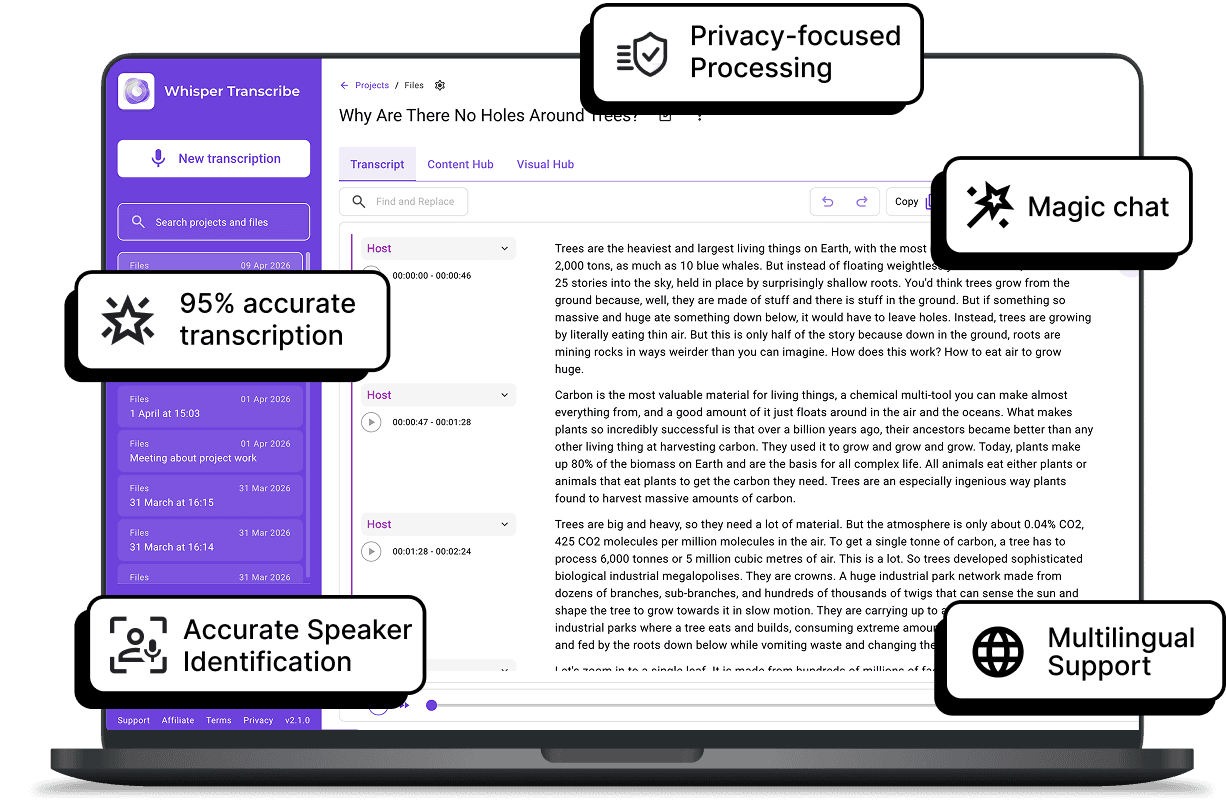

Go Beyond Just Transcription
TurboScribe leaves you with raw text. WhisperTranscribe helps you turn that transcript into results. Create 57+ content assets, including SEO-friendly blog posts, social media content, newsletters, and summaries, all without leaving your dashboard.

Edit and Refine in One Place
We don’t just stop at delivering industry-leading, accurate text. As a more flexible TurboScribe alternative, our intuitive in-app editor lets you polish your transcript and label speakers on the spot. Keep your entire workflow in one place, from raw audio to finished output.

Get Insights Without Replaying Audio
Manually scanning long transcripts for insights is time-consuming. With WhisperTranscribe, you can use our Magic Chat tool to ask questions directly. Pull key insights, summaries, and speaker quotes instantly, so you spend less time searching and more time creating.

Spend Less Time Managing Files
It is not just about getting your audio in. WhisperTranscribe reduces post-transcription work so you are not stuck editing, copying, or moving files between tools just to get usable content. Everything you need is in one place.
Step 1: Upload, Record, or Paste a Link
Drag and drop files up to 5GB or simply paste a link from YouTube or Vimeo. You can also record directly from the app interface.

Step 2: Set Your Preferences
Name your transcription, choose a language, and enable speaker recognition for multiple voices.

Step 3: Let Our AI Work Its Magic
Click “Transcribe Now,” and WhisperTranscribe delivers accurate results in minutes, even with accents or background noise.

Step 4: Export or Repurpose
Edit your transcript, export in multiple formats, or instantly turn it into summaries, blogs, or posts.
What Our Users Are Saying



Content Creators
Instead of just getting a transcript of your YouTube video, use our tools to instantly generate show notes and social media posts. Eliminate the "blank page" problem that usually follows a transcription.

Marketing Teams
Convert webinars, campaigns, and interviews into structured content like newsletters, reports, and social assets in minutes to keep your content pipeline consistent.

Professionals and Coaches
Rather than reviewing an hour-long recording, generate a summary of next steps and key decisions to share with clients immediately after the call.

Researchers and Academics
Search through hours of data without getting lost. Use Magic Chat to query transcripts for specific insights across long texts, making qualitative analysis much faster than manual tagging.

Religious and Community Organizations
Make weekly messages more accessible. Turn sermons into written summaries for newsletters, or create accurate subtitles for social clips to reach people who prefer to watch on mute.
Ready To Do More With Your Transcripts?
What is the best TurboScribe alternative?
How is WhisperTranscribe different from TurboScribe?
Can I automatically turn transcripts into content?
Does WhisperTranscribe offer a desktop app?
Is my data secure and private?
