
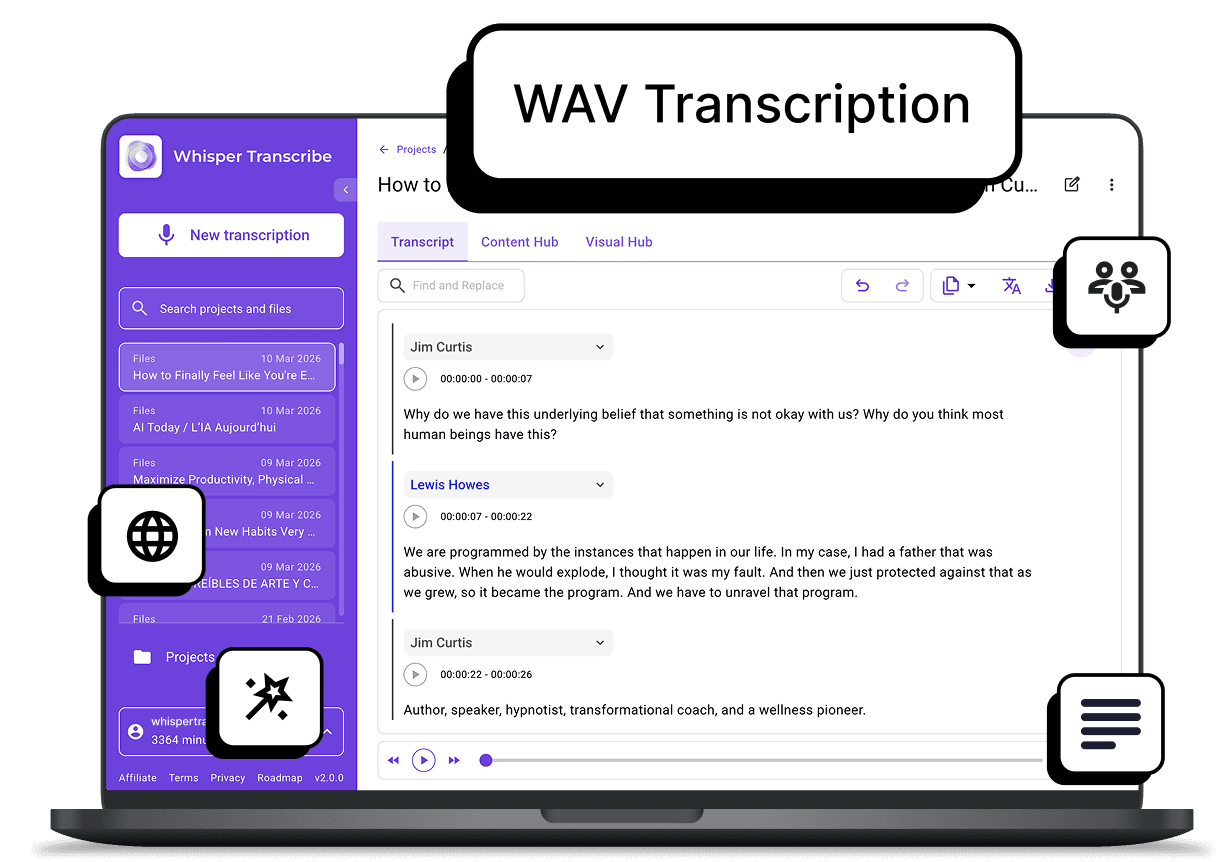
Skip the conversion step entirely. With WhisperTranscribe, you can upload WAV files directly for fast, accurate transcription with speaker recognition, in minutes. No credit card required to start, just upload your file and receive a clean transcript ready for use.
No credit card needed.


Trusted by 12,700+ customers
Trusted by 1,100+ Creators, Teams, and Professionals









Powerful WAV Transcription for Fast, Accurate Results

Direct WAV File Uploads
Upload WAV files directly to WhisperTranscribe without converting them to other formats. This removes extra steps and lets you start WAV transcription immediately, keeping your workflow simple and efficient.

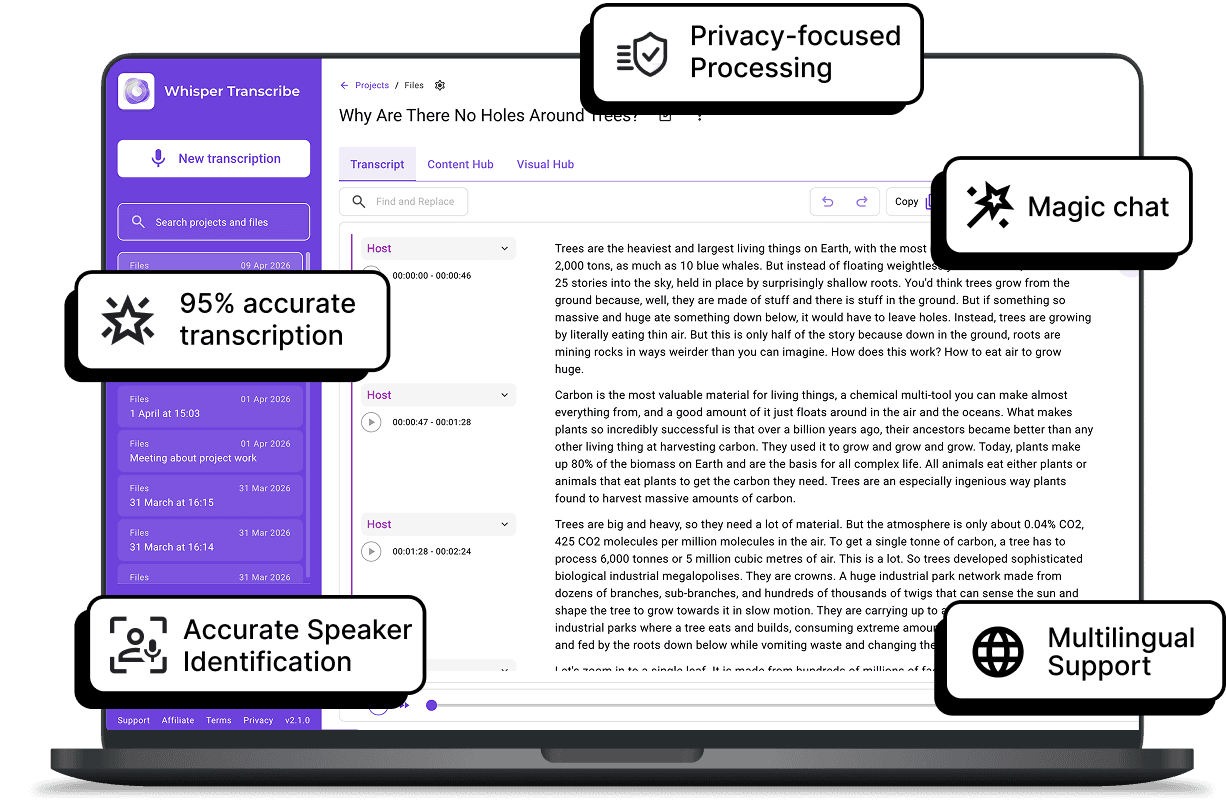
95% Accuracy with Whisper AI
Since WAV files are uncompressed, they provide the clearest audio for our OpenAI Whisper model. The resulting high-precision audio ensures your WAV transcription captures every word correctly, even in complex recordings.
Supports Up to 5GB WAV Files
No need to split large files. WhisperTranscribe supports WAV files up to 5GB without any hassle. This is perfect for long videos, interviews, and podcasts that need efficient transcription with no quality loss.

Automatic Speaker Identification
WhisperTranscribe detects different voices within your WAV recording. It automatically labels each participant, making it easy to follow conversations in meetings or multi-person interviews without manual tagging.

Support for 55+ Languages
You can transcribe your WAV files in languages other than English. We support up to 55 languages for your WAV transcription and up to 99 languages for translating your transcripts after transcription.
Step 1: Upload Your WAV File
Drag and drop your WAV audio files (up to 5GB) directly into WhisperTranscribe from your device or cloud storage. No need to compress or convert before you upload.

Step 2: Set Your Preferences
Select your file and configure your project settings. Choose your primary language, specify if your WAV audio includes multiple languages, and turn on our speaker recognition feature to automatically identify different voices.

Step 3: Let WhisperAI Work Its Magic
Click "Transcribe Now" and watch the system process your WAV file using Whisper AI, delivering accurate text even in noisy recordings or conversations with multiple speakers.

Step 4: Review and Export
Once your WAV audio is transcribed, review and refine the text using the built-in editor, then download it in SRT, VTT, TXT, or Word. You can also use Magic Chat to quickly extract insights or clarify sections.
Turn Your WAV Files Into a Full Content Library
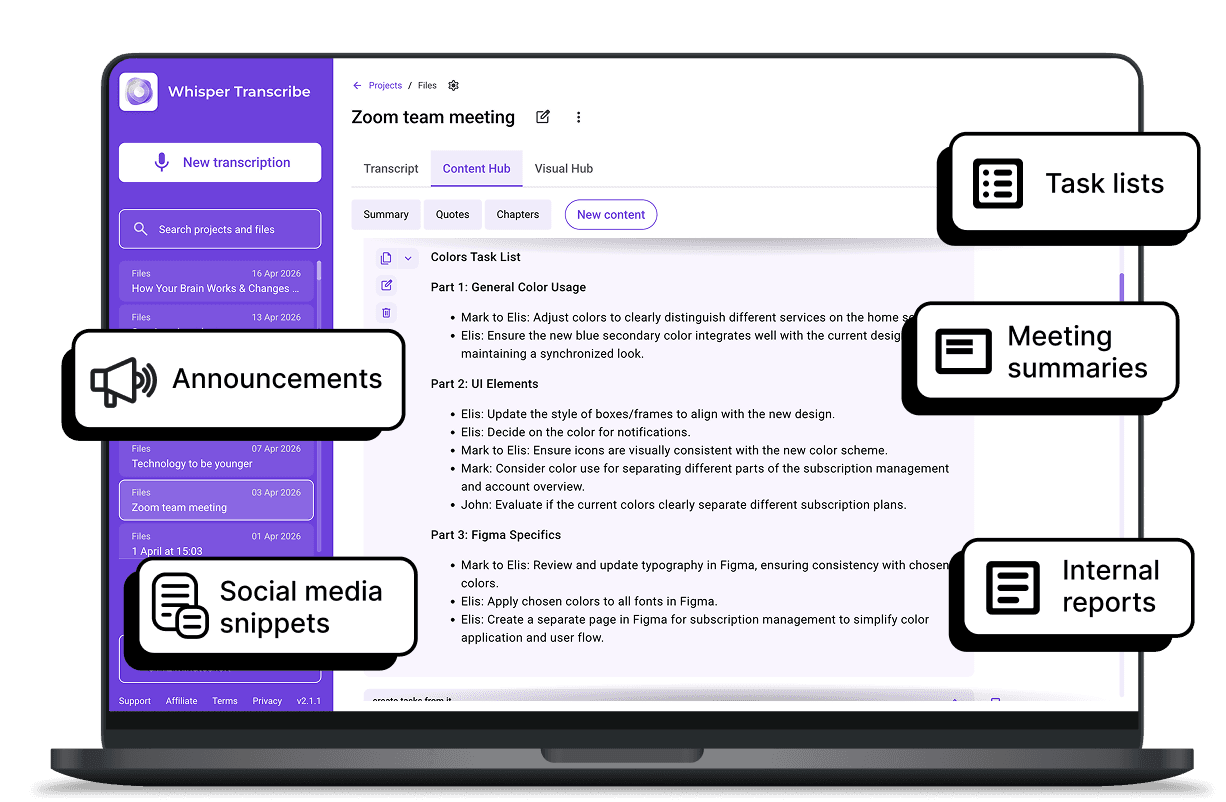
Don't let your high-quality recordings sit idle. WhisperTranscribe goes beyond basic text by turning your WAV transcription into multiple ready-to-use content assets.
Here are some of the content formats you can create out of your WAV transcripts:

Blog posts and articles
Social media posts and captions
Meeting notes and summaries
Newsletters and reports
Short clips and highlight summaries
Plus, you can use Magic Chat to ask questions about the transcript or generate fresh ideas without having to listen to the whole file again. It’s like having a content assistant who knows your audio inside and out.
What Our Users Are Saying



Podcast Producers
Skip converting your WAV episode files and instantly turn raw episodes into show notes and social clips.

Journalists and Interviewers
Convert WAV interviews into accurate transcripts. Extract quotes for stories quickly without having to listen back to long, uncompressed recordings.

Business Teams
Document strategy sessions or client meetings with accurate WAV transcription. Turn those meeting audio files into formal reports, action items, and internal summaries.

Researchers and Students
Analyze WAV lectures and interviews with high accuracy. Pull insights without replaying long audio files.

Coaches and Consultants
Turn client sessions into structured notes and reports. Reuse insights for documentation and content.
Start Your WAV Transcription Now
Can I transcribe WAV files without converting them?
How accurate is the WAV transcription process?
Is there a limit to the WAV file size I can upload?
Does WhisperTranscribe support different speakers for WAV transcription?
Can I translate my WAV transcription into other languages?
What is Magic Chat?
How do I turn my WAV file into social media posts?
What formats can I export my WAV transcript in?
Is there a free trial for WAV transcription?
Is my WAV file data secure?
