
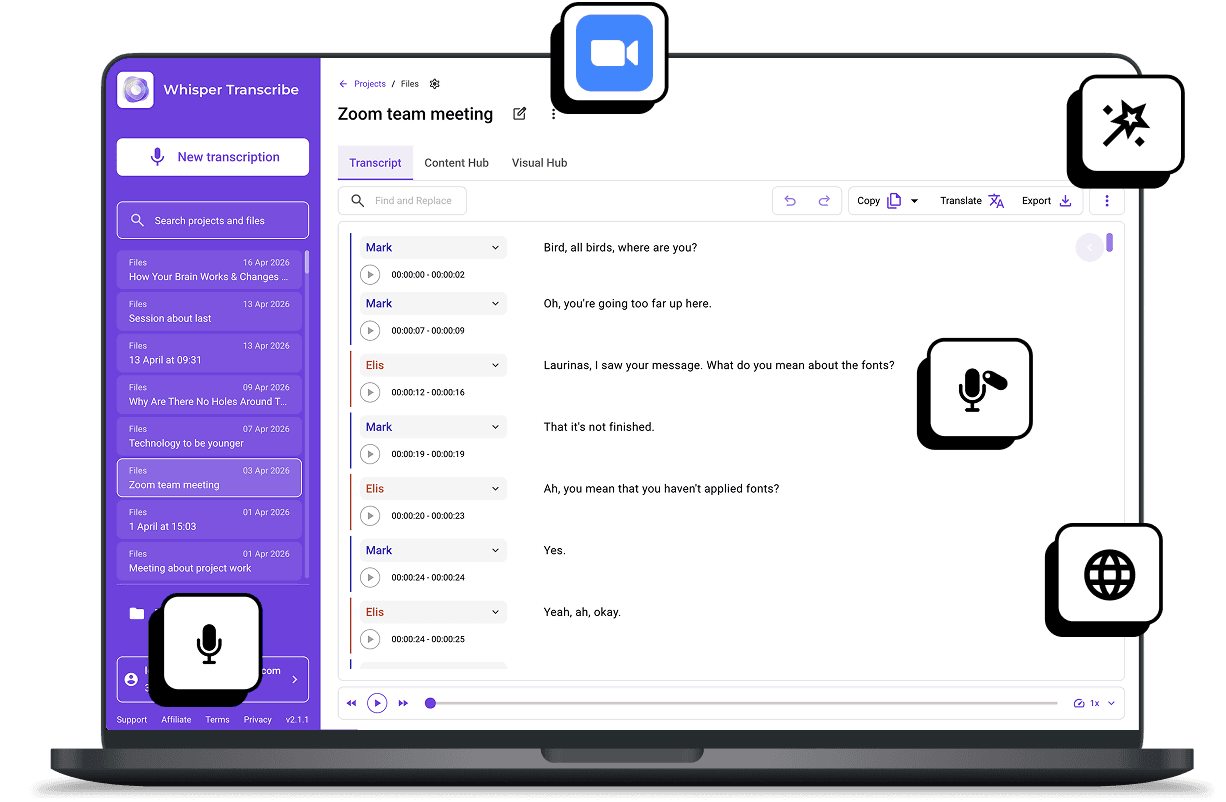
Stop worrying about note-taking. WhisperTranscribe automatically converts your Zoom meetings into clear, searchable text. Upload cloud recordings or record live on our Zoom transcription AI and capture every detail instantly.
No credit card needed.


Trusted by 12,700+ customers
Trusted by Creators, Teams, and Organizations Worldwide









Zoom Transcription Features That Save Hours
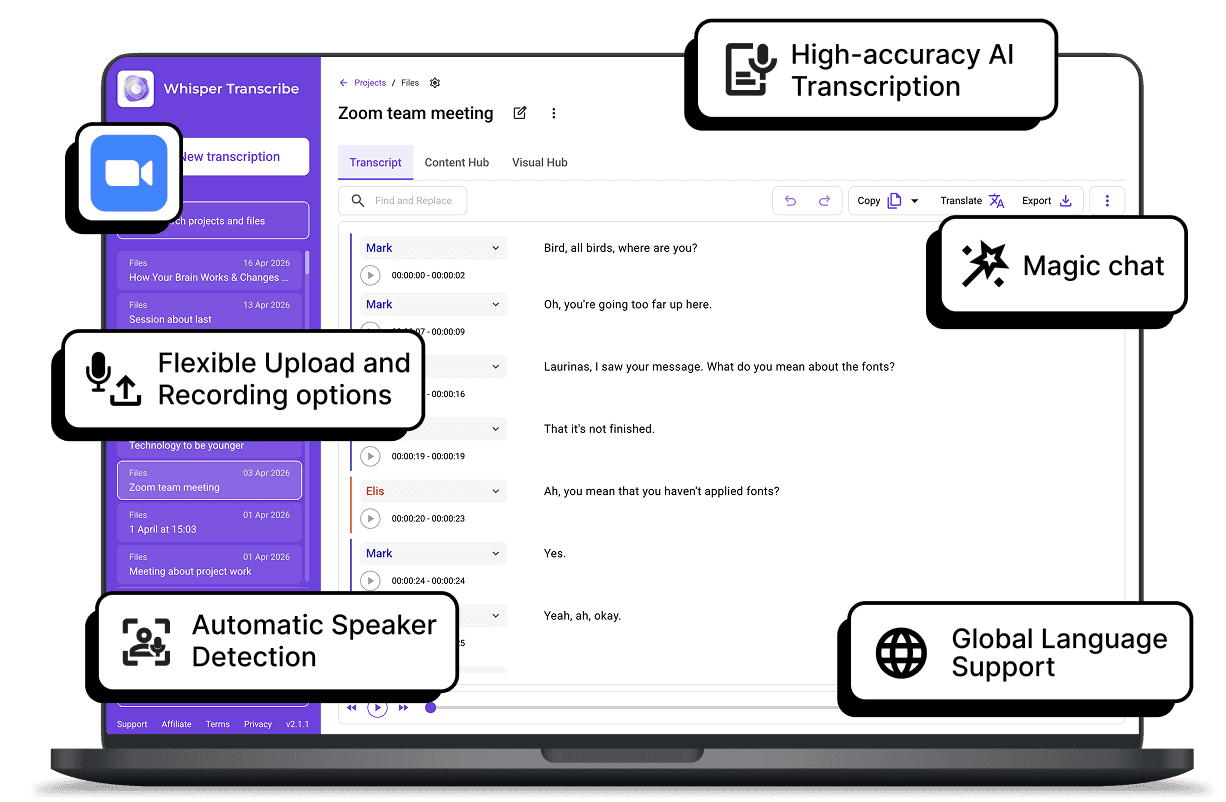

Flexible Upload and Recording options
Whether you prefer to upload your existing cloud recordings or capture meetings as they happen, we have you covered. You can drag and drop files directly into our platform, or use our live recorder to capture Zoom calls in real time.

High-accuracy AI Transcription
WhisperTranscribe converts Zoom audio and video into text with ~95% precision, even with background noise, multiple speakers, or accents. You get a reliable transcript that captures the nuance of your technical discussions. Focus on decisions, not typing.

Automatic Speaker Detection
Our AI Zoom transcription system recognizes and tags different speakers throughout your call. You can instantly see who asked the question and who provided the answer, making your meetings easy to reference later.

Global Language Support
WhisperTranscribe lets you transcribe Zoom meetings in 55+ languages and translate them into 99+ languages. It is the perfect solution for global teams or international calls.

Magic Chat for Instant Analysis
Need a quick summary or a list of tasks? Just ask our AI. Magic Chat pulls out the key points instantly, saving you time you would have spent re-listening to the whole recording.
Step 1: Upload or Record Your Research Audio
Drag and drop your Zoom cloud recordings directly into our platform - you can even process up to ten files at once. Alternatively, use our live recorder to capture your Zoom call or other video meetings in real time.

Step 2: Set Your Preferences
Select your file and configure your project settings. Choose your primary language, specify if your audio includes multiple languages, and turn on our speaker recognition feature to automatically identify different voices.

Step 3: Let WhisperTranscribe Work Its Magic
Click "Transcribe Now" and watch the process unfold. Our Zoom transcription AI quickly turns your spoken meeting into accurate text, saving you hours of manual note-taking.

Step 4: Review and Export
Receive your transcript for review, then export as Word, TXT, SRT, or VTT. Use it to create summaries, notes, subtitles, or reports instantly.
Turn Zoom Transcripts Into Actionable Content
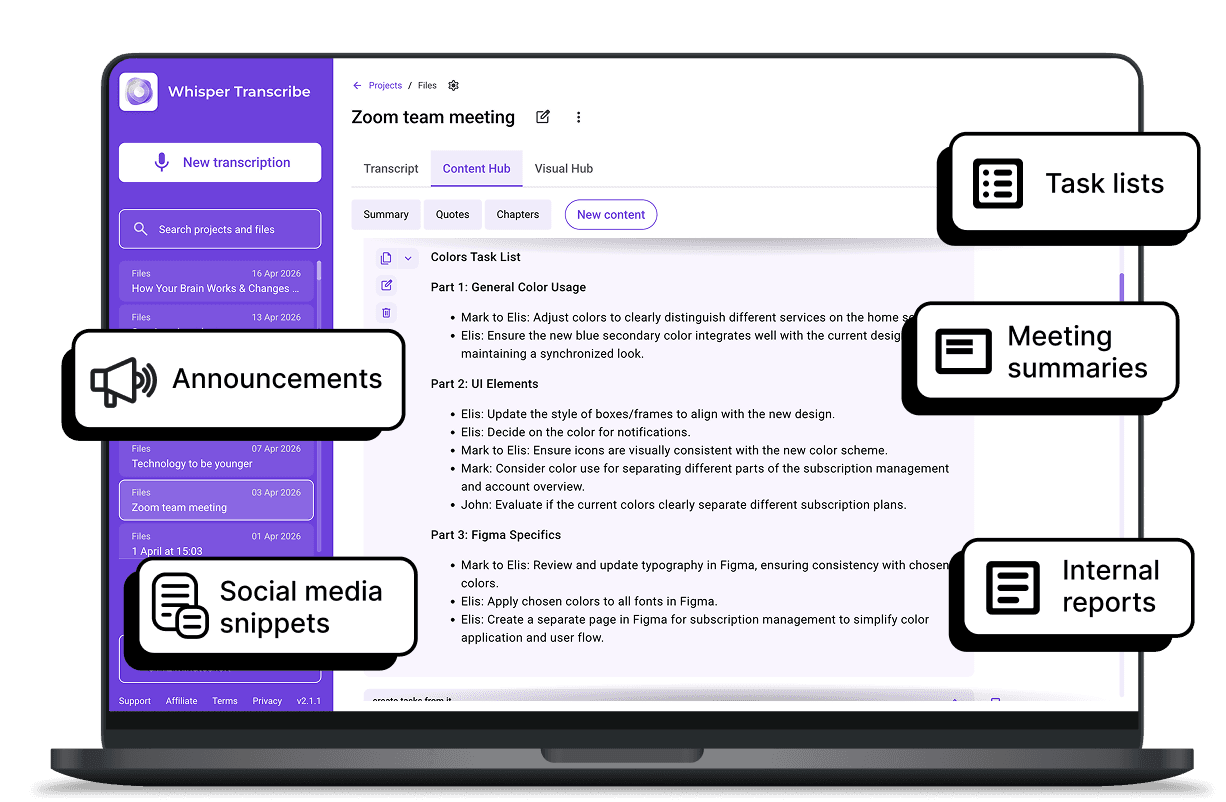
WhisperTranscribe does more than create transcripts. Every Zoom meeting can become a full resource for your team. With Magic Chat, you can instantly summarize discussions, extract action items, or highlight key decisions without replaying the call.
Use your transcript to create:

Meeting summaries and minutes.
Task lists and follow-up reminders.
Internal reports and documentation.
Social media snippets or announcements.
Accessible materials for team members in different locations.
Save hours of manual work and ensure your team stays informed and aligned, all from a single Zoom recording.
What Our Users Are Saying



Remote Teams
Keep everyone aligned by turning long Zoom calls into clear, searchable transcripts that make follow-ups easy.

Project Managers
Track decisions, assign action items, and reference past discussions without digging through recordings.

HR and Training Teams
Document interviews, onboarding sessions, and training meetings efficiently for compliance and review.

Sales Teams
Capture client calls accurately, extract key talking points, and improve reporting and strategy planning.

Consultants and Agencies
Provide clients with accurate meeting summaries and insights without spending hours on manual note-taking.
How accurate is the Zoom transcription AI?
Is my meeting data secure?
Does it support meetings in other languages besides English?
How long does transcription take?
Can the Zoom transcription AI handle multiple speakers?
What file formats can I upload?
Can I edit and repurpose my Zoom transcripts?
How does Magic Chat help with Zoom transcripts?
Can I share transcripts with my team?
Is there a free trial available?
